
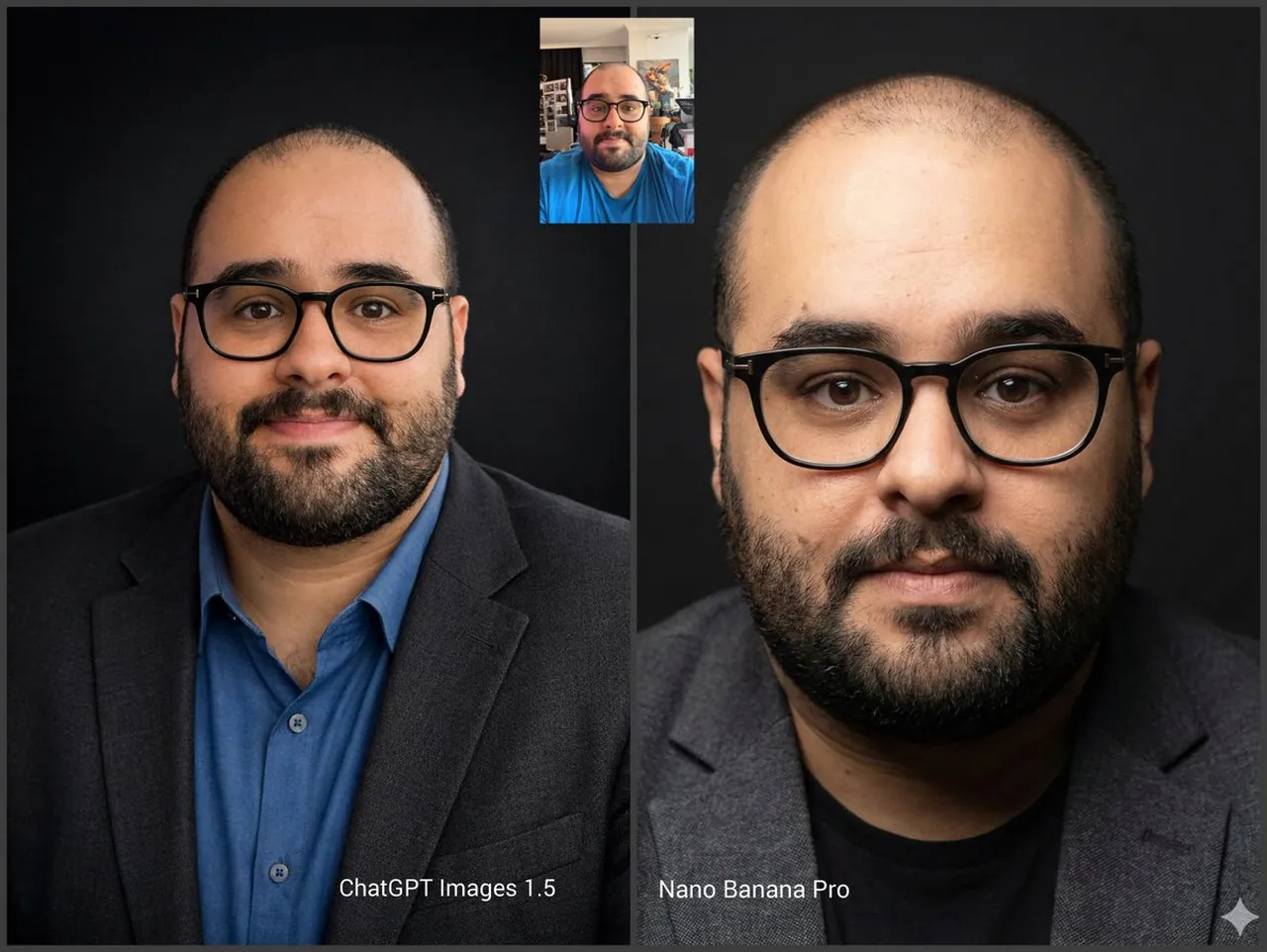
Prompt
Copy and customize
A professional, high-resolution profile photo, maintaining the exact facial structure, identity, and key features of the person in the input image. The subject is framed from the chest up, with ample headroom. The person looks directly at the camera. They are styled for a professional photo studio shoot, wearing a premium smart casual blazer in a subtle charcoal gray. The background is a solid '#1A1A1A' neutral studio color. Shot from a high angle with bright and airy soft, diffused studio lighting, gently illuminating the face and creating a subtle catchlight in the eyes, conveying a sense of clarity. Captured on an 85mm f/1.8 lens with a shallow depth of field, exquisite focus on the eyes, and beautiful, soft bokeh. Observe crisp detail on the fabric texture of the blazer, individual strands of hair, and natural, realistic skin texture. The atmosphere exudes confidence, professionalism, and approachability. Clean and bright cinematic color grading with subtle warmth and balanced tones, ensuring a polished and contemporary feel.
Best for
Professional profile photosCorporate headshot photographySocial media avatarsPersonal branding portraitsClean studio photography
Tips
Ensure your source image has clear, front-facing lighting to help the model maintain accurate facial structure and identity during the generation process.
Adjust the aspect ratio settings before generating to ensure the final portrait fits perfectly within your specific social media or professional platform requirements.