
Prompt
Copy and customize
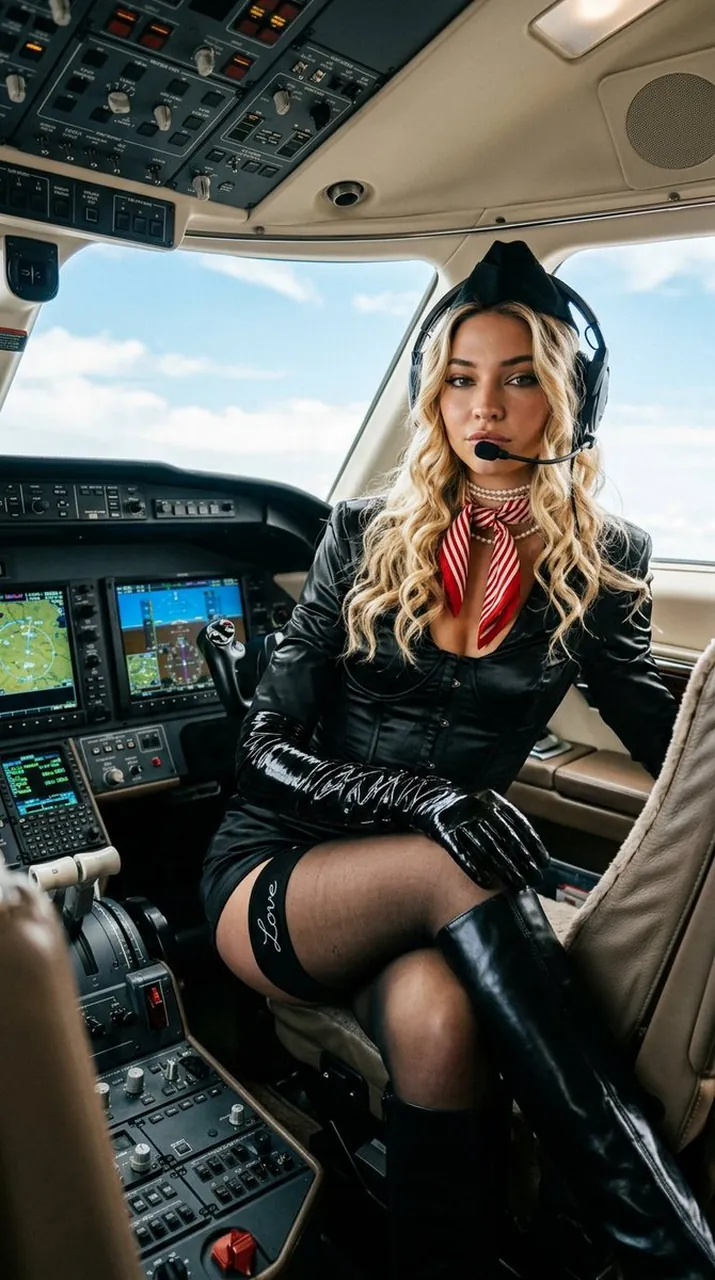
{"prompt": "A stunning woman resembling Sadie Sink with long voluminous wavy red hair and striking facial features sits confidently in the captain’s seat of a modern luxury private jet cockpit. She looks directly toward the viewer with a calm confident gaze. She wears a glossy black aviation-inspired outfit featuring a fitted corset-style top with an elegant deep neckline, long black opera gloves, black stockings with a small elegant 'Love' detail on the border, and glossy black knee-high boots. A small black pilot hat rests at an angle on her head, paired with black aviation headphones and microphone, a red-and-white striped neck scarf, and a layered pearl choker necklace. She holds the aircraft control lever naturally with both gloved hands while slightly turned toward the camera. The cockpit is highly detailed with glowing digital screens, switches, and illuminated controls. Bright daylight enters through the cockpit windows revealing a clear blue sky and scattered clouds. Cinematic lighting, dramatic rim light, sharp focus, photorealistic, ultra-detailed textures, 8k, Sony A1, 85mm lens, shallow depth of field.", "negative_prompt": "cartoon, anime, distorted anatomy, extra limbs, blurry face, low resolution, plastic skin, watermark", "parameters": {"aspect_ratio": "9:16", "lighting": "cinematic daylight with cockpit glow", "style": "luxury aviation editorial", "resolution": "8k"}}
Best for
Portrait photographyFashion editorial conceptsCinematic character studiesLuxury lifestyle imagery
Tips
Maintain the specific facial features and hair style to ensure the character remains consistent across different lighting or background variations.
Adjust the aspect ratio settings before generation if you need to fit the image for specific social media platforms or print formats.