
Prompt
Copy and customize
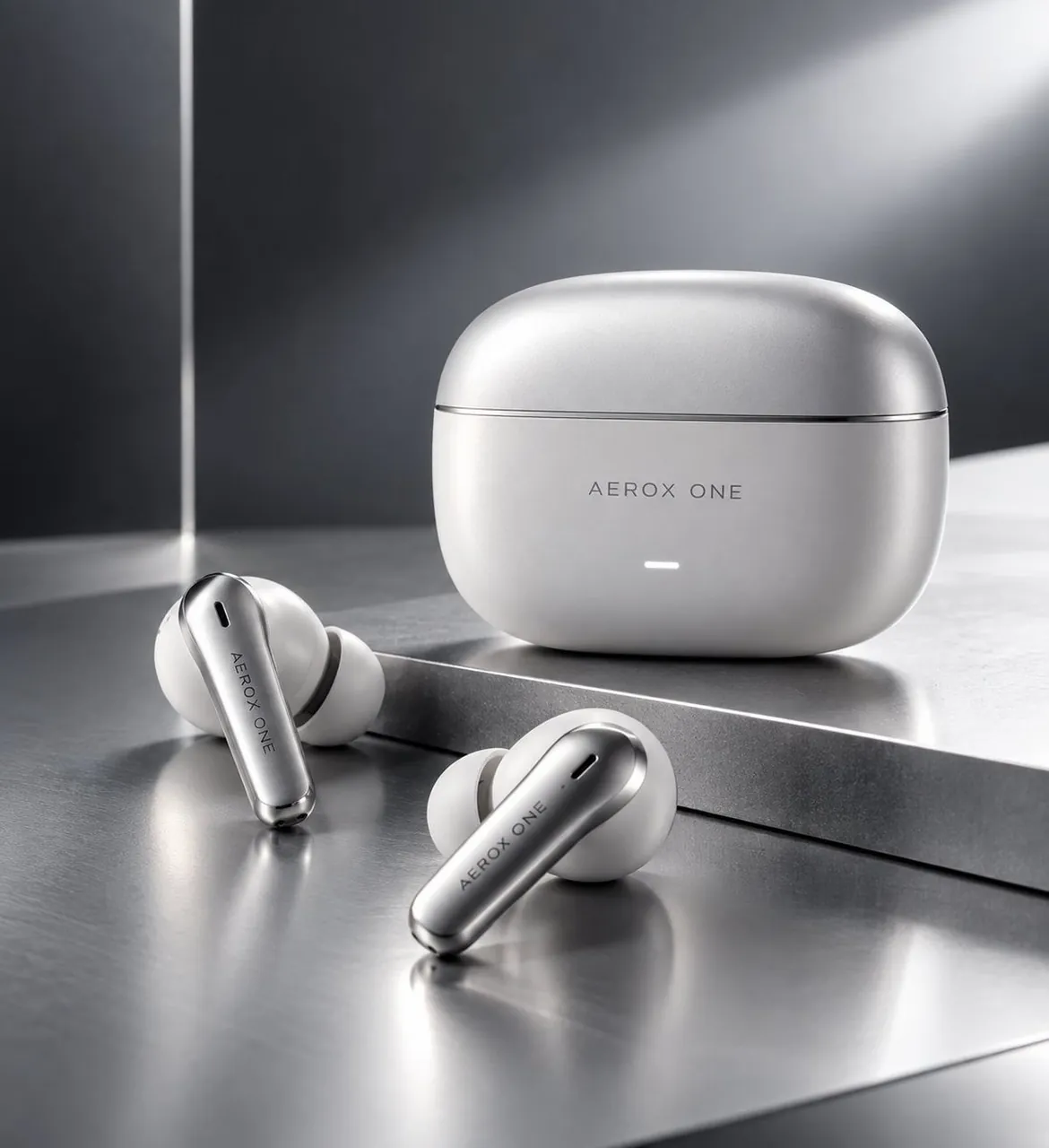
Create a premium technology advertising key visual for AEROX ONE wireless earbuds. Show exactly 3 main objects: 1 rounded rectangular charging case standing upright in the back right, and 2 separate in-ear wireless earbuds lying in the front left and front center. The case is matte pearl white with soft metallic highlights, a thin horizontal lid seam near the top, centered gray wordmark text reading AEROX ONE, and a small glowing white horizontal LED indicator below it. Each earbud has a white silicone ear tip and a sleek satin-silver stem with a small black acoustic slot near the top and the same vertical/diagonal gray branding on the stem. Place the products on a brushed reflective metal surface with a raised rectangular metal platform behind the earbuds, creating clear reflections and subtle shadows. Use a monochrome silver, white, and charcoal color palette, with a dark gray studio background, a vertical bright light strip at the far left, and a wide soft diagonal beam of light crossing the upper right. Lighting should feel like a high-end tech studio product shoot: dramatic rim light, softbox reflections, glossy metal reflections, shallow depth of field, ultra-clean commercial composition, photorealistic, 1:1 square crop, no people, no extra accessories, no additional text besides the product branding.
Best for
Tips
Keep the main subject focused so premium technology advertising key visual for AEROX remains recognizable after style or lighting changes.
Adjust camera angle and aspect ratio before generation when the composition needs a specific platform format.