
Prompt
Copy and customize
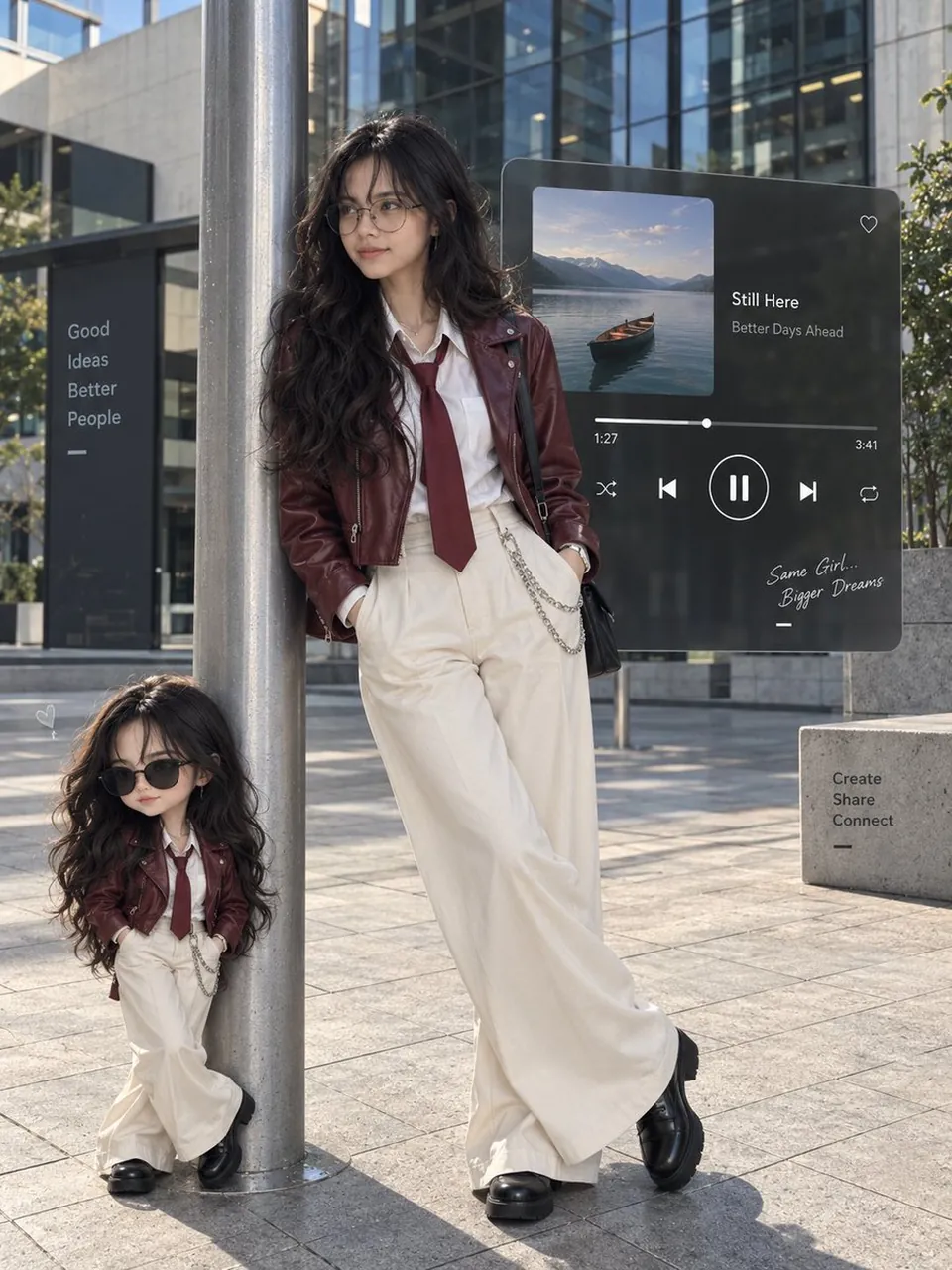
Create an ultra-realistic premium smartphone street-fashion photo of a person casually leaning against a tall silver metal pole in a modern glass-building plaza during bright daytime. Style: long natural dark wavy hair, burgundy cropped leather jacket, white button-up shirt, burgundy slim tie, cream high-waisted wide-leg trousers, black formal shoes, black rectangular glasses, delicate silver jewelry and trouser chain. Pose: relaxed lean against the pole, hands naturally near the trouser pockets, legs casually crossed, looking slightly to the side. Beside the pole, add a small cute collectible cartoon version of the same person wearing the same outfit and hairstyle with sunglasses. Background: clean modern urban plaza, glass buildings, stone pavement, greenery. Add a large dark translucent floating music-player UI behind the subjects with canoe-on-water album artwork and minimal playback controls. Bright natural sunlight, realistic shadows, natural skin texture, realistic hair and fabric, flagship smartphone photography, approximately 50mm perspective, vertical 3:4 composition, full-body framing, premium fashion editorial look.
Best for
Portrait styleFashion conceptCity sceneClean layoutEditorial photography
Tips
Maintain consistent subject features by using a high-quality reference image that clearly defines the face and hair texture before generating.
Adjust the camera perspective and aspect ratio settings to ensure the full-body composition fits your desired social media or print format.