
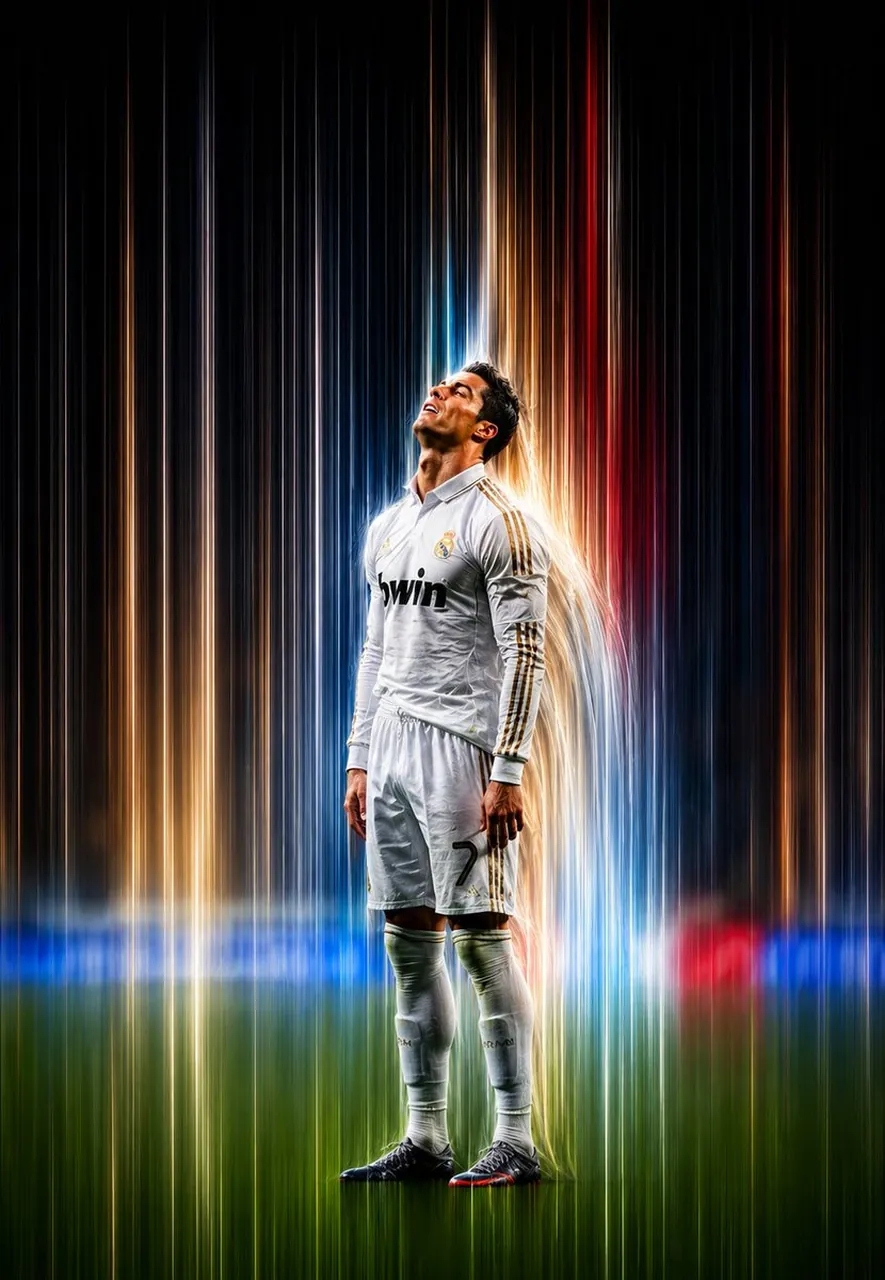
Prompt
Copy and customize
Transform the uploaded image into a premium pixel stretch artwork while preserving the original subject exactly. Keep the main subject perfectly sharp, highly detailed, and instantly recognizable, maintaining its identity, proportions, textures, and overall appearance. Extract the colors, textures, and visual details from the subject and seamlessly extend them into elegant, flowing pixel-stretch ribbons that follow graceful curves and dynamic motion. Create flawless transitions between the original image and the stretched areas, ensuring there are no glitches, distortions, harsh edges, or broken pixels. The stretched pixels should appear silky, wide, fluid, and organic—resembling streams of color, light, paint, or pure energy. Preserve realistic lighting, natural depth, accurate shadows, and harmonious color balance throughout the composition. Use cinematic contrast, vibrant HDR-quality colors, ultra-sharp details, a modern minimalist composition, luxury digital art styling, the signature Adobe Photoshop pixel stretch effect, gallery-quality finishing, and ultra-high-resolution 8K output to create a visually captivating, premium, social-media-ready masterpiece.
Best for
Tips
Keep the main subject focused so Transform the uploaded image into a premium remains recognizable after style or lighting changes.
Adjust camera angle and aspect ratio before generation when the composition needs a specific platform format.