
Prompt
Copy and customize
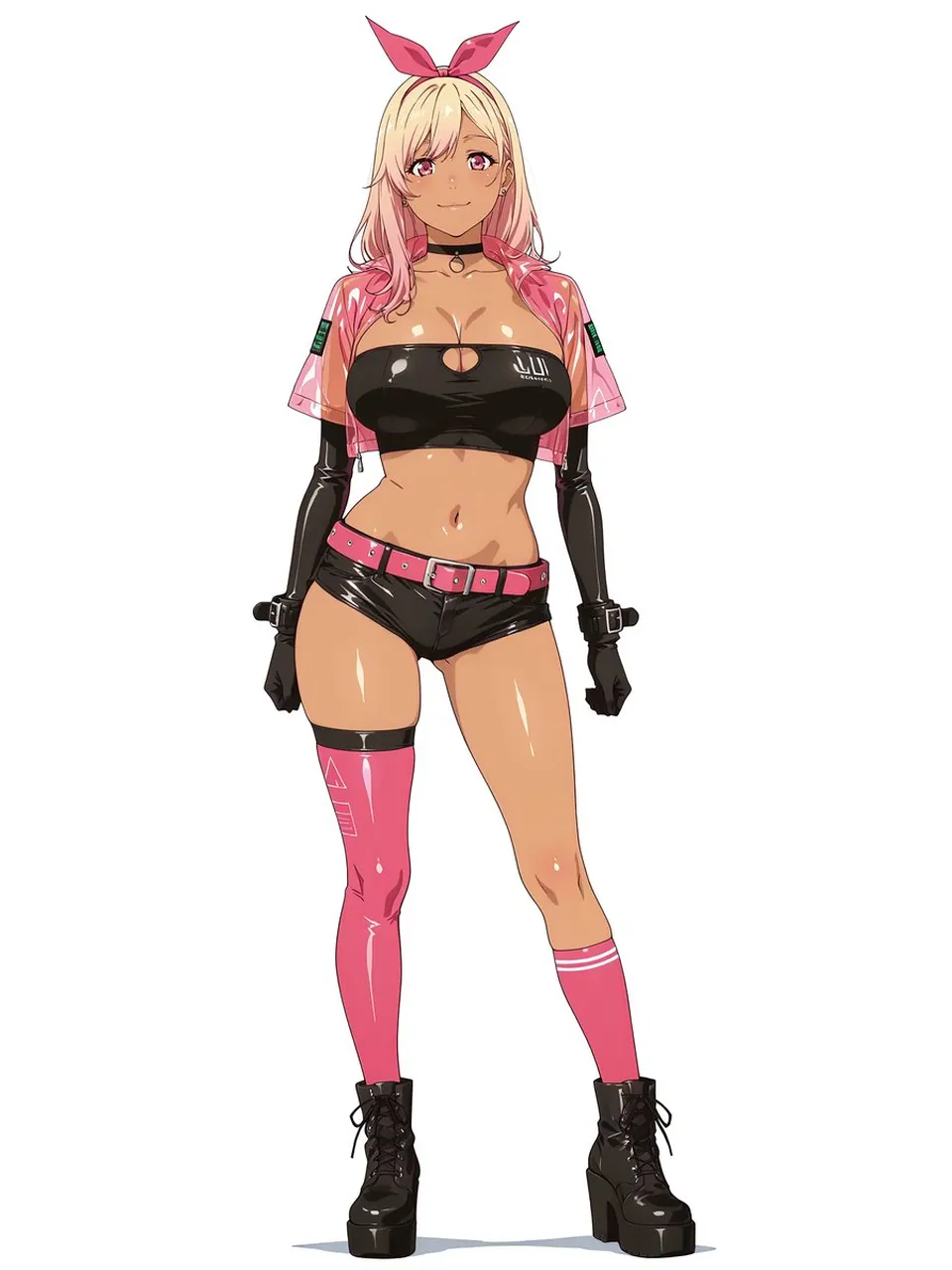
Create a clean full-body anime character design on a plain white background: a confident young woman with a gyaru-inspired cyberpunk survivor look, standing front-facing with a relaxed slight contrapposto pose and a soft smile. She has blonde hair fading into pink tips, long loose hair, pink eyes, tan glossy skin with strong cel-shaded highlights, and a bright pink bow headband. Dress her in a shiny black strapless latex bandeau crop top with a small oval chest cutout and a tiny white tech logo on one side, an open transparent pink vinyl cropped jacket with short sleeves and small green digital patch details on both sleeves, glossy black micro shorts, and a vivid pink belt with silver buckle and studs. Include exactly 10 visible outfit/accessory elements: 1 pink bow headband, 1 black choker with a ring charm, 1 transparent pink vinyl cropped jacket, 1 black latex bandeau top, 1 pink belt, 1 pair of glossy black shorts, 1 pair of long black opera gloves with wrist buckles, 1 single thigh-high glossy pink cyber stocking on her left leg with subtle white geometric markings and black thigh band, 1 shorter pink knee sock on her right leg with two white stripes, and 1 pair of chunky black lace-up platform boots. Use crisp Japanese anime line art, polished digital coloring, high-gloss reflections on vinyl and latex, slim athletic proportions with curvy hips, clean white negative space, no background props, no text except the tiny unreadable clothing logo, and a fashionable pink-and-black cyberpunk color palette.
Best for
Tips
Keep the main subject focused so clean full-body anime character design on a remains recognizable after style or lighting changes.
Adjust camera angle and aspect ratio before generation when the composition needs a specific platform format.