
Prompt
Copy and customize
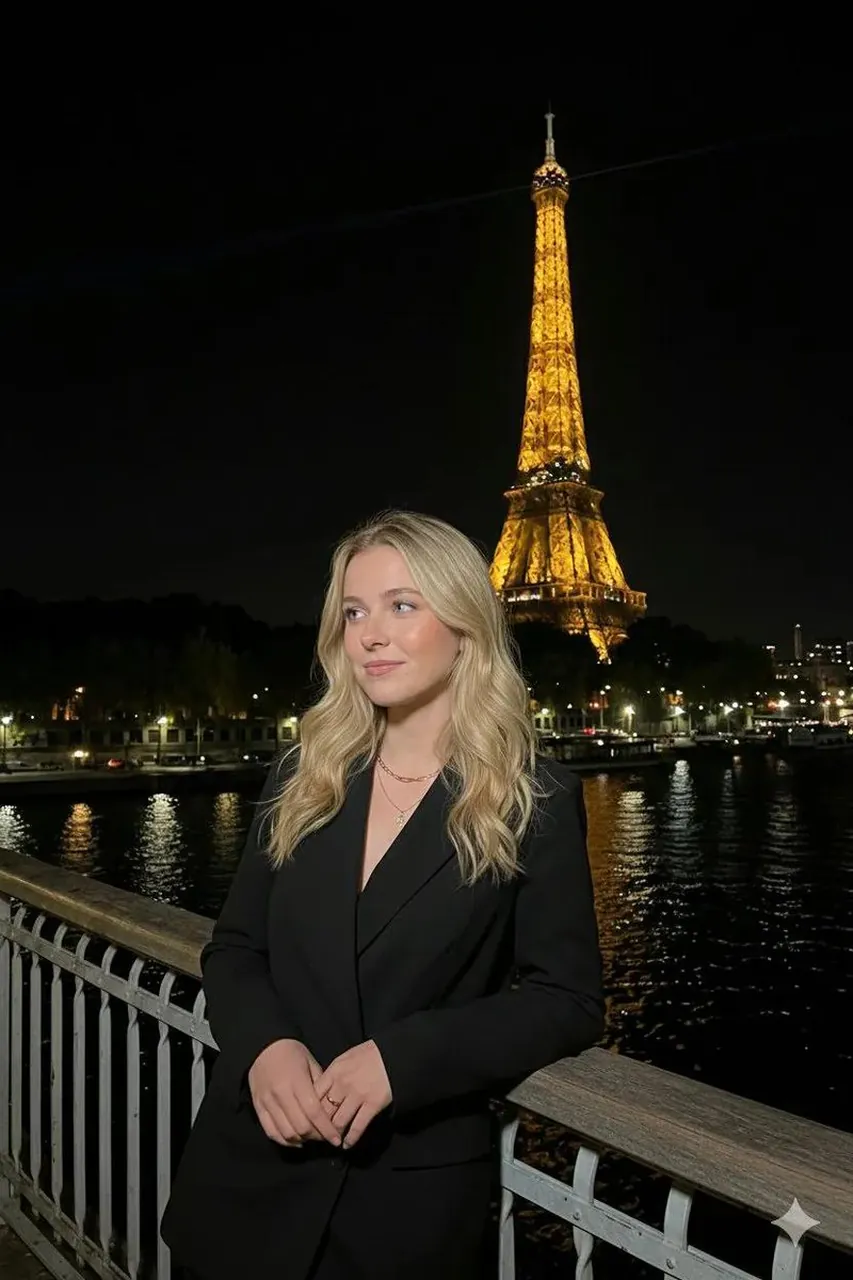
{ "background": { "location": "Paris, Seine River bank", "landmark": "Eiffel Tower (fully illuminated in gold)", "elements": "Metal railing (foreground), dark river water with light reflections, distant city skyline", "sky": "Pitch black night sky" }, "subject": { "appearance": "Young woman, blonde wavy hair, glowing skin", "clothing": "Oversized black blazer, gold chain necklace, minimalist rings", "pose": "Leaning casually on the railing, body angled slightly to the side", "expression": "Pensive, looking upwards/away from camera, soft lips", "framing": "Medium vertical shot (waist up)" }, "technical_specs": { "camera_vibe": "High-end Smartphone (iPhone Flash style) or Point-and-Shoot", "focal_length": "26mm (Wide angle)", "iso": "800", "aperture": "f/1.8", "shutter_speed": "1/60s" }, "color_grading": { "palette": "Warm Gold (Tower) vs. Cool Black/Navy (Sky/Suit)", "skin_tone": "Natural with warm flash highlight", "saturation": "Rich and vibrant" }, "generation_prompt": "Vertical flash photography shot of a blonde woman in a black blazer leaning against a railing in Paris at night. She is looking up pensively. The Eiffel Tower is glowing bright gold in the background against a dark sky. The Seine river reflects the city lights. Direct flash lighting, high contrast, realistic texture, influencer travel aesthetic, shot on 35mm film." }
Best for
Tips
Keep the main subject focused so background location Paris Seine River bank landmark remains recognizable after style or lighting changes.
Adjust camera angle and aspect ratio before generation when the composition needs a specific platform format.