
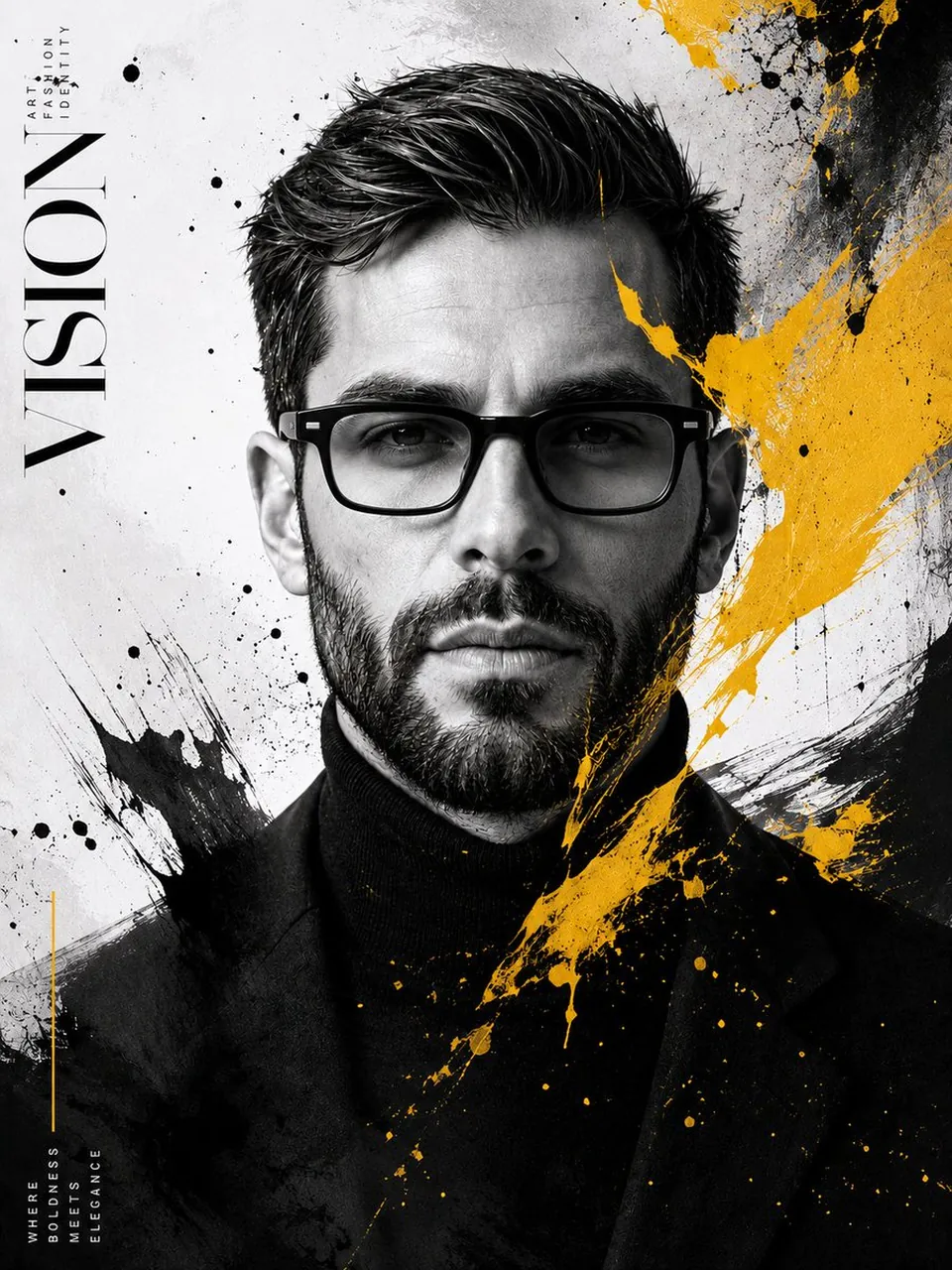
Prompt
Copy and customize
create an ultra-photorealistic luxury fashion editorial portrait with 100% identity preservation. Preserve the exact facial structure, hairstyle, beard, skin texture, facial proportions, expression, and pose. Replace the current glasses with matte black rectangular acetate eyeglasses featuring a modern premium designer look.
Transform the portrait into a high-end contemporary art poster with a black-and-white monochrome aesthetic, accented only by bold vibrant yellow paint splashes. Integrate expressive black ink splatters, abstract brush strokes, textured paint drips, and artistic grunge elements flowing naturally across the face, clothing, and background while keeping the eyes and facial features perfectly visible.
Add elegant vertical editorial typography in a minimalist magazine layout (large serif title such as "VISION" with subtle fashion-inspired text elements). Maintain a clean luxury composition with generous negative space, premium matte paper texture, cinematic depth, rich contrast, soft diffused studio lighting, razor-sharp focus, subtle film grain, and flawless skin detail.
Outfit: black turtleneck with tailored black blazer.
Style references: Vogue Italia, Harper's Bazaar, Balmain campaign, Dior Homme, luxury fashion editorial, contemporary gallery poster, fine-art minimalism, modern graphic design, premium advertising photography.
Hyper-realistic, 8K resolution, HDR, ultra-detailed skin pores, realistic fabric textures, premium print quality, museum-grade artwork, photorealistic, cinematic color grading, award-winning fashion photography.
Best for
Tips
Keep the main subject focused so n ultra-photorealistic luxury fashion editorial portrait with remains recognizable after style or lighting changes.
Adjust camera angle and aspect ratio before generation when the composition needs a specific platform format.