
Prompt
Copy and customize
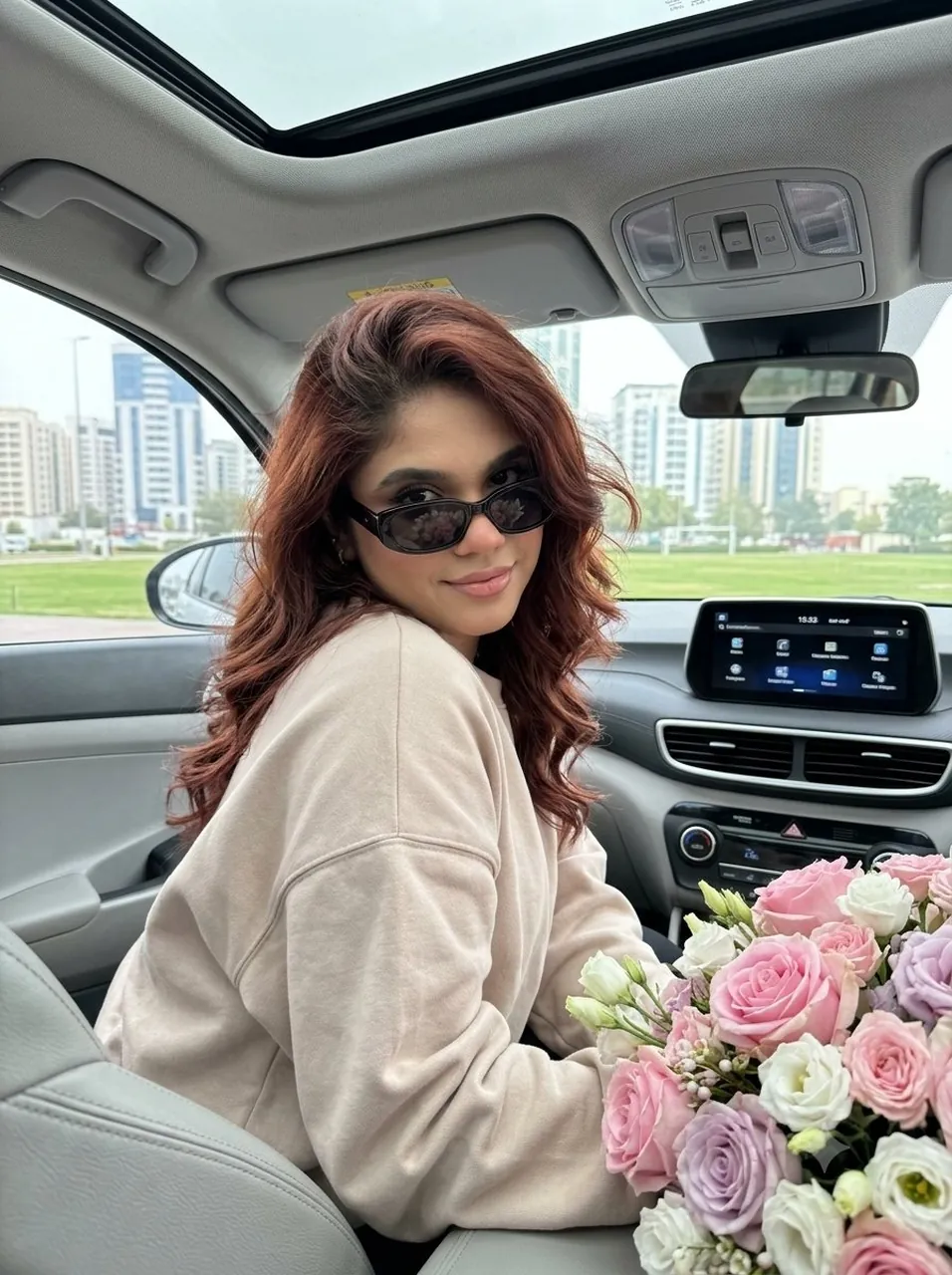
Create a natural, realistic selfie-style photo taken with a smartphone in a 3:4 vertical ratio inside a parked car. The photo shows a young woman sitting in the front passenger seat, slightly leaning forward. She has a relaxed, flirty expression with a gentle smile. Her eyes are half-hidden behind dark sunglasses. Her voluminous wavy hair falls freely over her shoulders with natural movement. Her skin has a soft matte finish with light contouring, peach-pink blush, and subtle definition. Her eyes are lined with black eyeliner, and she has long, voluminous lashes with a light smoky effect on the eyelids. Her lips are softly defined with a light pink-nude tone. She is wearing an oversized, soft-fabric sweatshirt in powder-beige tones. She has a minimalist bracelet or watch on her wrist. In the right foreground, closer to the camera, there is a large, elegant flower bouquet containing pink roses, white flowers, and lilac tones. The bouquet partially covers part of the car interior. The background shows the modern gray interior of the car: panoramic sunroof, rearview mirror, multimedia screen, and climate controls. Through the car windows, blurred city buildings and a park can be seen. Soft, diffused natural daylight fills the scene. The focus is sharp on the woman and the flower bouquet, with a gentle bokeh effect in the background. The color palette is calm and pastel with balanced contrast. Overall aesthetic: modern, trendy selfie style with a mysterious, studio-like quality. Shot as if taken with an iPhone 17 Pro — high-quality, realistic photograph.
Best for
Portrait photographySocial media contentLifestyle imageryRealistic character studies
Tips
Ensure the subject's expression and pose remain natural to maintain the authentic selfie aesthetic within the car interior.
Adjust the lighting settings if you prefer a different time of day, such as golden hour or soft morning light.