
Prompt
Copy and customize
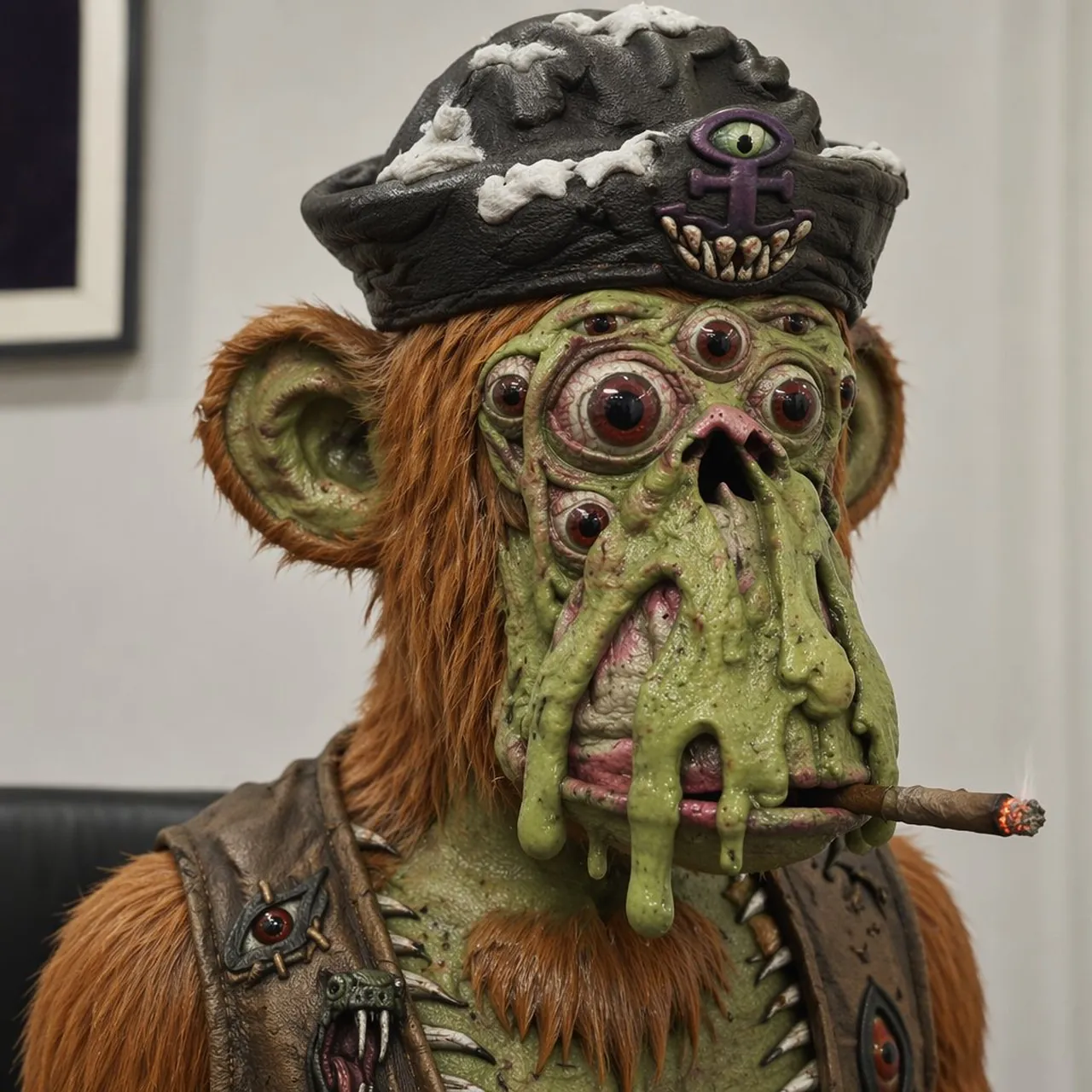
Create a square, hyper-detailed photorealistic creature portrait of a creepy mutant ape pirate in an indoor gallery-like room, shot as a close-up bust from the chest up with shallow depth of field. The subject is a grotesque green-skinned ape with orange-brown shaggy fur, large rounded ears, a small pointed orange beard, wrinkled slimy skin, wart-like bumps, and sagging melted folds of green flesh dripping down over its mouth. Give the face exactly 9 visible eyes: 2 large main bulging red-brown eyes, 2 smaller cheek eyes, 2 tiny upper-face eyes, 1 central forehead eye, and 2 additional small side eyes embedded in the mutated face. The mouth area is distorted with a dark nostril-like opening and pink raw tissue partly covered by slime, with a lit brown cigar clenched horizontally at the lower right of the mouth and a glowing ember tip. Dress the creature in a black worn pirate tricorn hat with gray-white bone-like patches and a front emblem showing exactly 1 purple all-seeing eye symbol above exactly 6 small fang teeth. Add a battered dark leather vest with metal studs and spikes, including exactly 2 visible eye-shaped patches or ornaments on the chest, one on each side. Use realistic cinematic lighting, crisp skin and fur texture, disgusting wet specular highlights, museum-display realism, muted beige wall background, a blurred framed picture on the left, and a dark bench line behind the shoulders. Make the creature unsettling but slightly humorous, centered and looking forward. Character concept: mutant ape pirate; hat style: black worn pirate tricorn hat; fur color: orange-brown; skin color: slimy green; accessory: lit cigar.
Best for
Tips
Keep the main subject focused so square hyper-detailed photorealistic creature portrait of a remains recognizable after style or lighting changes.
Adjust camera angle and aspect ratio before generation when the composition needs a specific platform format.