
Prompt
Copy and customize
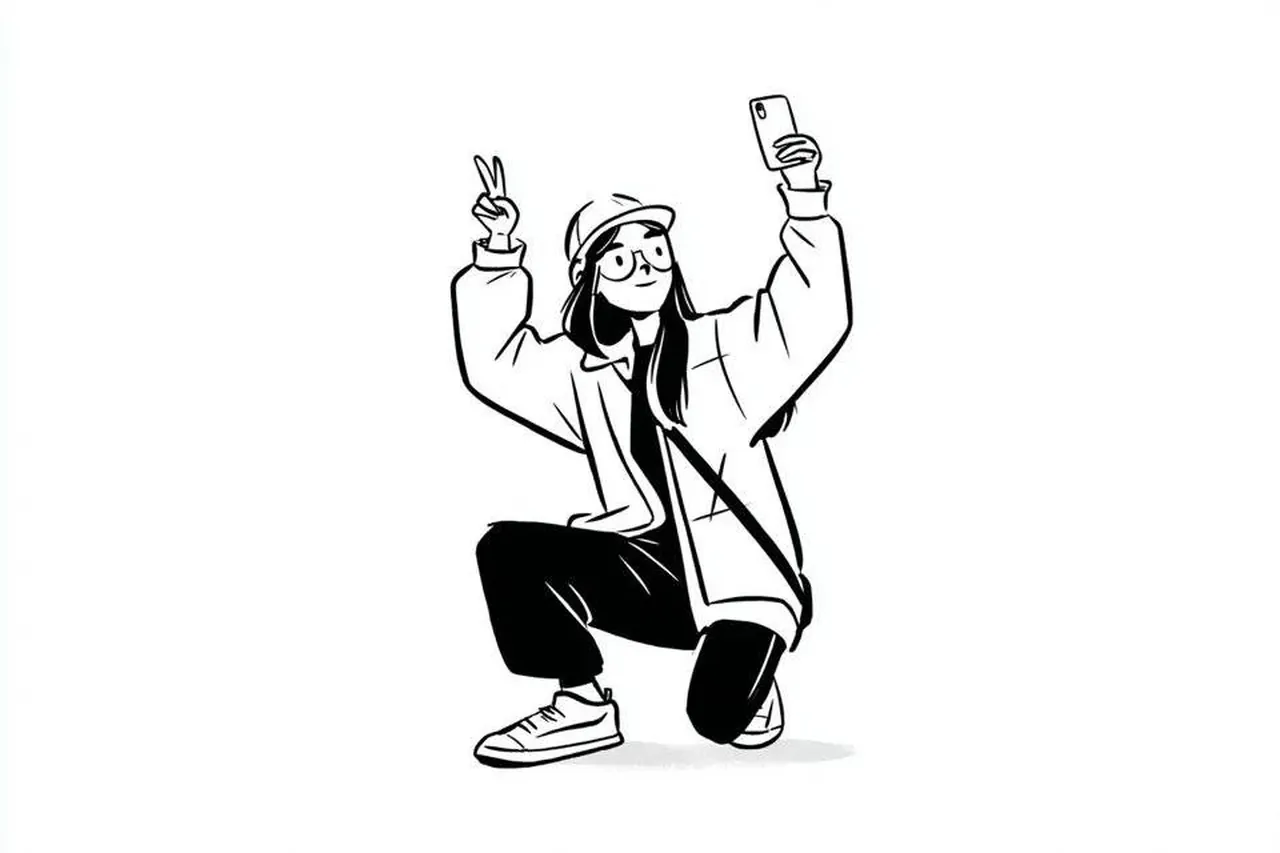
Minimalist black-and-white editorial character illustration of [CHARACTER] on a clean white background with abundant negative space. The character occupies approximately 30–40% of the frame in [POSE], wearing [CLOTHING] and interacting with [PROP] (phone, laptop, skateboard, shopping bag, etc.). Stylized proportions with a slightly oversized head, simplified facial features, small dot eyes, expressive eyebrows, tiny nose, and a subtle friendly smile. Loose casual streetwear with oversized silhouettes, chunky sneakers, simple accessories, and relaxed body language.
Drawn using clean, confident black ink linework with varied line weights, rounded contours, soft sketch-like imperfections, and expressive hand-drawn strokes. Use only solid black and white with no grayscale, no color, and no gradients. Clothing is rendered with large black graphic shapes contrasted against white fabric, minimal folds, simple contour lines, and sparse hatching. Add only a soft ground shadow beneath the feet.
The composition is centered with generous white margins, creating a modern editorial look. The background remains completely blank except for a subtle floor line or shadow. Overall aesthetic resembles contemporary indie webcomic illustrations, Scandinavian editorial drawings, playful lifestyle character design, and clean vector-inspired ink sketches. High-resolution, crisp line art, minimalistic, expressive, stylish, charming, hand-drawn, 2D illustration, monochrome, no background elements, 4:5 aspect ratio.
Best for
Tips
Keep the main subject focused so Minimalist black-and-white editorial character illustration of CHARACTER remains recognizable after style or lighting changes.
Adjust camera angle and aspect ratio before generation when the composition needs a specific platform format.