
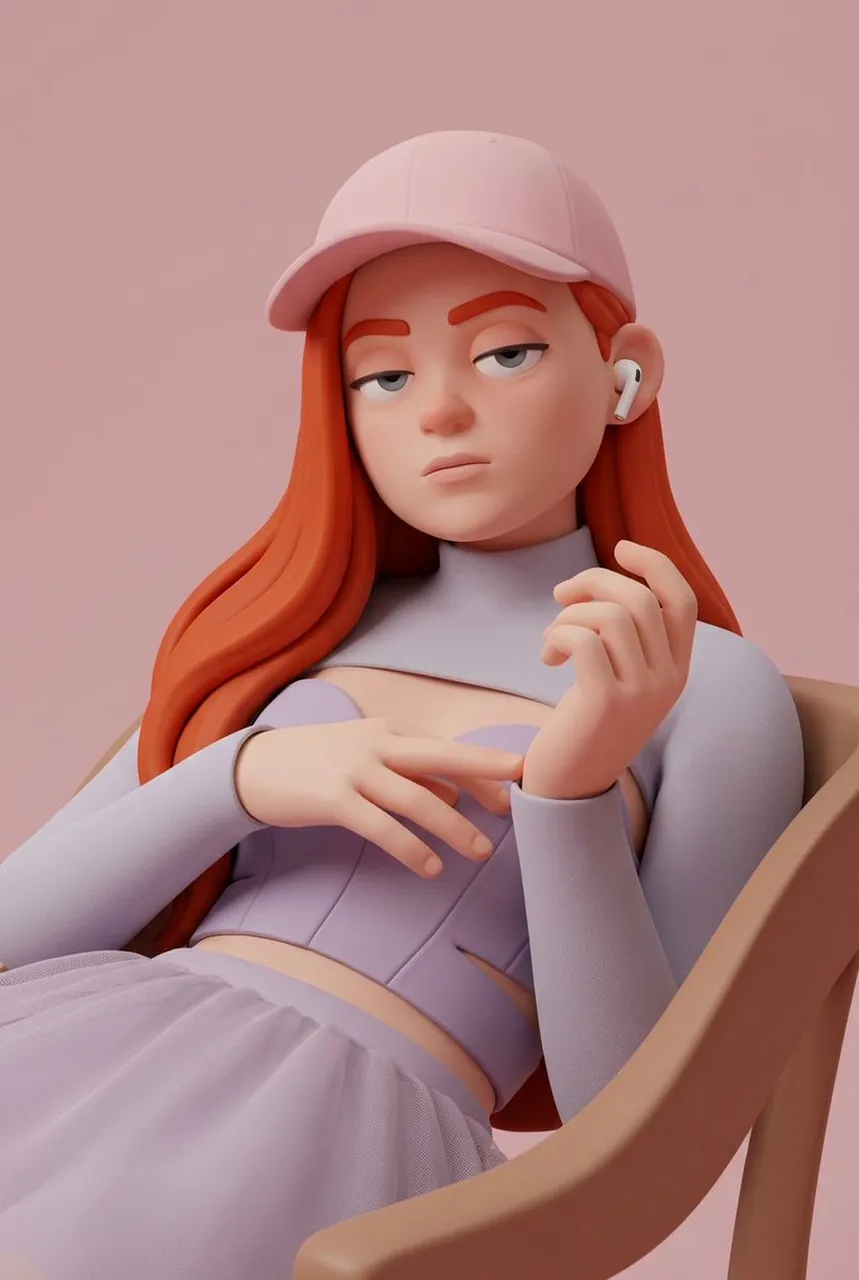
Prompt
Copy and customize
{ "task": "image_style_transfer_3d_character", "input": { "source_image": "USER_UPLOADED_IMAGE", "preserve_identity": true, "preserve_pose": true, "preserve_composition": true }, "style_reference": { "render_style": "stylized_3d_character", "aesthetic": "soft_minimal_cartoon_3d", "inspiration": [ "pixar_like_but_more_minimal", "toy_figure_render", "clean_product_character_design" ] }, "character_design": { "skin": { "material": "smooth_matte_plastic", "texture": "soft_uniform", "subsurface_scattering": "gentle" }, "facial_features": { "eyes": "half_closed_bored_expression", "eyelids": "heavy", "nose": "rounded_simplified", "mouth": "flat_neutral", "ears": "simplified_rounded" }, "emotion": "unimpressed_calm_bored" }, "clothing": { "style": "minimal_streetwear", "details": "no_logos_no_patterns", "fabric": "soft_matte" }, "accessories": { "headwear": "simple_baseball_cap_optional", "ear_accessories": "wireless_earbuds_optional" }, "lighting": { "setup": "studio_softbox", "shadows": "very_soft", "contrast": "low", "highlights": "subtle" }, "background": { "type": "solid_color", "color_palette": [ "muted_pink", "pastel_tone" ], "gradient": "none" }, "camera": { "angle": "front_facing", "framing": "medium_close_up", "lens": "50mm_equivalent", "distortion": "none" }, "render_quality": { "resolution": "high", "edges": "clean", "noise": "none", "realism_balance": "stylized_over_realistic" }, "output": { "consistency": "high", "style_strength": "strong", "photorealism": false } }
Best for
Tips
Keep the main subject focused so task image style transfer 3d character input remains recognizable after style or lighting changes.
Adjust camera angle and aspect ratio before generation when the composition needs a specific platform format.