
Prompt
Copy and customize
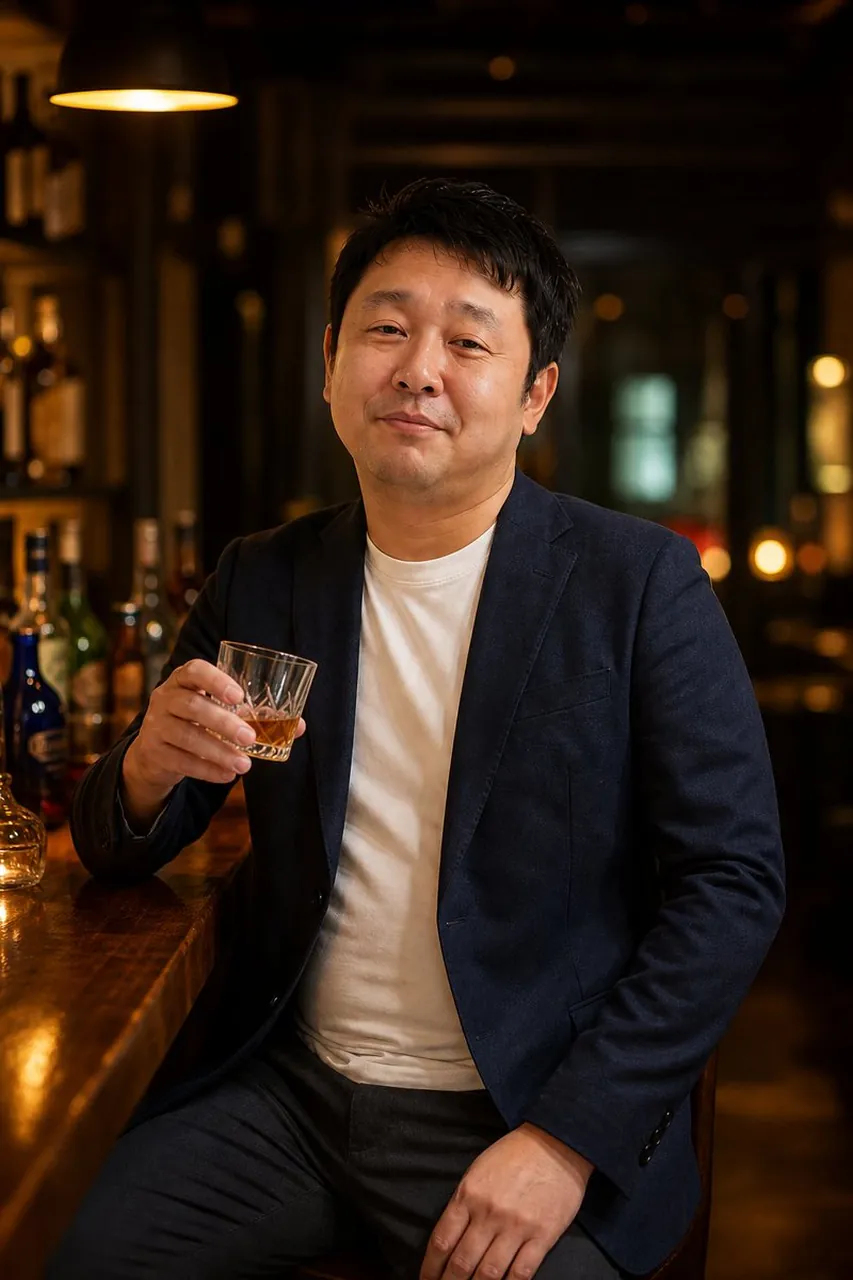
Create a realistic cinematic portrait photograph of a middle-aged Japanese man sitting at a polished wooden bar counter in a dim, upscale cocktail bar. He faces the camera in a relaxed three-quarter seated pose, wearing a navy blazer over a plain white crew-neck T-shirt with dark trousers. His expression is calm and slightly amused, with a subtle closed-mouth smile, short slightly tousled black hair, natural skin texture, and an approachable business-casual look. His right hand holds a small cut-glass tumbler containing amber whiskey with ice, raised casually near chest height, while his left hand rests on his thigh. The background shows softly blurred liquor bottles, warm golden bokeh lights, dark wood shelves, and one large warm pendant lamp glowing in the upper left. Use moody bar lighting with rich amber highlights, shallow depth of field, realistic proportions, natural facial details, and high-end editorial photography style. Vertical portrait composition, waist-up to mid-thigh framing, 2:3 aspect ratio, subject centered slightly right, bar counter running diagonally from the lower left toward the subject. No text, no watermark, no extra people, no exaggerated retouching.
Best for
Portrait photographyCinematic moodSocial media contentEditorial styleProfessional profile
Tips
Maintain the core subject description to ensure the man's features remain consistent when experimenting with different lighting or bar background settings.
Adjust the aspect ratio settings before generation if you need to fit the portrait into a specific social media platform format.