
Prompt
Copy and customize
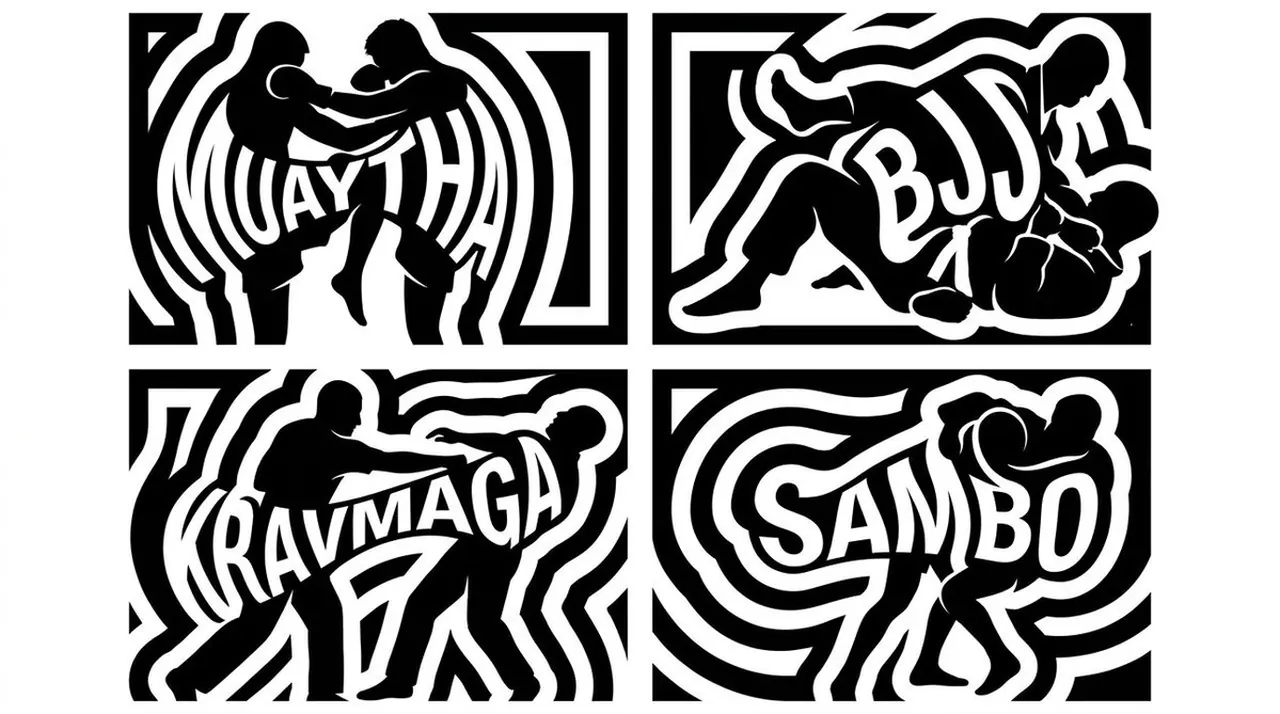
2x2 grid, 16:9, four martial arts silhouettes. Place the name of each martial art inside the main mass of the silhouette. Typography rules: letters should be large and bold, readable at mid-distance. Letters may appear as white negative space cut through black stripes or be partially formed by black stripe segments. The word must follow the curve, posture, or volume of the subject and should not feel pasted on top. The stripe system should bend around and through the word. The viewer should discover the word after recognizing the silhouette.
Best for
Graphic design projectsSocial media contentTypography style studiesVisual concept artMinimalist poster design
Tips
Ensure the silhouette remains recognizable by maintaining strong contrast between the subject and the background before adding text.
Adjust the text placement to align with the natural flow and posture of the martial artist to avoid a pasted-on look.