
Prompt
Copy and customize
Use the uploaded photo as the exact model reference. Preserve the model's appearance 1:1: facial features, eye shape, nose, lips, natural skin tone, hair length, volume, texture, hair part, hairstyle, body proportions, natural facial expression, gaze, and overall identity.
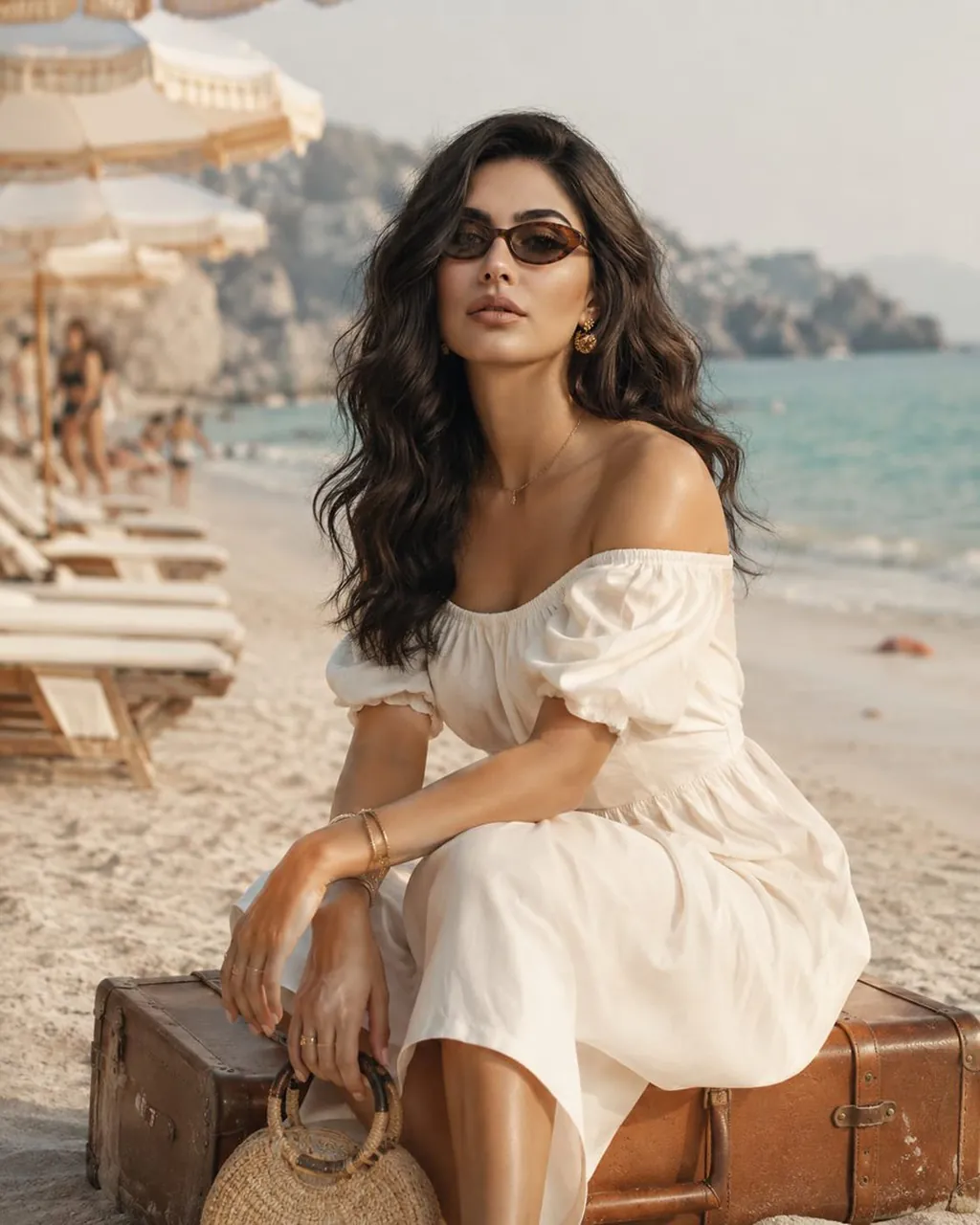
An elegant woman sits on a vintage leather suitcase on a pristine white Mediterranean beach. She is wearing a luxurious off-the-shoulder midi dress made from premium natural cotton, featuring impeccable tailoring and soft flowing folds. The look is completed with designer sunglasses, sculptural gold earrings, minimalist gold jewelry, and a handcrafted round woven handbag. Her hair flows naturally and gently moves in the warm sea breeze.
Ultra-realistic natural skin with visible pores, fine peach fuzz, authentic skin texture, and soft sun-kissed highlights. The turquoise sea, powder-white sand, elegant beach umbrellas, a light sea haze, and the warm glow of Golden Hour create an atmosphere of effortless Mediterranean luxury.
Luxury Resort Editorial. Vogue Style. Quiet Luxury. Ultra Photorealistic. Cinematic Composition. Full-Frame Camera. 85mm Lens. Soft Natural Light. Shallow Depth of Field. HDR. 8K.
Negative Prompt: changes to the model's identity, facial features, hairstyle, hair color or hair length, plastic skin, beauty filters, CGI, anatomical errors, artifacts, blur, noise, text, logos, watermarks, low quality.
Best for
Tips
Keep the main subject focused so Use the uploaded photo as the exact remains recognizable after style or lighting changes.
Adjust camera angle and aspect ratio before generation when the composition needs a specific platform format.