
Prompt
Copy and customize
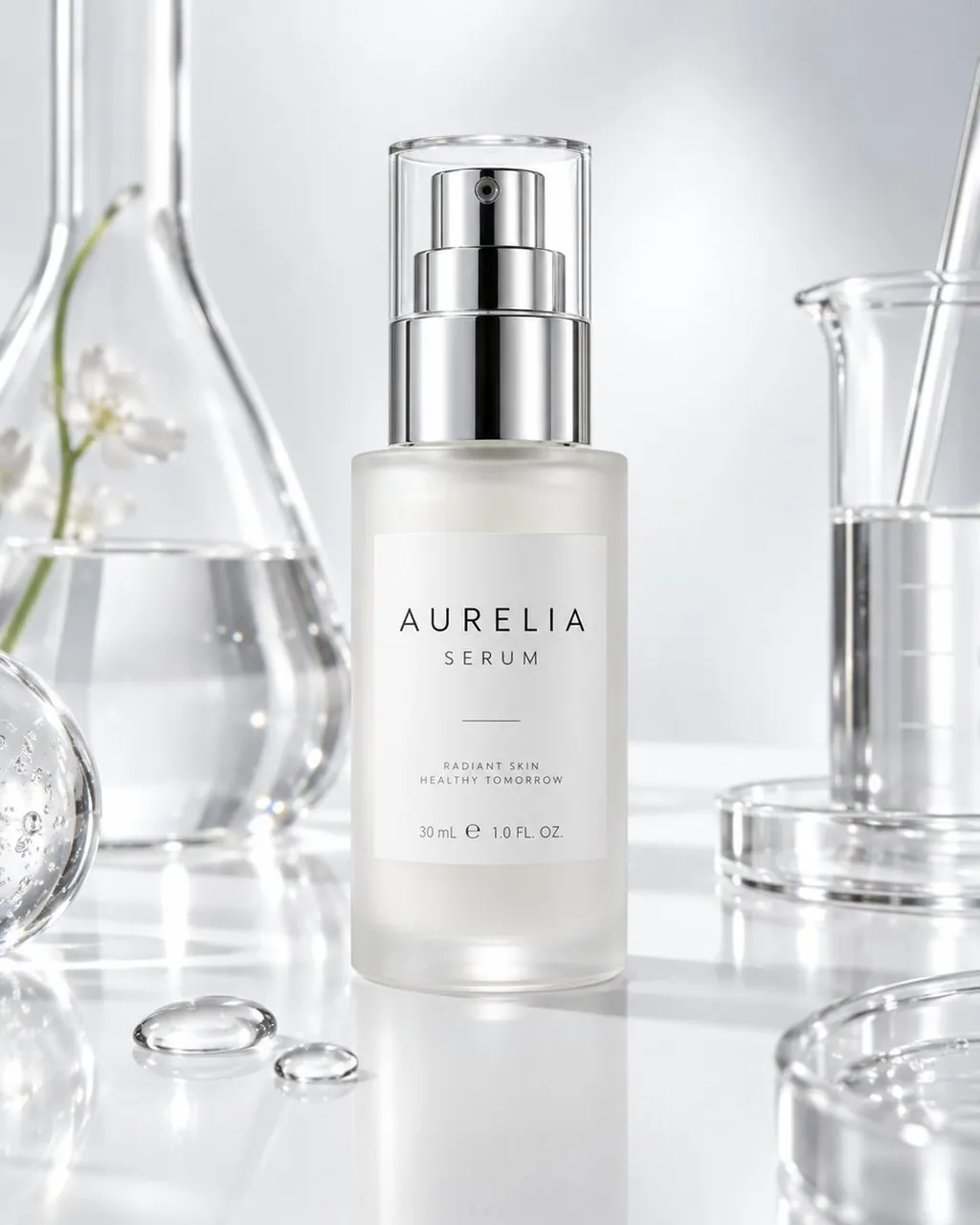
Create a premium skincare serum product photograph for AURELIA, featuring a single frosted glass cylindrical pump bottle centered on a glossy white reflective laboratory surface. The bottle has a translucent milky serum inside, a minimal white rectangular label, and a shiny chrome silver pump with a clear cylindrical cap; the label text reads “AURELIA” in widely spaced elegant uppercase letters, “SERUM” below it, a thin horizontal line, “RADIANT SKIN HEALTHY TOMORROW,” and “30 mL e 1.0 FL. OZ.” Surround the product with exactly 6 visible scientific glass and water elements: 1 tall Erlenmeyer flask on the left containing clear liquid and a delicate white flower stem, 1 partially visible round glass sphere with bubbles at the lower left edge, 2 clear water droplets on the tabletop in front of the bottle, 1 transparent beaker on the right with clear liquid and a glass stirring rod, and 1 cropped petri dish or shallow glass dish at the lower right foreground. Use a clean clinical-luxury aesthetic: bright white and pale silver palette, soft diffused studio lighting, crisp glass reflections, subtle caustics, shallow depth of field, high-end cosmetic advertising composition, ultra-realistic product photography, no people, no clutter, no extra text, no watermark.
Best for
Tips
Keep the main subject focused so premium skincare serum product photograph for AURELIA remains recognizable after style or lighting changes.
Adjust camera angle and aspect ratio before generation when the composition needs a specific platform format.