
Prompt
Copy and customize
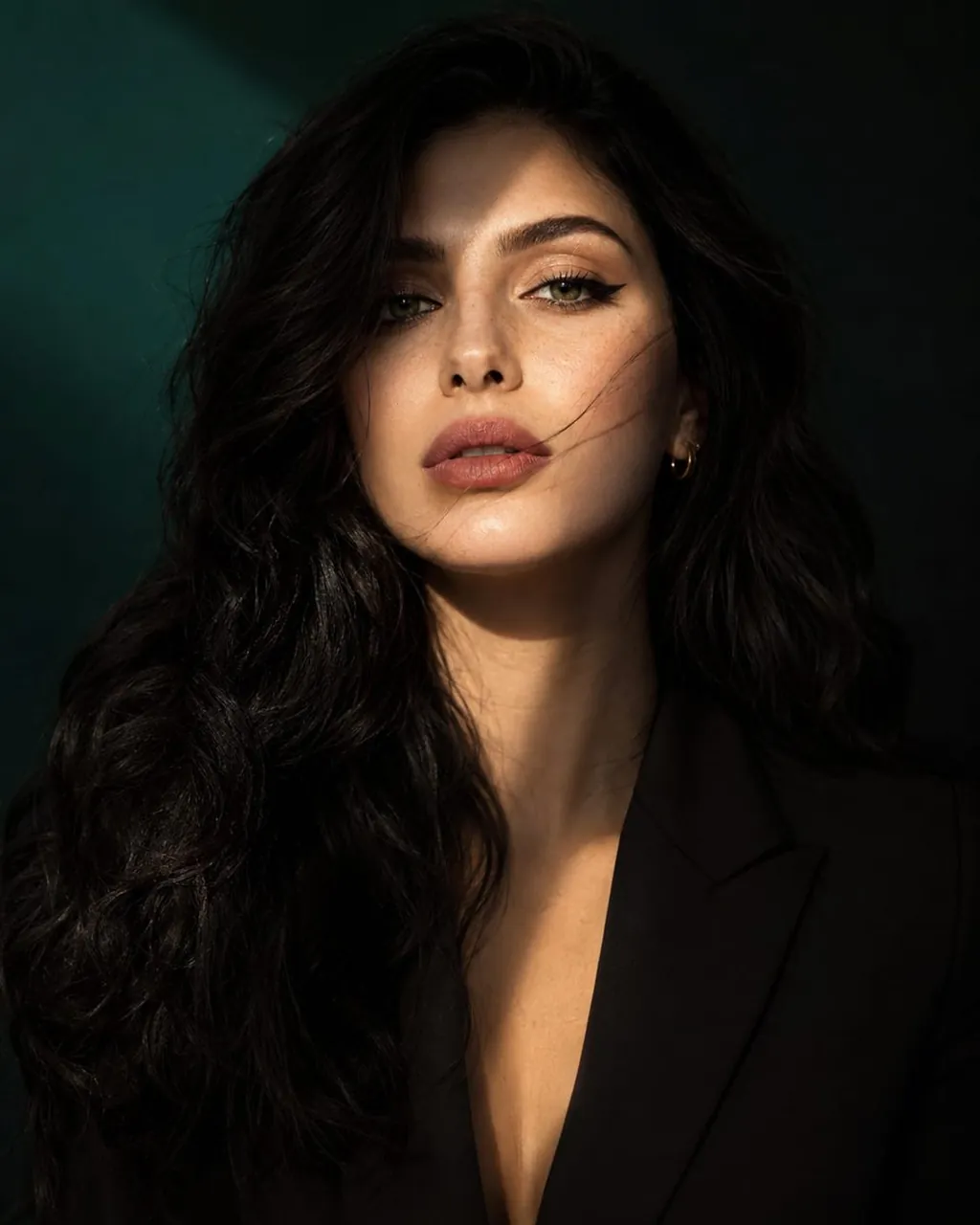
Create an ultra-realistic luxury beauty portrait of a woman with long, silky jet-black hair, naturally luminous fair skin with subtle freckles across the nose and cheeks, striking emerald-green eyes, detailed eyelashes, naturally full eyebrows, and soft matte rose-pink lips. A delicate gold hoop earring adds a refined editorial touch. The composition is a sophisticated medium close-up, capturing the head, neck, and upper torso. The subject faces the camera with a confident yet enigmatic expression, maintaining strong eye contact. A few loose strands of hair drift across her face, adding movement and visual interest. Lighting is cinematic and dramatic, featuring a diagonal beam of golden sunlight crossing the face from the upper corner, creating a beautiful interplay of highlights and shadows. One side of the face is softly illuminated while the opposite side falls into rich, atmospheric shadow. The background is a deep emerald-to-black gradient with subtle depth and smooth bokeh, creating a premium fashion-editorial mood. Emphasize ultra-realistic skin texture, visible pores, natural complexion details, glossy eyes with crisp catchlights, and highly detailed hair strands. Use elegant cinematic color grading with rich contrast, realistic dynamic range, and luxury magazine aesthetics. Shot on an 85mm portrait lens, f/1.8, shallow depth of field, HDR photography, professional studio quality, Vogue-inspired beauty editorial, luxurious minimalism, photorealistic rendering, premium fashion campaign quality, hyper-detailed 8K resolution. Style: Hyper-realistic, cinematic luxury beauty photography, high-end fashion editorial, premium magazine cover, sophisticated and emotionally captivating.
Best for
Fashion editorial photographyHigh-end beauty campaignsProfessional studio portraitsMagazine cover artCinematic character design
Tips
Focus on the lighting setup to ensure the golden beam creates a distinct contrast between the illuminated and shadowed sides of the face.
Adjust the camera lens settings if you need a wider or tighter crop to better fit your specific social media or print layout.