
Prompt
Copy and customize
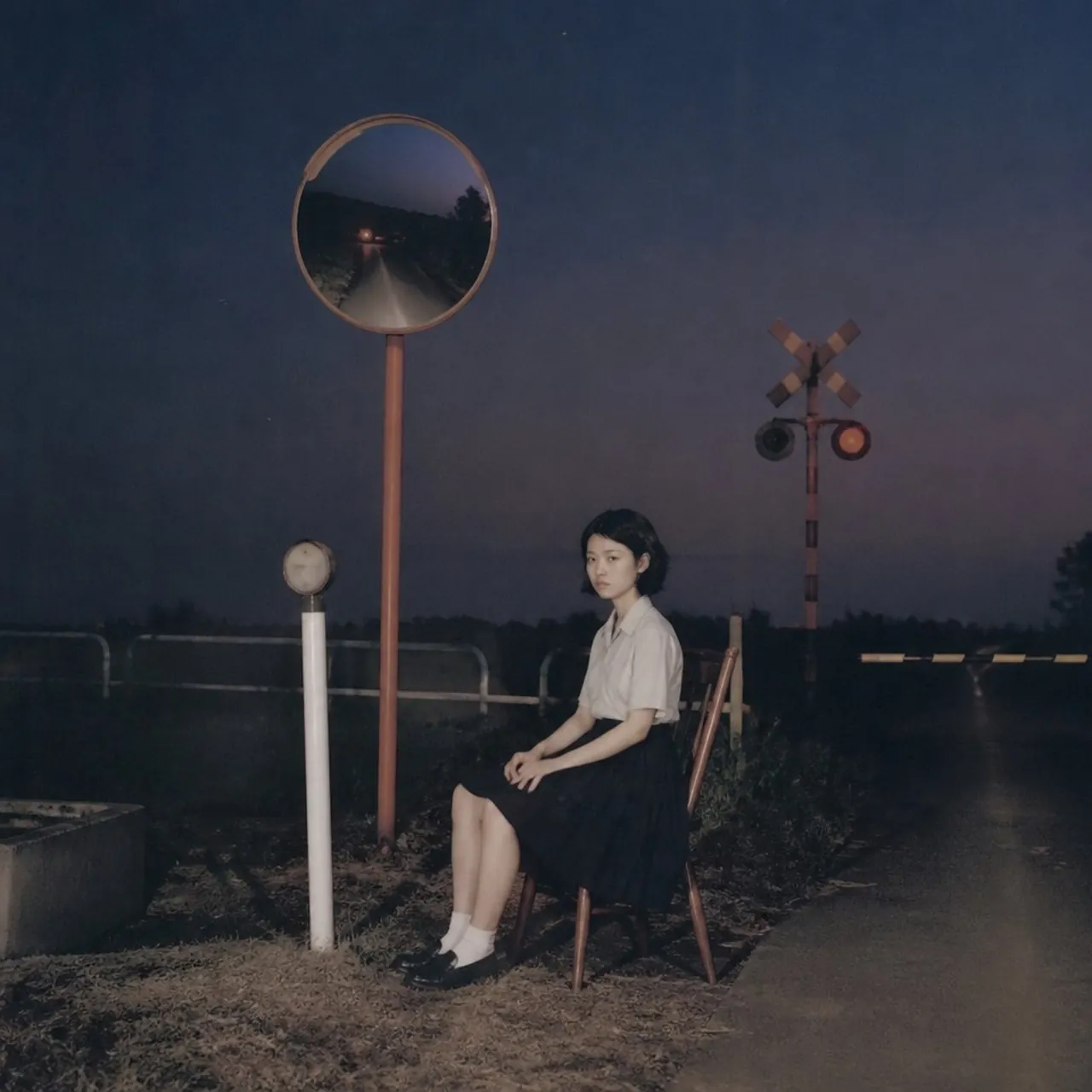
Create a moody cinematic night photograph of a quiet teenage railway crossing attendant sitting alone on a simple wooden chair beside a rural railroad crossing. The scene is square format, shot with soft on-camera flash and dark blue-purple dusk tones, with subtle film grain and a slightly faded analog look. The subject is one young East Asian girl with short dark hair, a calm unsmiling expression, wearing a white short-sleeve blouse, dark pleated skirt, white socks, and black loafers; she sits in profile angled slightly toward the camera with her hands resting on her lap and legs together. Include exactly 6 prominent discrete roadside elements: 1 tall orange pole with a round convex traffic mirror reflecting a dark narrow road and distant headlights, 1 short white post with a small round sign or lamp, 1 wooden chair, 1 railroad crossing signal pole with a crossbuck, 2 circular signal lights with one glowing red, and 1 lowered black-and-yellow striped barrier stretching across the road at the right. Place the girl slightly right of center, the mirror high on the left, the crossing signal in the mid-background, and an empty wet-looking road receding into darkness on the right. The background should be rural and sparse, with low grass, weeds, guardrails, distant tree silhouettes, and a heavy night sky. Use realistic proportions, quiet suspenseful atmosphere, muted colors, shallow flash-lit foreground, and no visible text, watermark, or extra people.
Best for
Tips
Keep the main subject focused so moody cinematic night photograph of a quiet remains recognizable after style or lighting changes.
Adjust camera angle and aspect ratio before generation when the composition needs a specific platform format.