
Prompt
Copy and customize
Goal: Create a clean scientific concept-art reference sheet of a largemouth black bass for game production or natural history illustration.
Canvas: Landscape 4:3 canvas on a plain white background with no border, no watermark, and no text labels.
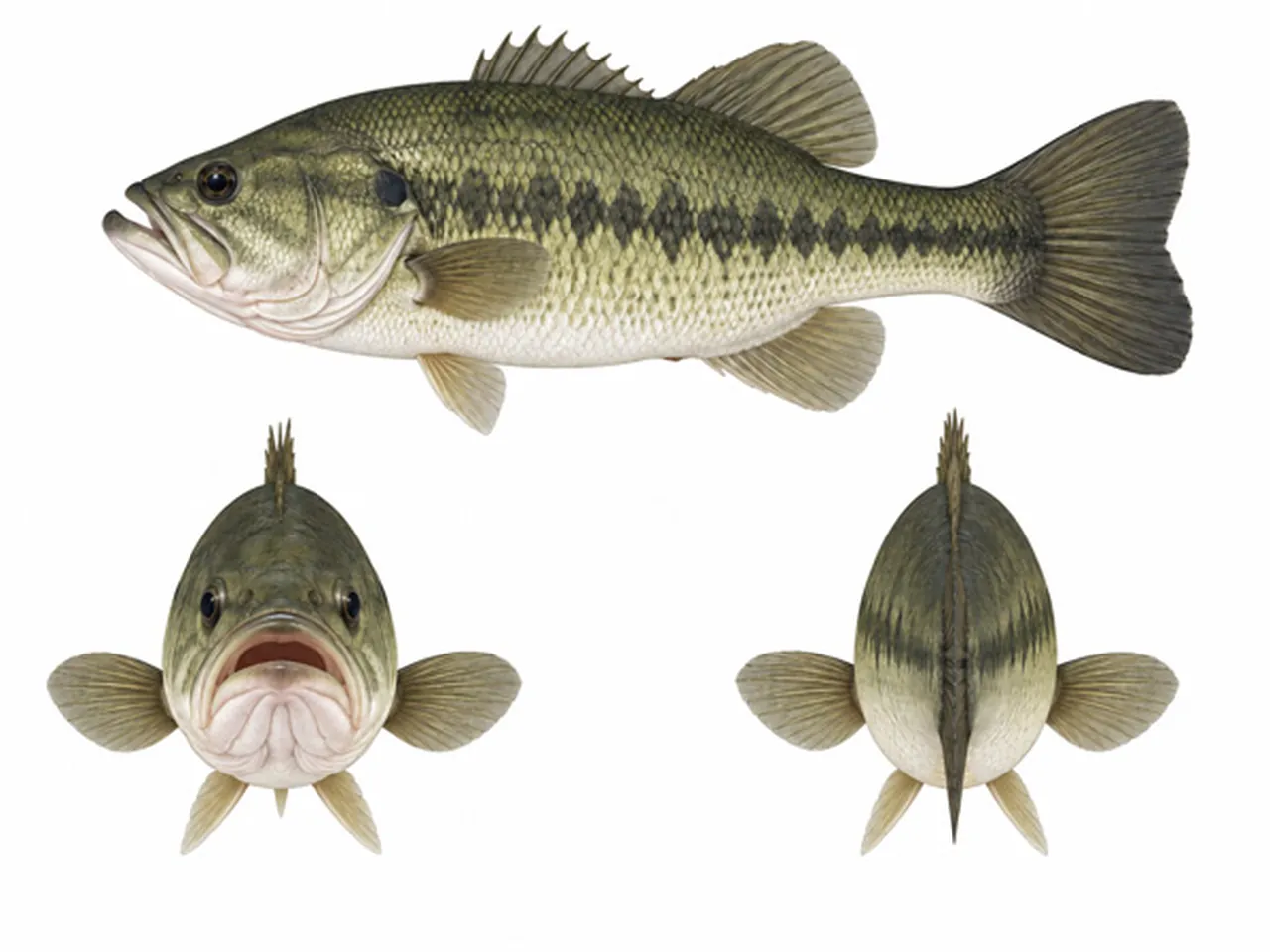
Layout: Show exactly 3 discrete views of the same fish: 1 large side profile across the top, facing left; 1 smaller front view at the bottom left, mouth open and facing the viewer; 1 smaller rear view at the bottom right, tail and dorsal ridge facing the viewer. Keep generous white space between the three views and align them like a clean three-view model sheet.
Subject details: Depict a realistic largemouth bass with an olive-green back, pale cream-white belly, yellow-green sides, dark mottled lateral stripe running along the body, visible individual scales, glossy dark eyes, large open jaw, spiny dorsal fin, soft dorsal fin, pectoral fins, pelvic fins, anal fin, and broad fan-shaped tail. The top side-view fish should be long and horizontally stretched with the head on the left and tail on the right, showing detailed gill plates, slightly open mouth, layered fins, and subtle shadowless studio lighting. The bottom front view should emphasize the wide bass mouth, symmetrical pectoral fins, chin folds, and small frontal eyes. The bottom rear view should show the oval body cross-section, central dark dorsal line, tail fin vertical in the center, and paired side fins.
Visual style: Highly detailed semi-realistic digital painting, naturalistic fish anatomy, crisp edges, soft watercolor-like texture, accurate scale patterning, muted olive, black, beige, and cream palette, rendered like a polished creature reference sheet for an indie fishing game.
Constraints: Use exactly 3 fish views and no additional objects, hooks, water, plants, measuring marks, annotations, logos, or background scenery.
Best for
Tips
Keep the main subject focused so Goal Create a clean scientific concept-art reference remains recognizable after style or lighting changes.
Adjust camera angle and aspect ratio before generation when the composition needs a specific platform format.