
Prompt
Copy and customize
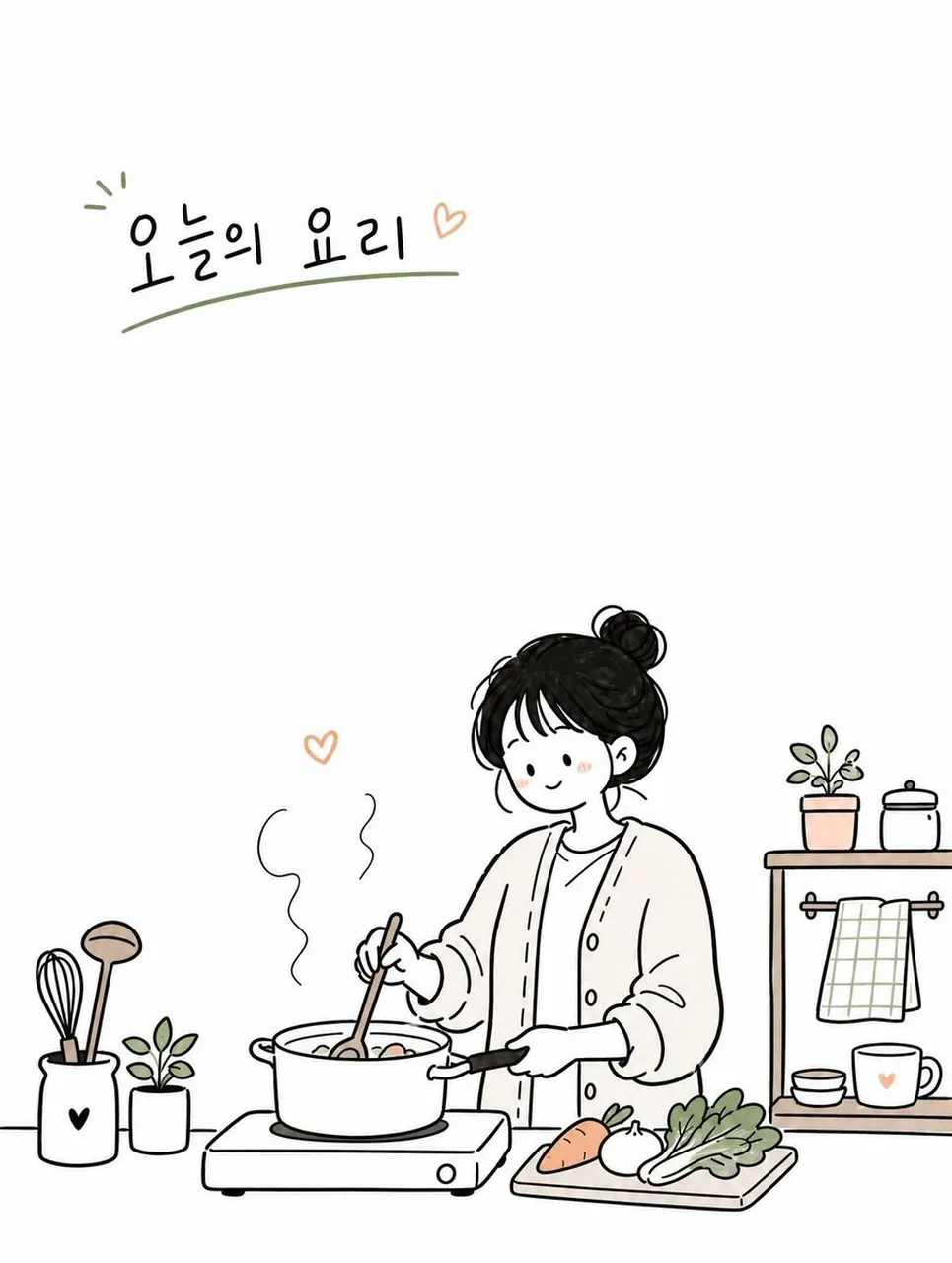
Create a simple and cute Korean doodled editorial illustration based on a cozy everyday moment. Style: hand-drawn doodle cartoon, minimal editorial infographic illustration, clean black ink outlines, slightly imperfect sketchy lines, flat 2D composition, minimal line art, large clean white negative space, soft warm pastel accent colors only. Scene: design a cozy everyday moment around [TOPIC] featuring one young Korean woman. Use a simple background with only essential objects and props related to the topic. Character: cute simplified proportions, minimal facial features, small relaxed smile, natural pose, simple casual outfit, restrained doodle character style. Composition: vertical 3:4 ratio, eye-level view, main subject placed on one side or lower area, large empty space on the opposite side, sparse and airy layout. Objects: minimal doodle-style props such as books, coffee cups, plants, umbrellas, signs, clouds, hearts, notes, windows, etc. Typography: add small English handwritten text in the empty space. Mood: calm, cozy, warm, quiet, cute. Avoid: watercolor painting, anime style, realistic lighting, cinematic rendering, complex perspective, high detail, dense composition, luxury poster mood, painterly textures, over-rendered characters.
Best for
Tips
Keep the main subject focused so simple and cute Korean doodled editorial illustration remains recognizable after style or lighting changes.
Adjust camera angle and aspect ratio before generation when the composition needs a specific platform format.