
Prompt
Copy and customize
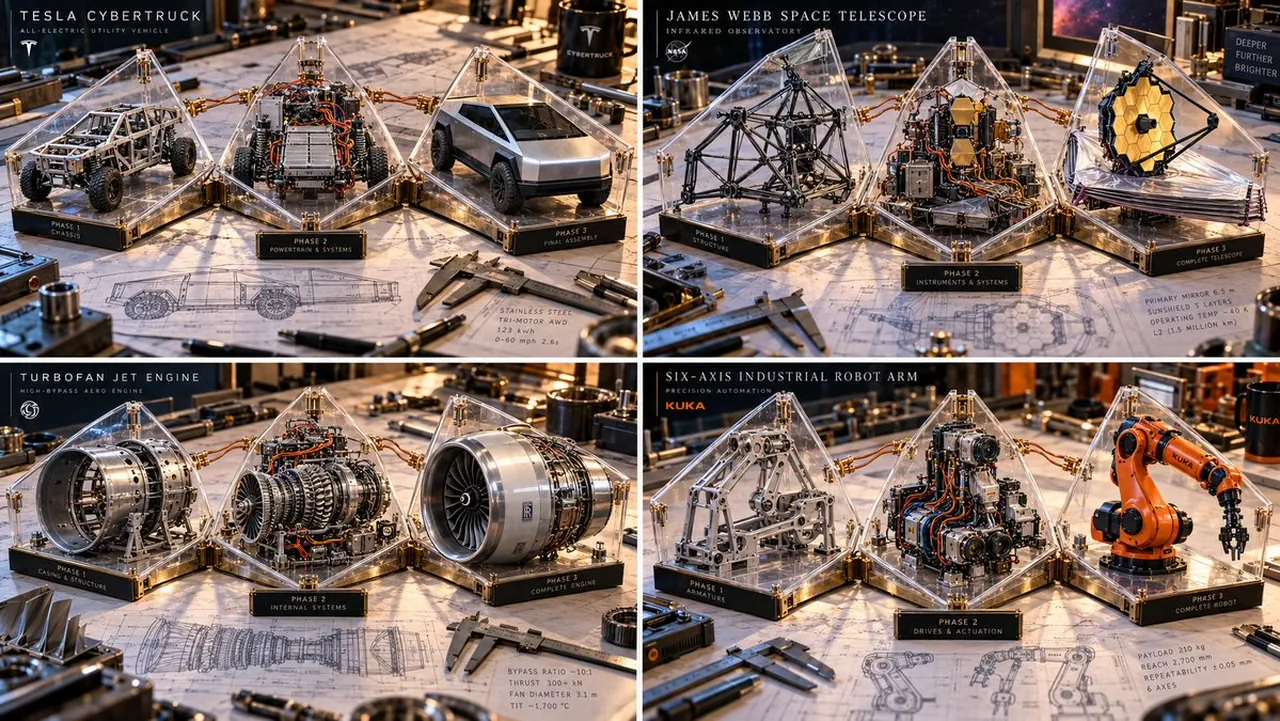
A complex machine deconstructed into 3 Assembly Phases: Phase 1: Raw chassis/frame. Phase 2: Internal gears/wires. Phase 3: Finished exterior. The Object: A series of Triangular Acrylic Wedges attached to a central hinge, opening like a blooming flower. The Layout: The wedges are partially unfolded across a drafting table surface. Internal Content: Each wedge holds a different phase of the machine. Visual Link: Real copper wires or brass chains physically cross the gaps between the acrylic wedges, connecting the assembly line. Background: A cluttered workshop desk with blueprints and calipers. Lighting: Hard side-lighting to cast shadows of the internal gears through the clear acrylic walls onto the table. Output: 16:9 Aspect Ratio, 3D Macro Render, Technical Art aesthetic.
Best for
Technical art concepts3D macro rendersProduct design visualizationDetailed mechanical studies
Tips
Specify the complex machine clearly to ensure the model accurately deconstructs the object into the required three distinct assembly phases.
Adjust the lighting intensity to enhance the shadows cast by internal gears through the clear acrylic walls onto the workspace surface.