
Prompt
Copy and customize
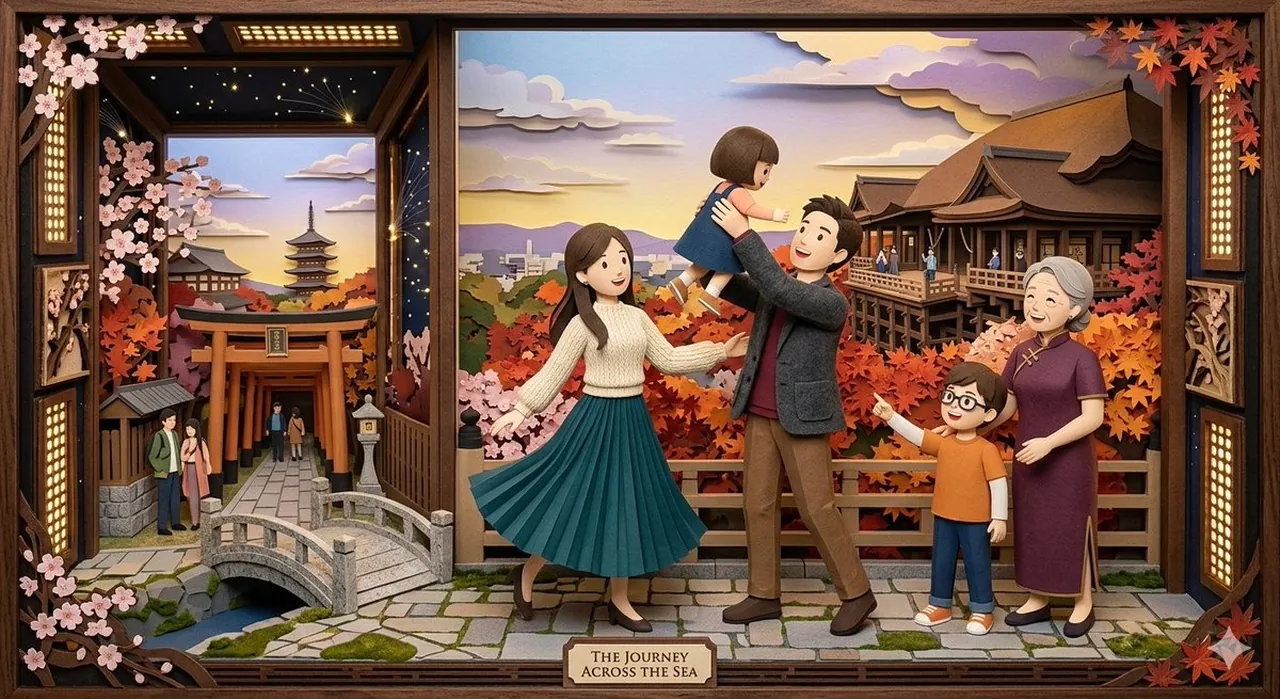
This scene is a meticulously crafted, multi-layered paper-cut diorama presented within a decorative, dark-stained wooden frame, combining the stories of a young couple, their wider family, and a rich, dual-faceted Japanese environment. The main composition is divided, seamlessly transitioning between a tranquil daytime shrine with a river and distant mountains, and an enchanting nighttime scene on the left, featuring a large torii gate, a traditional stone bridge, a multi-story pagoda, and a sky filled with twinkling stars and paper-cut clouds. Framing this composite landscape are the key elements: a full branch of delicate pink cherry blossoms in the upper-left, and a cascade of vibrant red and orange Japanese maple leaves in the upper-right, symbolizing spring and autumn. At the forefront, positioned on a detailed cobblestone path that spans the bottom, is the unified family group: the young mother in her green pleated skirt and white sweater, the father holding up their small daughter, and the young son pointing enthusiastically while standing beside the grandmother in her purple qipao. At the very bottom center, on a stylized wooden plaque, the consolidated title "A FAMILY'S JOURNEY ACROSS THE SEA" is clearly displayed in a refined serif font. The surrounding frame includes the ornate shoji screen details and hanging lanterns, unifying the traditional Japanese theme, all brought to life through the deep shadows and textured surfaces of intricate paper layers.
Best for
Tips
Keep the main subject focused so This scene is a meticulously crafted multi-layered remains recognizable after style or lighting changes.
Adjust camera angle and aspect ratio before generation when the composition needs a specific platform format.