
Prompt
Copy and customize
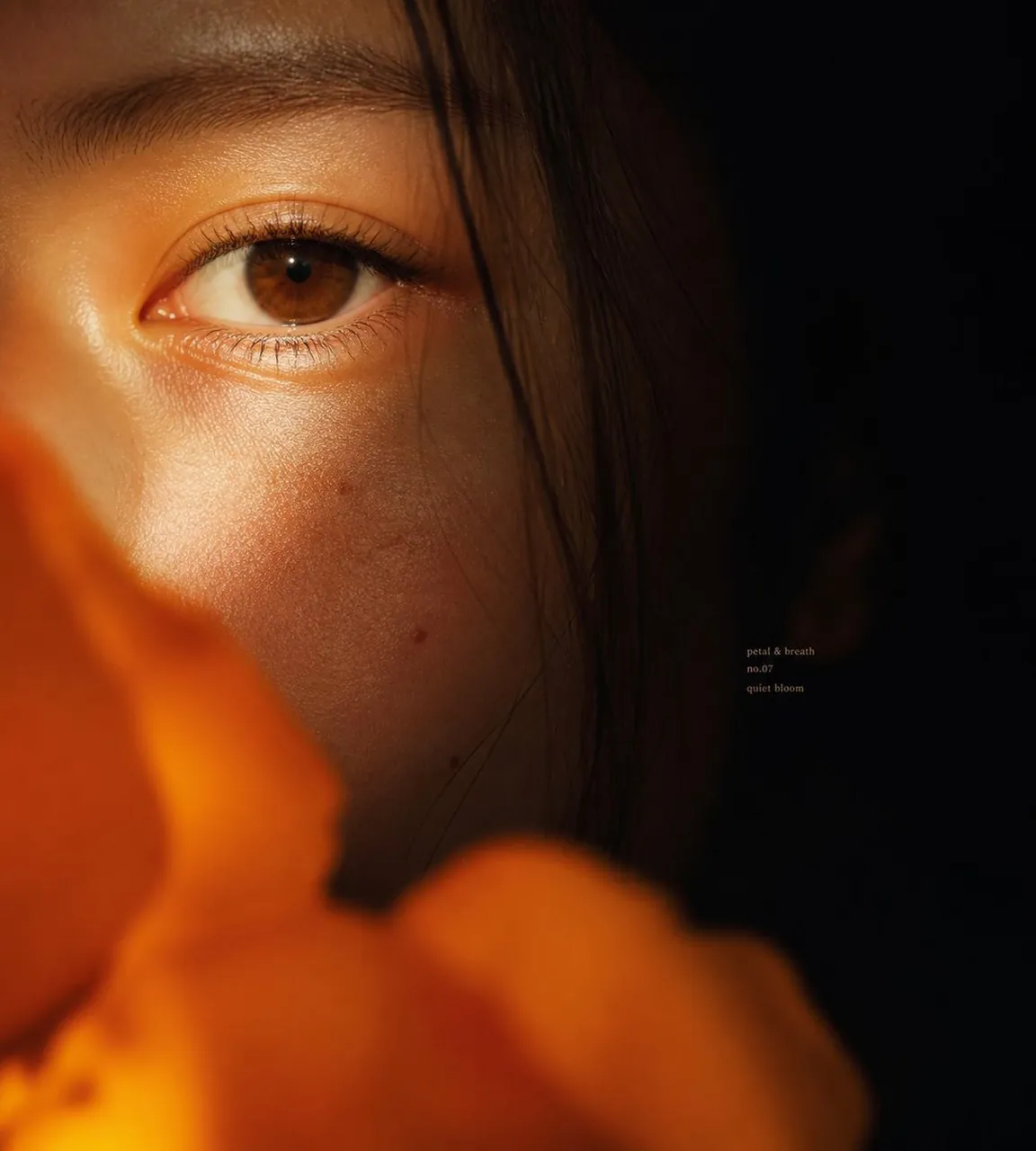
Create an intimate cinematic macro portrait of a young East Asian woman, extremely close crop showing only the left half of the face with one brown eye in sharp focus, eyebrow, luminous cheek texture, and a few fine dark hair strands falling vertically across the face. The right half of the frame fades into deep black shadow, while warm golden-orange light grazes the skin from the lower left, emphasizing pores, eyelashes, subtle moles, and quiet emotion in the dark areas. Place large out-of-focus orange flower petals across the bottom and lower left foreground, soft bokeh and partially obscuring the face, creating a private floral veil. Use shallow depth of field, realistic editorial beauty photography, high dynamic range but low-key mood, rich amber highlights, soft film grain, natural skin, no heavy makeup, contemplative gaze looking slightly toward the camera. Square 1:1 composition, eye positioned in the upper-left third, expansive negative black space on the right. Add tiny understated serif text in the mid-right shadow area reading exactly three lines: petal & breath\nno.07\nquiet bloom. Avoid extra objects, avoid bright background, avoid glamour retouching, keep the image tactile, close, emotional, and atmospheric.
Best for
Tips
Keep the main subject focused so n intimate cinematic macro portrait of a remains recognizable after style or lighting changes.
Adjust camera angle and aspect ratio before generation when the composition needs a specific platform format.