
Prompt
Copy and customize
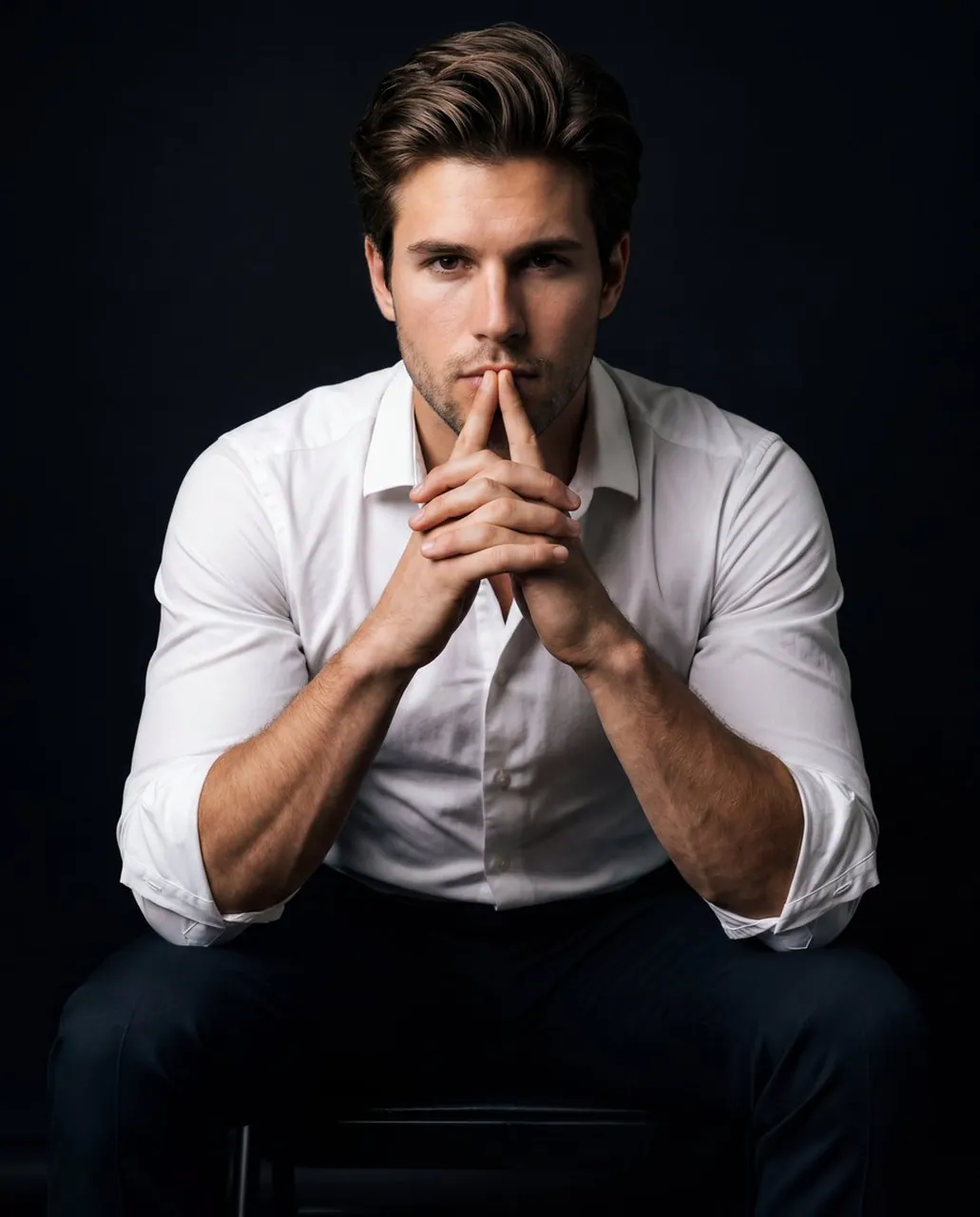
Portrait of a person sitting on a chair, leaning slightly forward with elbows resting on knees, fingers interlocked in front of the mouth in a thoughtful, intense pose. The gaze is directed straight into the camera, creating a strong, focused presence. Wearing a tight white dress shirt with sleeves rolled up to the elbows and dark fitted trousers. Forearms are clean with no tattoos or markings.
Lighting: dramatic low-key lighting with a deep black background. Key light from camera-right, slightly above eye level, creating strong contrast and sculpted shadows across the face and arms. Subtle negative fill on camera-left to deepen shadows, with minimal soft fill near camera for faint catchlights in the eyes.
Camera settings: shot on an 85mm lens, f/2.0, ISO 200, 1/125s. Focus: subject sharp with shallow depth of field, background completely black and non-distracting.
Texture fidelity: preserve natural skin texture and pores, realistic fabric tension on the shirt, subtle highlights on skin, and clean tonal transitions.
Composition: vertical portrait framing, centered subject, tight crop around torso and head, cinematic balance with strong presence.
Color & grading: deep blacks with preserved detail, neutral tones, controlled highlights, no clipping. Subtle film grain, clean editorial retouching, high contrast, powerful and introspective mood, premium studio portrait quality. Ratio 4:5
Best for
Professional studio photographyCinematic character portraitsEditorial fashion imageryHigh-contrast headshots
Tips
Ensure your reference image has clear lighting to help the model accurately replicate facial features and skin textures in the final output.
Adjust the camera lens focal length in your settings if you want to experiment with different levels of background compression and subject focus.