
Prompt
Copy and customize
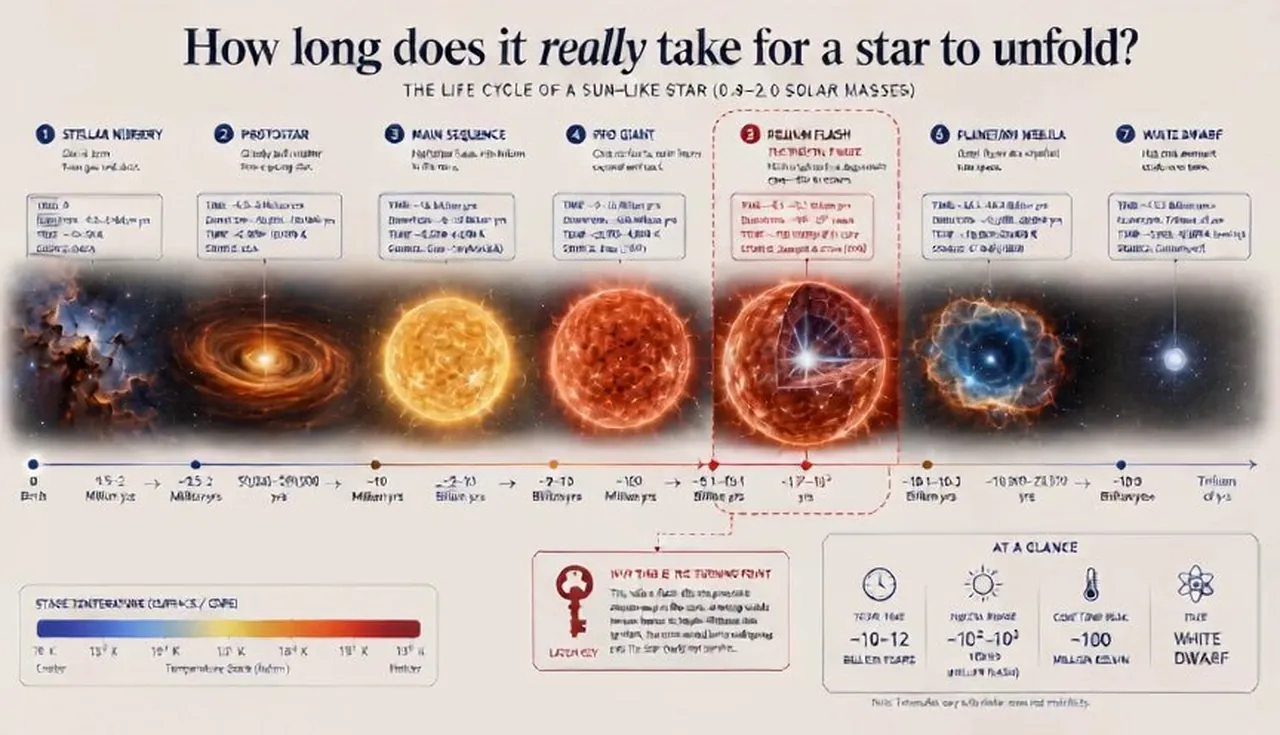
ai infers: input ::= phenomenon + time_span + data_dimension + audience decode_temporal :: - identify the complete sequence of states the phenomenon passes through. - determine the one pivotal phase that, if understood, makes the whole timeline legible. - select a natural time‑granularity (seconds, seasons, millennia) that matches human intuition. fuse_spine :: pick one temporal architecture: :: layered timeline-stack :: clock-face cycle :: spiralling chronology :: flip-book dissection the chosen spine must visually compress duration so that the eye travels through time in a single glance. weave_time :: - bind each time slice to its corresponding state in the illustration. - data callouts sit directly on the phase they describe, containing time‑stamp, measured value, and source. - use position along the spine to encode sequence, colour temperature to encode stage maturity, and stroke weight for magnitude. - annotate the pivotal phase with a “latch key” that explicates why it’s the turning point. compose_temporal :: - 16:9 wide canvas; timeline flows from left to right (or clockwise for cycles). - title: “how long does it really take for [phenomenon] to unfold?” - payoff: the pivotal phase revealed at the timeline’s inflection point, bottom‑right summary stats. - only two type sizes: phase labels and data callouts; generous white space around the pivotal phase. test_temporal :: - can a viewer recite the sequence after one pass? - does the pivotal phase feel like an “aha”? - remove any decorative phase that lacks a data point.
Best for
Tips
Keep the main subject focused so ai infers input phenomenon time span data remains recognizable after style or lighting changes.
Adjust camera angle and aspect ratio before generation when the composition needs a specific platform format.