
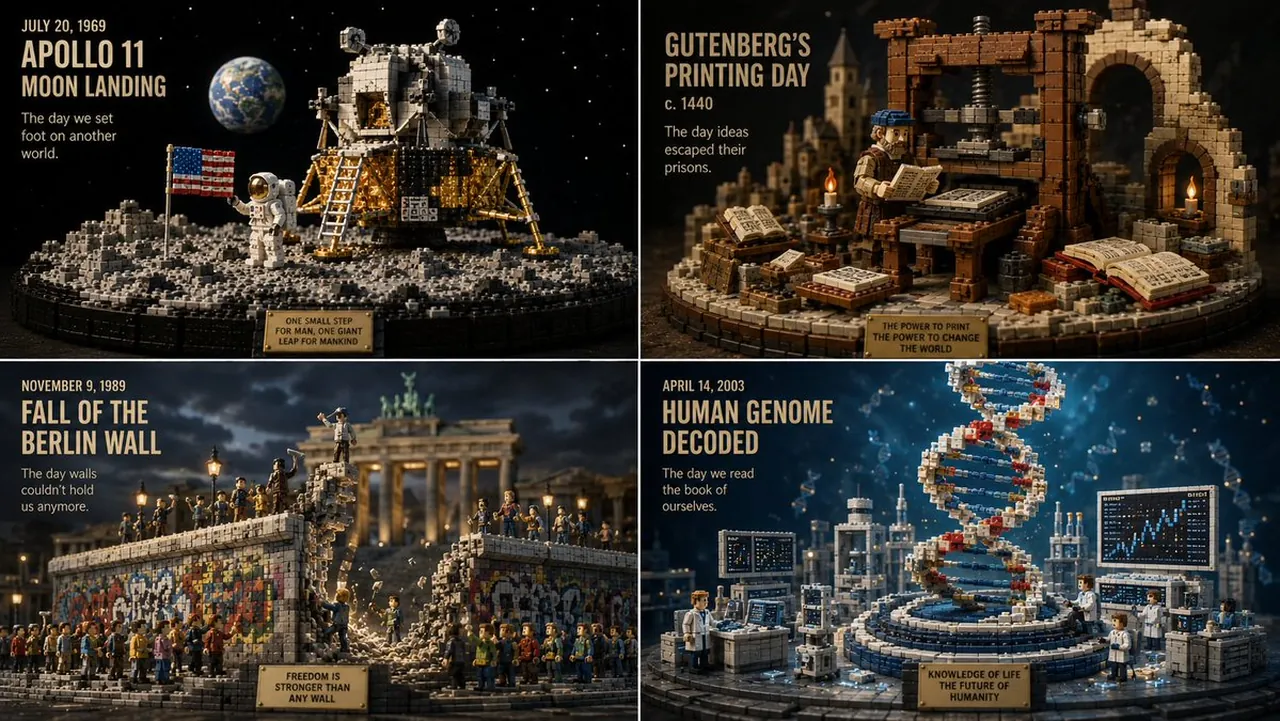
Prompt
Copy and customize
structure works pretty well for hybrids.
2x2 grid, 16:9 in this style, 4 days that made humans dream = A = { subject identity: silhouette, semantic parts, energy sources }
B = { brick library: plates, tiles, wedges, studs, translucent branches, plinth modules }
C = { diorama display: tiered platform, rock/cloud supports, atmospheric backdrop }
D = { lighting and camera: cinematic key, rim, volumetric haze, telephoto framing }
DIORAMA = (A ∩ shape_preservation) ∪ (B ∩ modular_rebuild) ∪ (C ∩ stage) ∪ (D ∩ studio)
Where:
- B is applied using a greedy packing: larger plates for macro shape, smaller tiles for fine detail; every surface is replaced by visible interlocking bricks.
- A's silhouette is preserved by clipping the brick assembly to the original contour; outer edges are stepped (edge_stepping=0.85).
- Energy from A (motion, light, power) is converted into translucent emissive pieces (B_energy), branching and glowing.
- C builds an elevated base with multiple tiers; if the subject is heroic, the base includes rock formations; if ethereal, cloud supports.
- The background is a stormy atmospheric volume, soft and distant, while the subject remains sharp and brick‑defined.
- Materials strictly follow the palette: warm ivory, soft peach, muted gold, dusty blue, translucent energy.
- No smooth surfaces remain; all forms are modular.
Output: 1 image, heroic three‑quarter view, 8K.
Best for
Tips
Keep the main subject focused so structure works pretty well for hybrids 2x2 remains recognizable after style or lighting changes.
Adjust camera angle and aspect ratio before generation when the composition needs a specific platform format.