
Prompt
Copy and customize
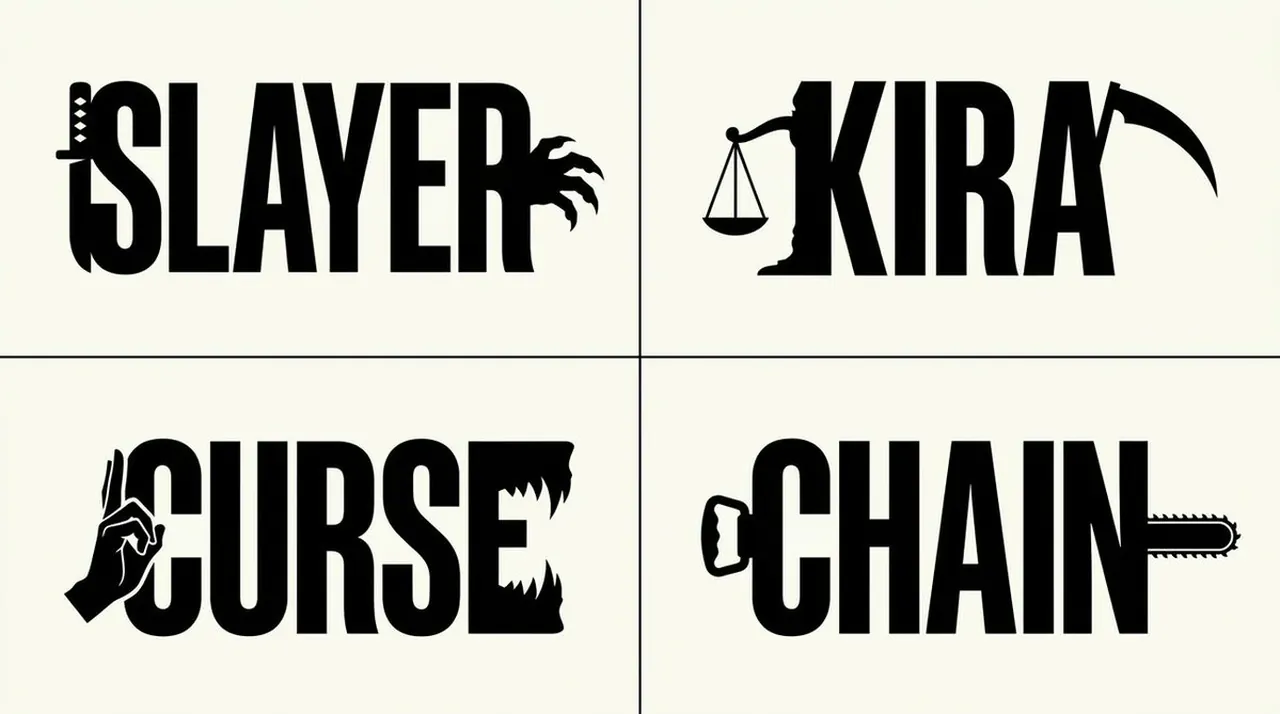
2x2 grid, 16:9, do this for 4 famous mangas about demons TOPIC=[...]
Create a minimalist black-and-white semantic wordmark for TOPIC.
Infer automatically:
DISPLAY_WORD =
derive the shortest powerful word, title, name, or concept associated with TOPIC
DUAL_FORCES =
infer two opposing, complementary, mirrored, or relational ideas within TOPIC
LEFT_SYMBOL =
infer the simplest recognizable silhouette representing DUAL_FORCES[0]
RIGHT_SYMBOL =
infer the simplest recognizable silhouette representing DUAL_FORCES[1]
TYPOGRAPHY =
custom monumental display lettering designed specifically to accommodate those silhouettes
Construct one unified black graphic where:
- DISPLAY_WORD is immediately readable
- LEFT_SYMBOL is fused into the left boundary of the first letter
- RIGHT_SYMBOL is fused into the right boundary of the final letter
- symbols face inward, outward, oppose, reflect, confront, or complement each other depending on TOPIC
- black letterforms and symbolic silhouettes share continuous edges
- white negative space separates and reveals forms
- typography is sculpted around symbolic contours rather than having symbols pasted beside it
STYLE:
pure black ink
warm white or clean white background
flat vector graphic
no gradients
no shadows
no texture
no extra illustration
strong horizontal composition
editorial-logo precision
FAR VIEW = readable word
MID VIEW = unusual custom typography
NEAR VIEW = hidden semantic silhouettes
Do not hard-code faces, profiles, the word TRUTH, symmetry type, serif style, or subject matter.
Infer everything from TOPIC.
Best for
Tips
Keep the main subject focused so 2x2 grid 16 9 do this for remains recognizable after style or lighting changes.
Adjust camera angle and aspect ratio before generation when the composition needs a specific platform format.