
Prompt
Copy and customize
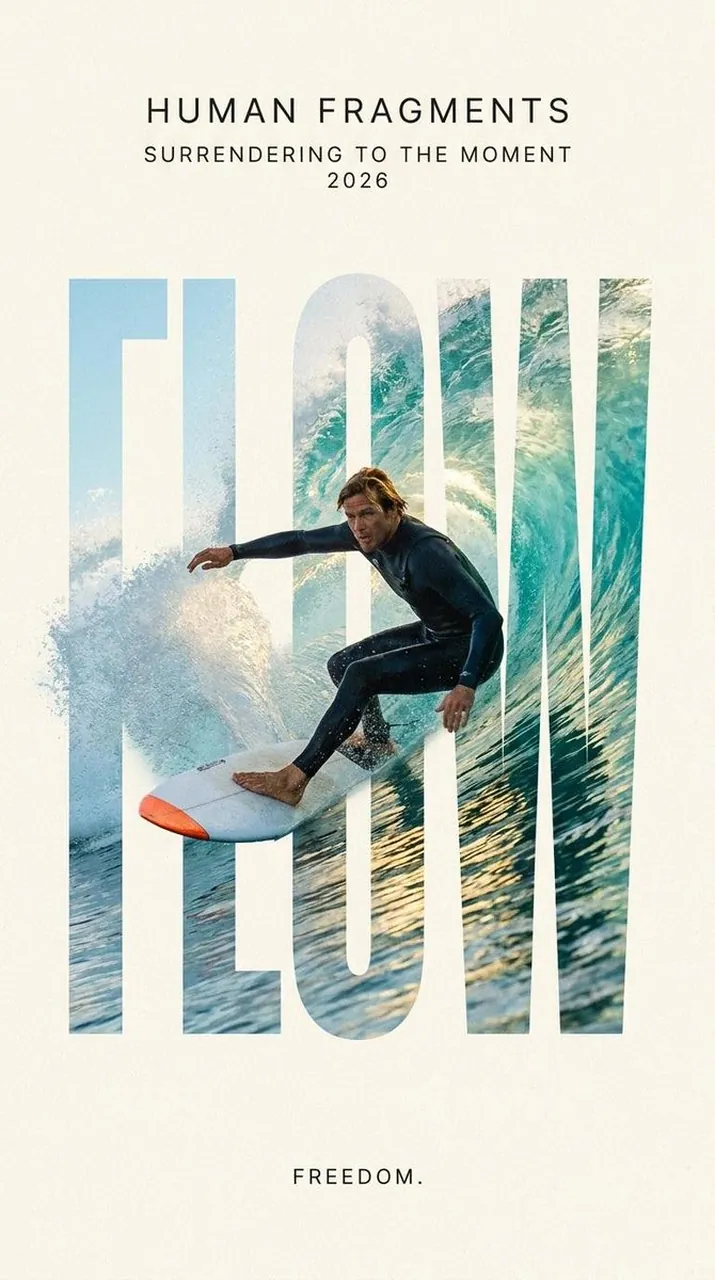
Create a 9:16 editorial poster in the HUMAN FRAGMENTS visual system.
Theme: [Theme]
Subject: [Subject Description]
Action: [Action Description]
Scene: [Scene Description]
Title: [Title]
Supporting line: [Supporting Line]
Year: 2026
Use oversized cropped typography as the main structural framework. The letters should act as windows that reveal the surrounding environment, while the main person remains visually complete in front of the type.
Best for
Editorial poster designSocial media graphicsFashion photography layoutsVisual concept artCreative typography projects
Tips
Ensure the main subject remains clearly visible and well-lit to maintain focus against the complex, window-like typography elements.
Experiment with different font weights and letter spacing to control how much of the background environment is revealed through the text.