
Prompt
Copy and customize
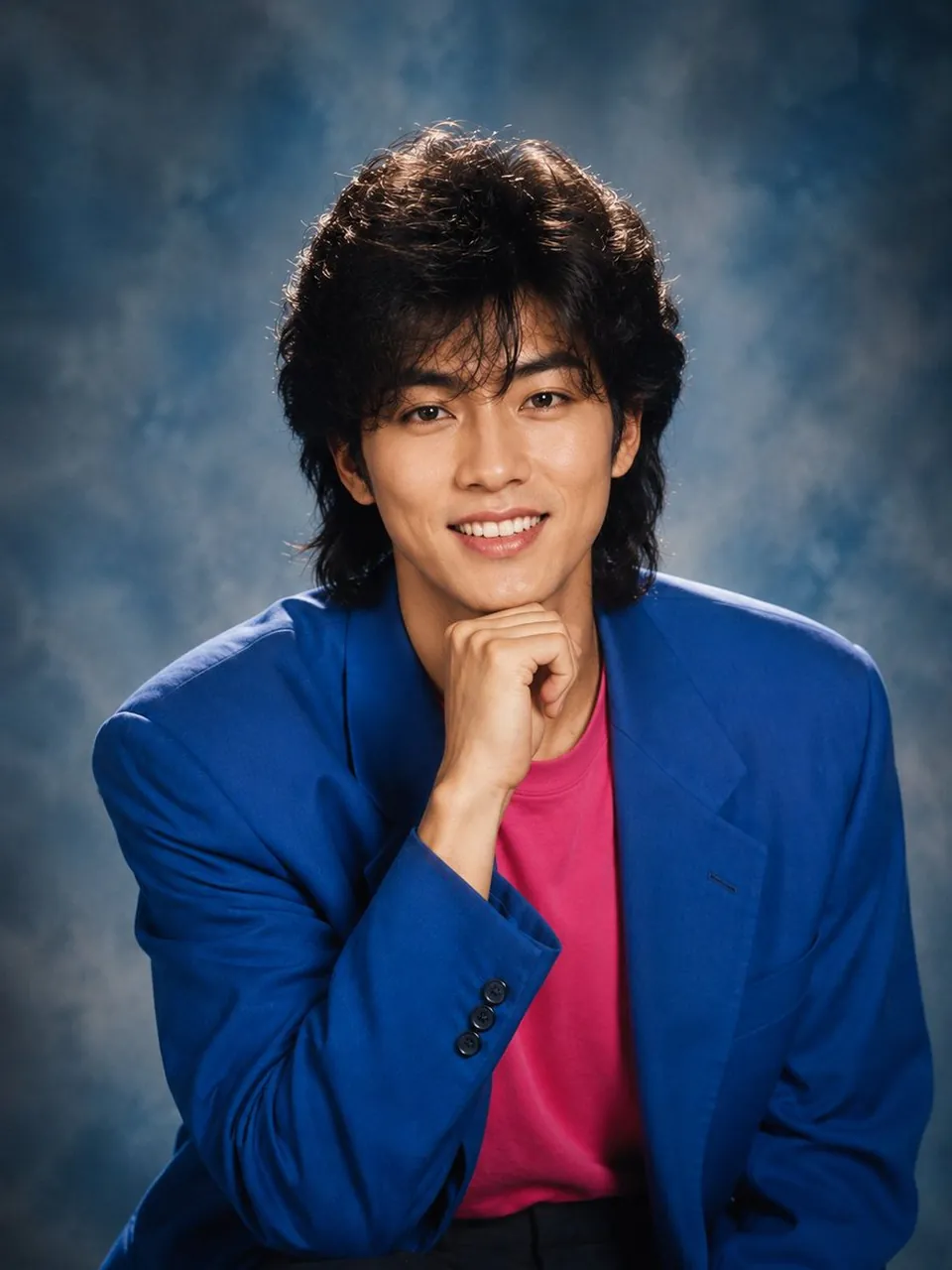
A nostalgic 1980s–1990s inspired studio portrait of a young East Asian man with thick, voluminous wavy black hair in a retro mullet style, clear fair skin, soft natural makeup, defined eyebrows, warm brown eyes, and a gentle confident smile showing teeth. He is posing with his chin resting on his right hand while looking directly into the camera, creating a friendly and charismatic expression.
He is wearing an oversized royal blue blazer over a vibrant hot pink crew-neck T-shirt, giving a bold vintage fashion aesthetic. The portrait is framed from the waist up with a relaxed seated pose.
Background: A classic mottled blue-gray studio backdrop with soft gradients, creating a timeless professional portrait atmosphere.
Lighting: Soft diffused studio lighting with subtle hair light and gentle rim lighting, balanced highlights, smooth skin tones, and natural shadows.
Composition: Centered subject, eye-level camera angle, shallow depth of field, symmetrical framing, 85mm portrait lens, crisp facial details, ultra-sharp focus on the eyes.
Style: Retro Korean/Japanese 1990s celebrity yearbook portrait, photorealistic, cinematic color grading, ultra-detailed, natural skin texture, premium magazine-quality photography, 8K HDR, DSLR quality, realistic proportions, clean composition, vibrant yet balanced colors, vertical 3:4 aspect ratio.
Best for
Tips
Keep the main subject focused so A nostalgic 1980s 1990s inspired studio portrait remains recognizable after style or lighting changes.
Adjust camera angle and aspect ratio before generation when the composition needs a specific platform format.