
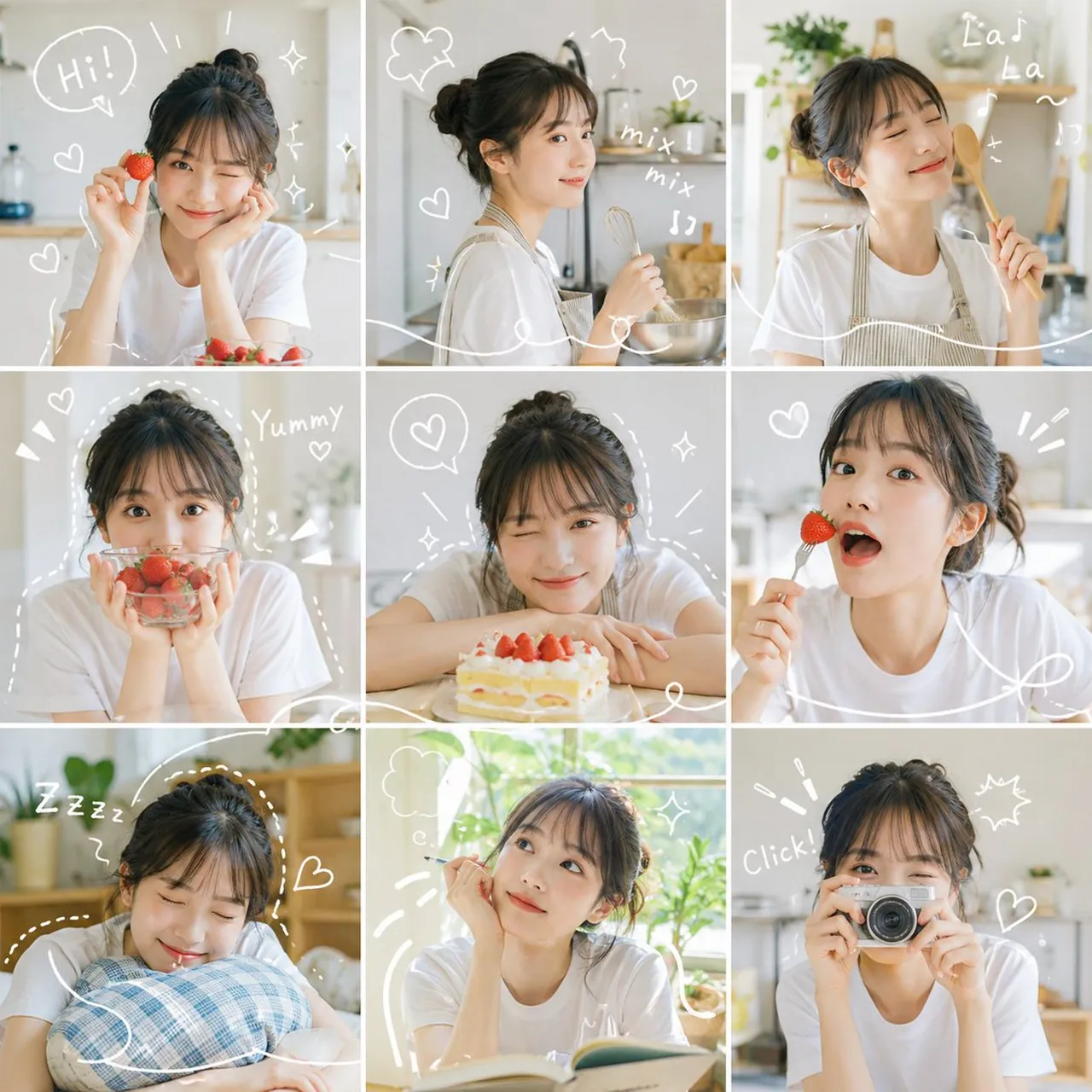
Grid Photo Collage with Hand-Drawn Elements

A polished image of Grid Photo Collage with Hand-Drawn Elements uses clear subject styling, lighting, composition, and atmospheric detail for a finished.

Grid Photo Collage with Hand-Drawn Elements

Prompt

Copy and customize

九宫格照片拼贴,同一个人在不同时刻、不同角度、不同距离的样子。每张都像真实拍摄,自然光线、干净背景、明亮清爽的感觉。

白色手绘线条贯穿整个画面,围绕人物、描绘动作、画小爱心✨、闪闪、波浪和运动线。

整体色调明亮饱和,柔和的自然色彩配合小点缀,没有沉闷阴影。最后看起来就像个生动的日记页面,九个时刻各自清晰,但视觉上连成一个有节奏感的故事。

Best for

Social Media PostVisual conceptStyle studyComposition testPrompt remix

Tips

Keep the main subject focused so Grid Photo Collage with Hand-Drawn Elements remains recognizable after style or lighting changes.

Adjust camera angle and aspect ratio before generation when the composition needs a specific platform format.

How to use this GPT Image 2 prompt

1

Copy the ready-to-use GPT Image 2 prompt from this page.

2

Paste it into GoEnhance AI or another generator that supports GPT Image 2.

3

Click generate and get your image quickly. You can edit the prompt first if needed.

Copy the prompt, try it with GoEnhance AI or another tool that supports GPT Image 2, and generate your image in just a few simple steps.

Overview

Everything you need to master AI prompts

From quick copy-paste prompts to advanced techniques, build stunning visuals faster.

20000+ prompts
All major models
Updated Daily