
Prompt
Copy and customize
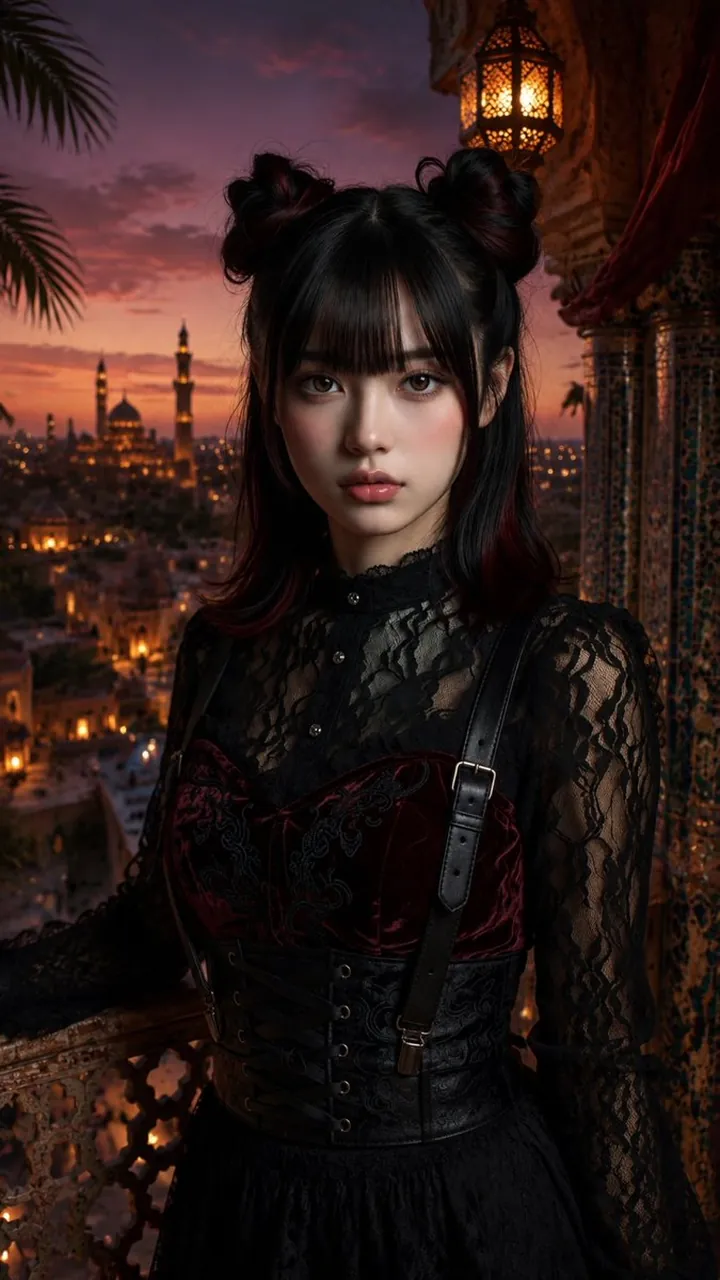
Create a vertical ultra-realistic cinematic portrait of a young East Asian gothic girl standing on an ornate balcony at sunset, facing the camera with a calm, slightly mysterious expression. She has porcelain skin, large glossy brown eyes, soft pink blush, full lips, straight black bangs, and shoulder-length black hair with subtle burgundy-red undertones styled into exactly two messy space buns with loose strands framing her face. Dress her in an elaborate dark gothic outfit: a high-neck sheer black lace blouse with long lace sleeves and small front buttons, a deep burgundy velvet corset bodice with black embroidered floral patterns, a wide black waist corset with front lacing and metal eyelets, one visible black leather shoulder strap with a buckle, and a black gathered skirt. Set the scene in a romantic Middle Eastern / Moorish rooftop setting overlooking an ancient city at dusk: exactly one glowing ornate hanging lantern above and to the right, a carved stone balcony railing in the foreground, blue-and-gold mosaic tilework and red drapery on the right, palm fronds silhouetted on the left, and a distant skyline with exactly two prominent mosque minarets and one large dome surrounded by warm city lights. Use dramatic twilight colors, orange-pink clouds fading into purple sky, warm lantern glow on her hair and face, shallow depth of field, high detail in lace and velvet textures, realistic skin, 85mm portrait lens look, cinematic lighting, dark fantasy fashion editorial mood. No text, no watermark, no extra people.
Best for
Tips
Keep the main subject focused so vertical ultra-realistic cinematic portrait of a young remains recognizable after style or lighting changes.
Adjust camera angle and aspect ratio before generation when the composition needs a specific platform format.