
Prompt
Copy and customize
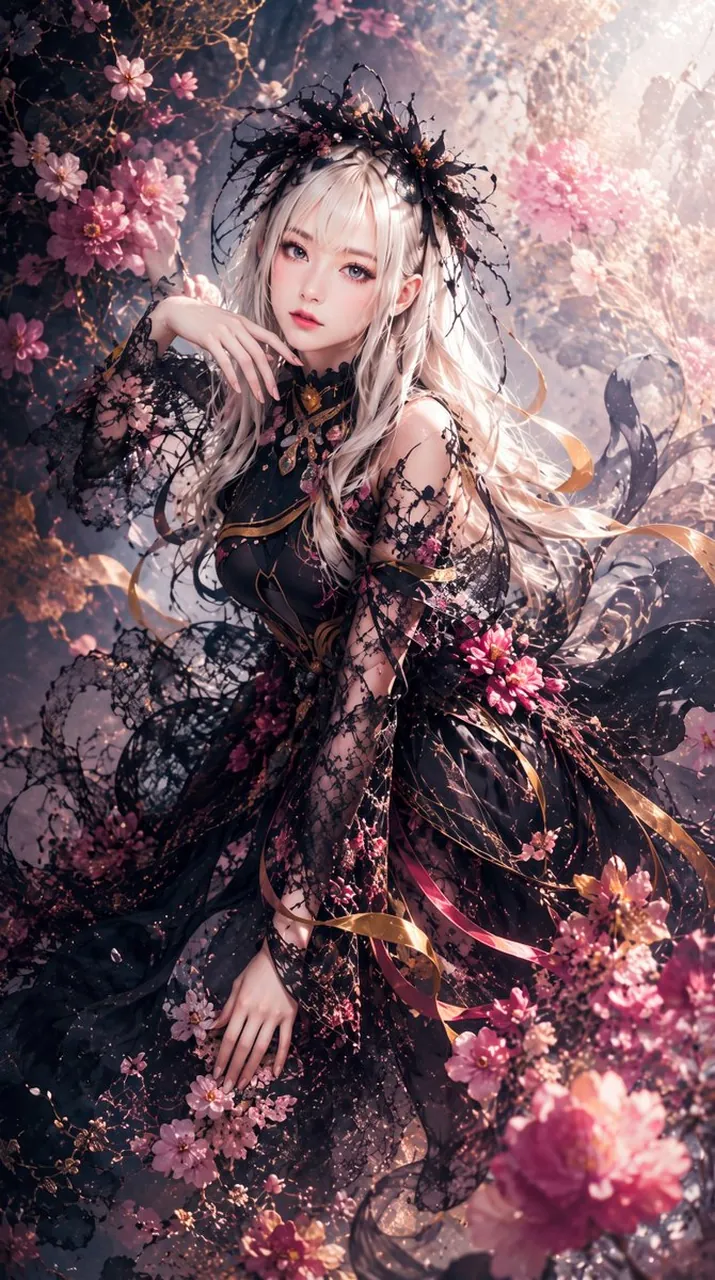
Create a vertical 2:3 ultra-detailed fantasy anime portrait of an ethereal young woman in a blooming enchanted garden. She has long platinum-blonde hair with soft bangs, pale luminous skin, large delicate blue eyes, and a calm slightly melancholic expression, posed three-quarter view while sitting among flowers with one hand raised near her cheek and the other resting low in the foreground. Dress her in an ornate black gothic couture gown made of transparent lace, embroidered floral mesh, flowing tulle, and intricate vine-like patterns, with gold filigree accents, ribbon streamers, and pink blossoms attached to the sleeves and skirt. Add a dramatic black lace and twig floral crown or headpiece with tiny beads and petals. Surround her with abundant pink cherry blossoms, peonies, and delicate branches; include exactly three prominent flower clusters: one large cluster in the lower right foreground, one cluster framing the upper left background, and one cluster around her right sleeve and skirt. Use cinematic backlighting from the upper right, glowing haze, floating petals, sparkling dust, shallow depth of field, soft bokeh, high contrast between dark lace and pastel flowers, romantic fairy-tale atmosphere, extremely fine fabric detail, elegant composition, no text, no watermark.
Best for
Tips
Keep the main subject focused so vertical 2 3 ultra-detailed fantasy anime portrait remains recognizable after style or lighting changes.
Adjust camera angle and aspect ratio before generation when the composition needs a specific platform format.