
Prompt
Copy and customize
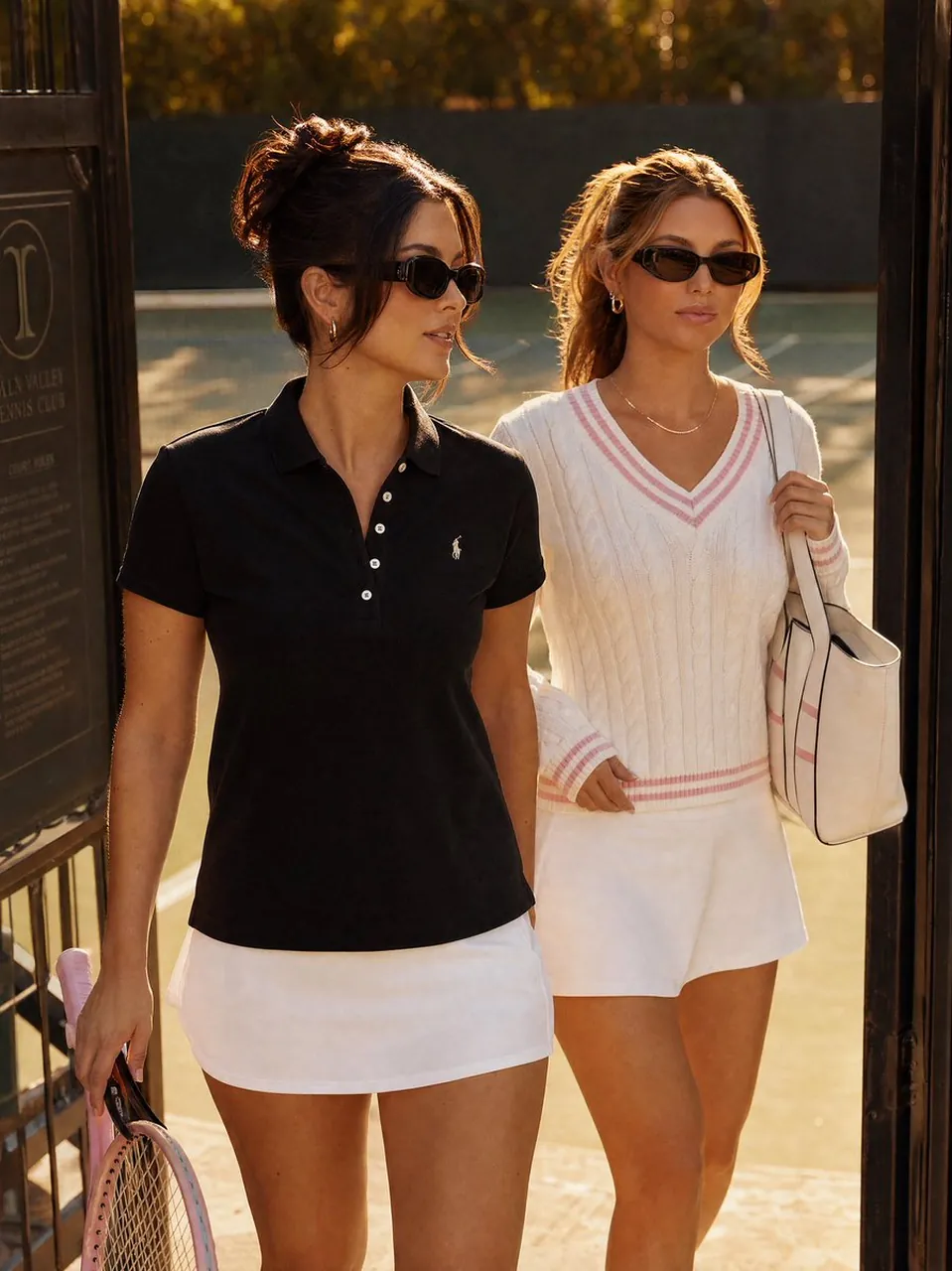
Create a realistic editorial fashion photograph of two stylish young women entering or leaving a tennis club through a dark metal gate at golden hour. The foreground woman has dark brunette hair in a loose messy bun with face-framing strands, slim black oval sunglasses, small hoop earrings, a fitted black short-sleeve polo shirt with a tiny white chest logo, a white tennis mini skirt, and holds a pink tennis racket down at her side. The second woman walks just behind her, with blonde hair in a relaxed ponytail, black cat-eye sunglasses, small gold hoop earrings, a delicate necklace, a cream cable-knit tennis sweater with pink striped V-neck cuffs and hem, a white tennis skirt, and a large cream tote bag over one shoulder. Show exactly two women, both mid-stride, confident and relaxed, with warm sun rim-lighting their hair and shoulders. The setting is an upscale tennis club entrance with a partially visible dark signboard on the left, black gate posts framing the image, blurred green tennis court and trees in the background, and a luxurious late-afternoon atmosphere. Use a vertical 3:4 composition, waist-to-thigh fashion framing, shallow depth of field, natural skin texture, warm cinematic color grading, high-end lifestyle magazine photography, no readable text emphasis, no extra people, no watermark.
Best for
Tips
Keep the main subject focused so realistic editorial fashion photograph of two stylish remains recognizable after style or lighting changes.
Adjust camera angle and aspect ratio before generation when the composition needs a specific platform format.