
Prompt
Copy and customize
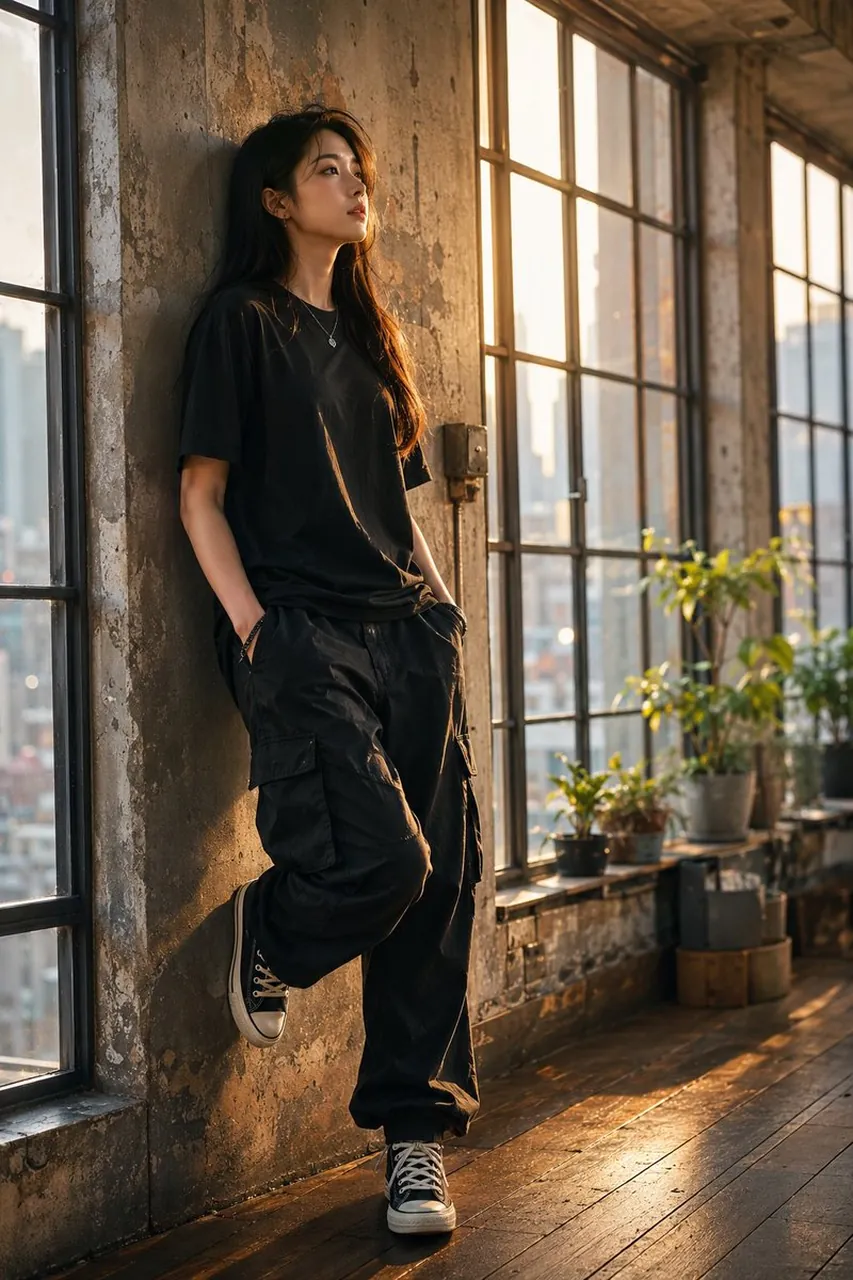
Create a vertical full-body cinematic fashion portrait of a young East Asian woman in her early 20s with long black hair leaning casually against a weathered concrete wall inside an old industrial loft. She wears an oversized black T-shirt, loose black cargo pants, and black high-top canvas sneakers with white laces and soles, with a small silver pendant necklace and hands tucked into her pockets. Her pose is relaxed and introspective: one shoulder against the wall, one knee bent with the foot resting against the wall, gaze looking out toward the glowing windows rather than at the camera. The room has tall black metal-framed factory windows on both sides, distressed peeling plaster, exposed aged concrete, dark wooden floorboards, and a few potted green plants on the windowsill and near the far wall. Outside the windows, show a softly blurred urban skyline. Use warm golden-hour sunlight streaming through the windows, creating long shadows, rim light on her hair and face, glowing highlights on the floor, and a nostalgic moody atmosphere. Style should be photorealistic, editorial streetwear photography, shallow depth of field, natural skin texture, detailed fabric folds, cinematic color grading with warm amber highlights and muted shadows, 35mm lens look, vertical 2:3 composition, no text, no watermark.
Best for
Tips
Keep the main subject focused so vertical full-body cinematic fashion portrait of a remains recognizable after style or lighting changes.
Adjust camera angle and aspect ratio before generation when the composition needs a specific platform format.