
Prompt
Copy and customize
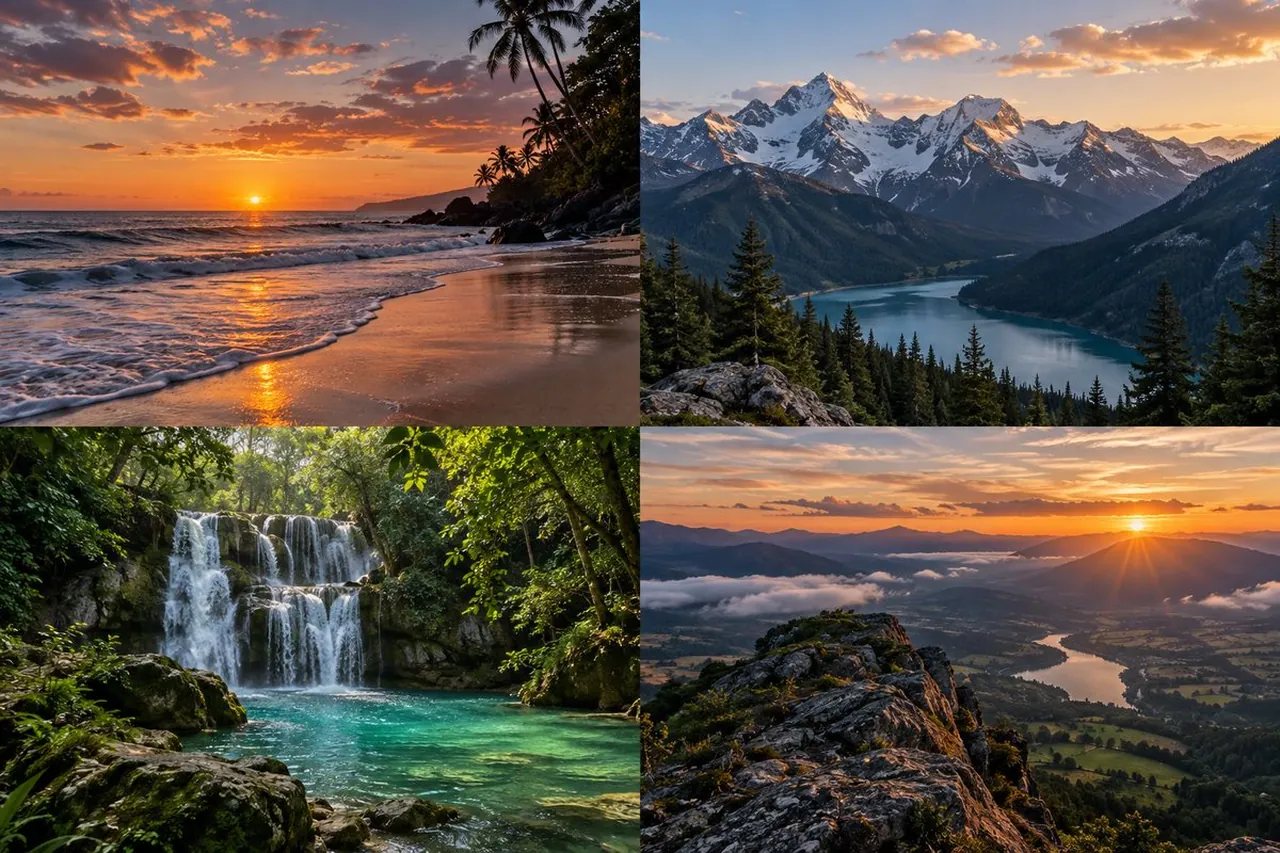
Create a photorealistic 2x2 collage of exactly 4 random breathtaking nature photographs, separated by thin clean borders, in a wide 3:2 canvas. Top-left image: a tropical beach at sunset with orange and pink clouds, the sun low on the ocean horizon, waves washing onto wet reflective sand, dark shoreline rocks, and silhouetted palm trees leaning in from the right. Top-right image: a dramatic alpine mountain landscape at golden hour with snow-capped peaks, pine forest foreground, a turquoise-blue lake in the valley, warm clouds in the sky, and crisp atmospheric depth. Bottom-left image: a lush jungle waterfall scene with exactly one multi-tier waterfall spilling over mossy rocks into a clear emerald-turquoise pool, dense green rainforest foliage, sunbeams filtering through the canopy, and wet foreground stones. Bottom-right image: a high mountain ridge viewpoint at sunrise or sunset overlooking a broad valley with winding river or lake, rolling hills, low clouds and mist, rocky foreground, and sun rays bursting over distant mountains. Use rich natural color grading, high dynamic range, sharp detail, realistic lighting, cinematic composition, no people, no buildings, no animals, no text, no watermark.
Best for
Tips
Keep the main subject focused so photorealistic 2x2 collage of exactly 4 random remains recognizable after style or lighting changes.
Adjust camera angle and aspect ratio before generation when the composition needs a specific platform format.