
Prompt
Copy and customize
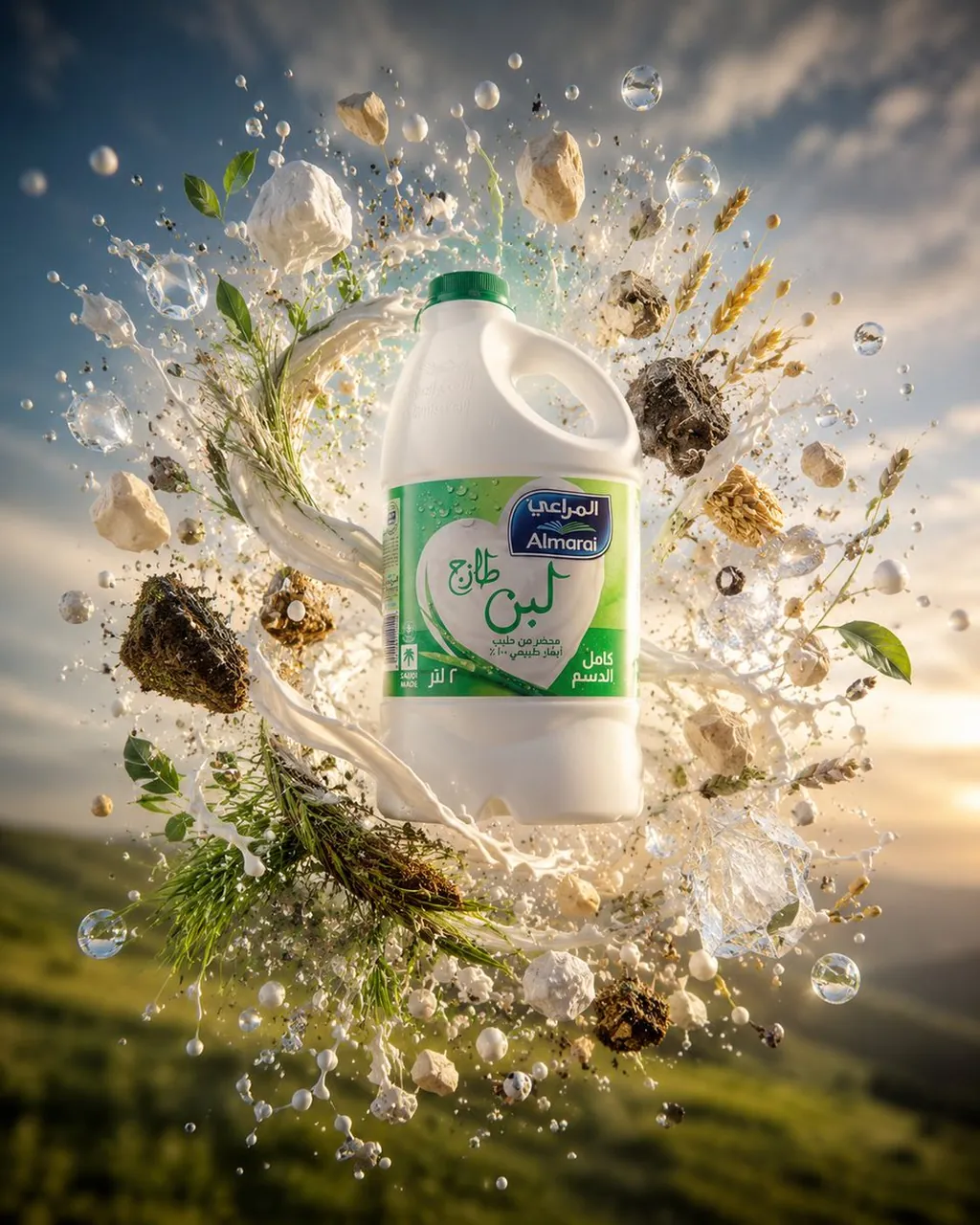
Create a cinematic premium dairy advertising image centered on a single floating Almarai full cream fresh milk 2-liter plastic jug. The product is a white plastic milk gallon with a green screw cap, handle on the upper right, and a green Arabic Almarai-style label showing the Almarai logo, large Arabic lettering for fresh milk, “full cream,” and “2 L” details. Place the jug upright in the exact center, sharply focused and realistically lit. Surround it with an explosive circular halo of natural dairy-and-farm elements: exactly 1 thick swirling ribbon of white milk wrapping behind and around the jug, many suspended milk droplets and splashes, clear water-like bubbles, green leaves, grass blades, wheat stalks, white mineral or salt-like chunks, dark soil clumps, small seeds and grains, and herb sprigs, all frozen midair as if bursting from a farm landscape. Use a low-angle outdoor background of rolling green hills with a warm sunrise or sunset sky, soft clouds, and golden atmospheric light. Style: ultra-realistic commercial product photography, high-speed splash capture, dramatic backlighting, shallow depth of field, crisp product label, glossy highlights on droplets, natural freshness, premium Middle Eastern grocery advertisement aesthetic. Color palette: creamy white, fresh green, gold, earthy brown, sky blue. Constraints: no people, no hands, no extra products, no watermark, keep the brand label readable, preserve the floating centered composition and dynamic circular explosion.
Best for
Tips
Keep the main subject focused so cinematic premium dairy advertising image centered on remains recognizable after style or lighting changes.
Adjust camera angle and aspect ratio before generation when the composition needs a specific platform format.