
Prompt
Copy and customize
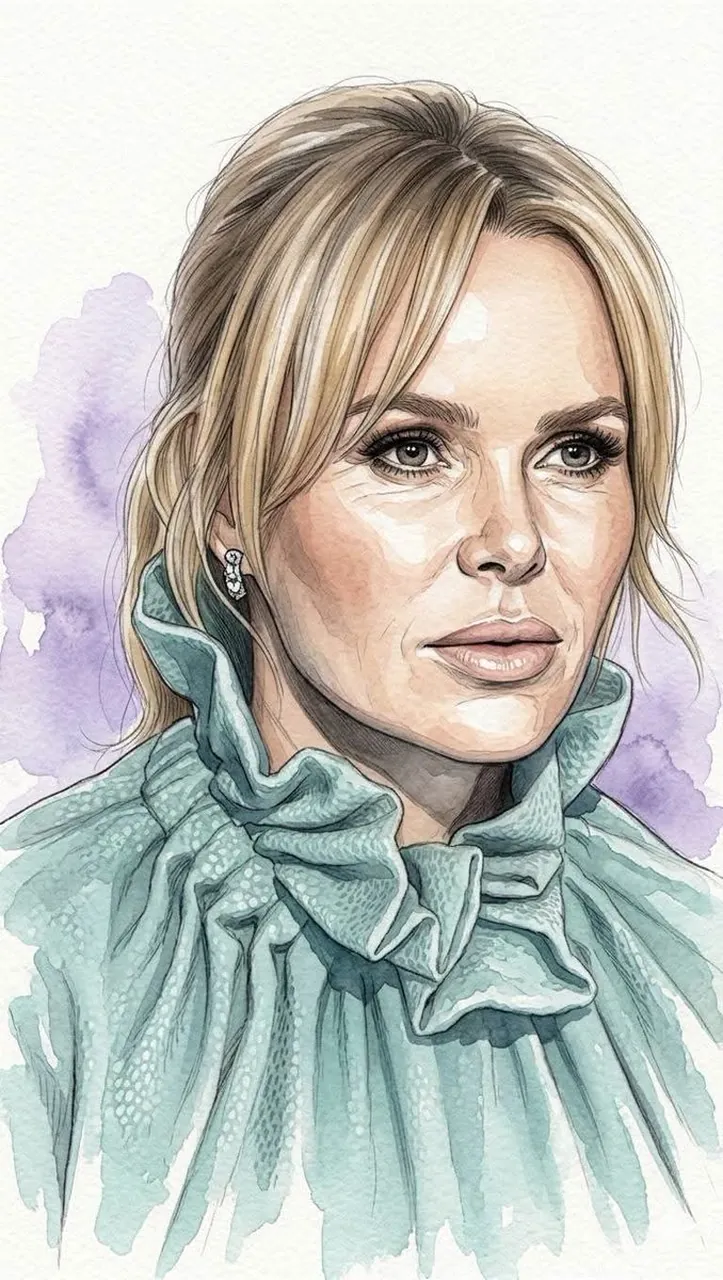
Ultra-detailed watercolor portrait illustration, refined editorial watercolor realism, delicate hand-painted rendering with visible transparent pigment layering, soft organic brush transitions, subtle granulation textures, and premium cold-pressed watercolor paper aesthetics. Highly detailed facial features with natural age lines, realistic skin texture, expressive eyes, and carefully observed anatomy. Fine ink-assisted contour definition blended seamlessly with watercolor washes. Muted elegant color palette featuring warm skin tones, cool gray shadows, soft lavender background accents, and restrained natural saturation. Crisp facial detailing contrasted against loose painterly edges and atmospheric watercolor blooms. Sophisticated portrait composition with clean negative space, museum-quality illustration craftsmanship, gentle tonal gradients, realistic textile rendering, and subtle handcrafted imperfections. Minimalist fine-art portrait style, combining contemporary watercolor illustration, traditional botanical painting precision, and high-end magazine portrait aesthetics. Soft ambient lighting, graceful brushwork, understated elegance, timeless artistic character, and premium gallery-worthy watercolor finish.
Best for
Tips
Keep the main subject focused so Ultra-detailed watercolor portrait illustration refined editorial watercolor remains recognizable after style or lighting changes.
Adjust camera angle and aspect ratio before generation when the composition needs a specific platform format.