
Prompt
Copy and customize
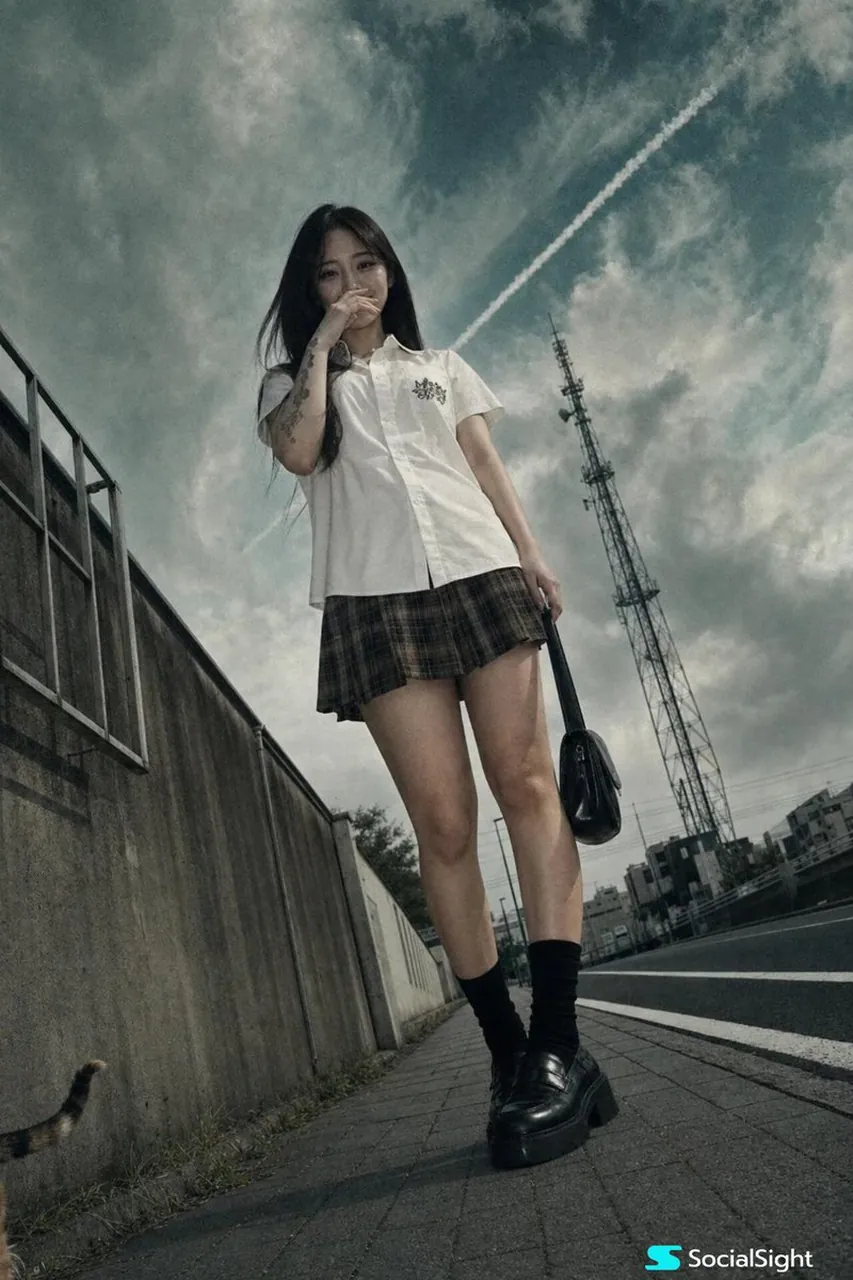
A cinematic, low-angle urban portrait taken with a cheap 2004 pocket digital camera, forced flash off. A young Japanese woman stands on a paved sidewalk next to a road. She has long, straight dark hair and a slightly amused, playful expression, with one hand raised near her mouth, fingers lightly touching her lips as if hiding a smile. The other hand holds the handle of a small black bag. She wears a crisp white short-sleeved button-up shirt with a small black graphic on the chest, a brown and black plaid mini skirt, black crew socks, and black chunky loafers. Tattoos are visible on her right arm. The camera angle is very low, looking up at her from the ground, making her figure appear tall and commanding. Behind her is a low concrete wall with a metal frame window structure, a long black asphalt road with white lane markings, and a tall metal communication tower in the background. The sky is dramatic and moody, filled with textured, swirling clouds in shades of deep teal, steel grey, and faded blue. A bright, distinct white contrail cuts diagonally across the sky. The color palette is desaturated and cinematic, dominated by cool teal, muted grey, stark white, and deep black. Soft, diffused overcast lighting. Realistic skin texture, visible pores, a faint natural shine on her forehead, no beauty filter. Heavy grain, slight chromatic aberration, sickly greenish-yellow tint. A stray cat tail peeks from behind the concrete wall at the bottom left corner.
dutch angle, stray cat tail --ar 9:16
Best for
Tips
Add 'dutch angle' to the prompt for a tilted camera effect that adds dynamic tension.
Keep the cheap digital camera descriptors like heavy grain and greenish tint to maintain the early 2000s snapshot feel.