
Prompt
Copy and customize
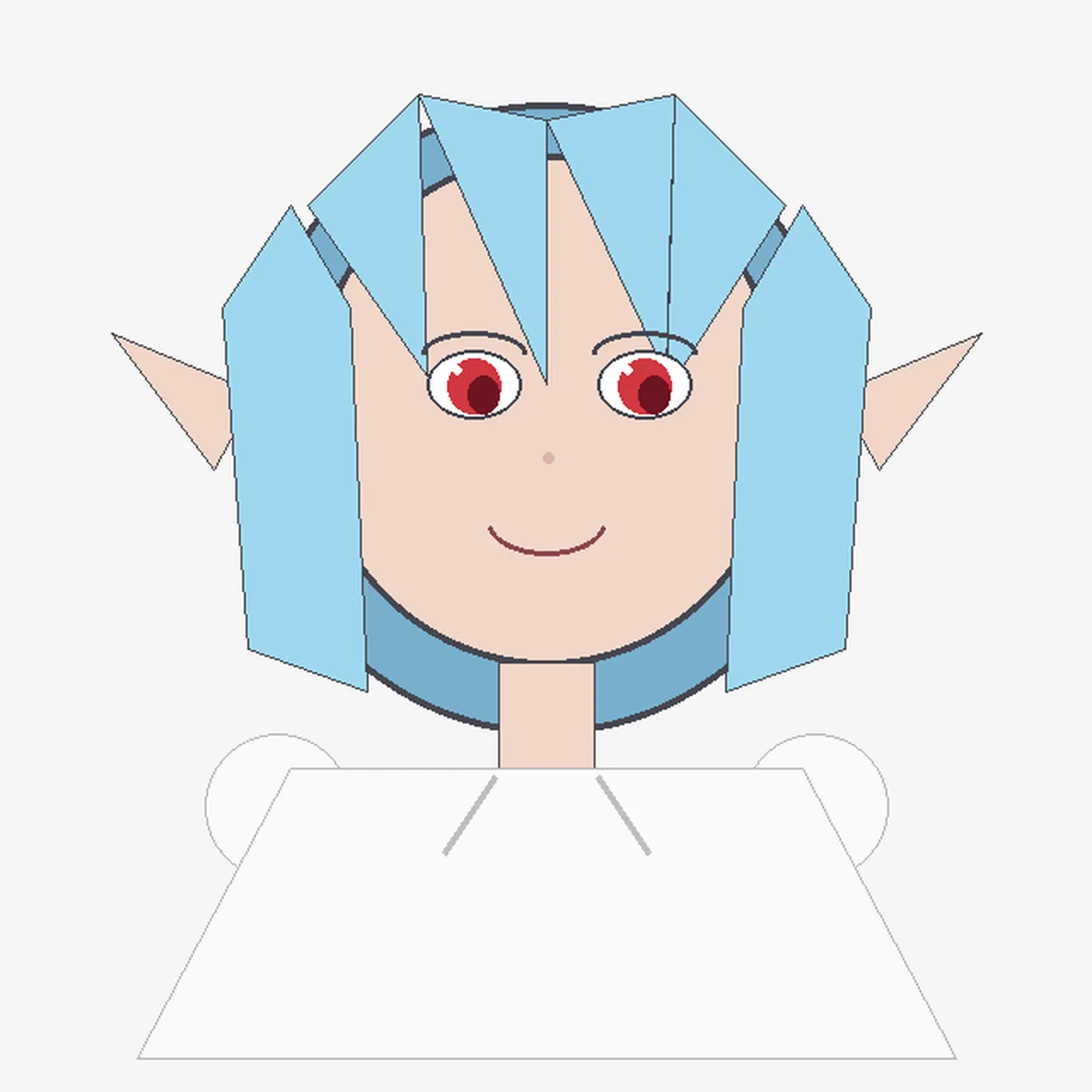
Create a simple flat 2D digital drawing that looks like it was drawn programmatically with basic polygon and line shapes on a plain light gray background. Center a front-facing anime-style girl bust with a large round peach face, pointed elf ears extending left and right, and a small smiling mouth. She has light sky blue hair made of angular geometric panels: two long rectangular side locks hanging down on both sides, a central split fringe with sharp triangular bangs, and a dark blue curved back-hair shape behind the head. Her eyes are large but simply drawn, with black outlines, white sclera, red irises, dark pupils, and thin gray eyebrows; add a tiny pale pink dot nose. The character wears a plain oversized white trapezoid shirt with very thin gray outlines, a short peach neck, and two faint diagonal gray collar lines; include two simple circular white shoulder or sleeve shapes partially visible behind the shirt. Use minimal shading, thin black/gray outlines, visible polygon edges, and an intentionally crude handmade/Pillow-like aesthetic. Keep the composition symmetrical, with the head occupying the upper center and the shirt filling the lower half. The character should resemble a cute elf-eared anime girl named a blue-haired elf girl, with no text, no watermark, and no detailed background.
Best for
Tips
Keep the main subject focused so simple flat 2D digital drawing that looks remains recognizable after style or lighting changes.
Adjust camera angle and aspect ratio before generation when the composition needs a specific platform format.