
Prompt
Copy and customize
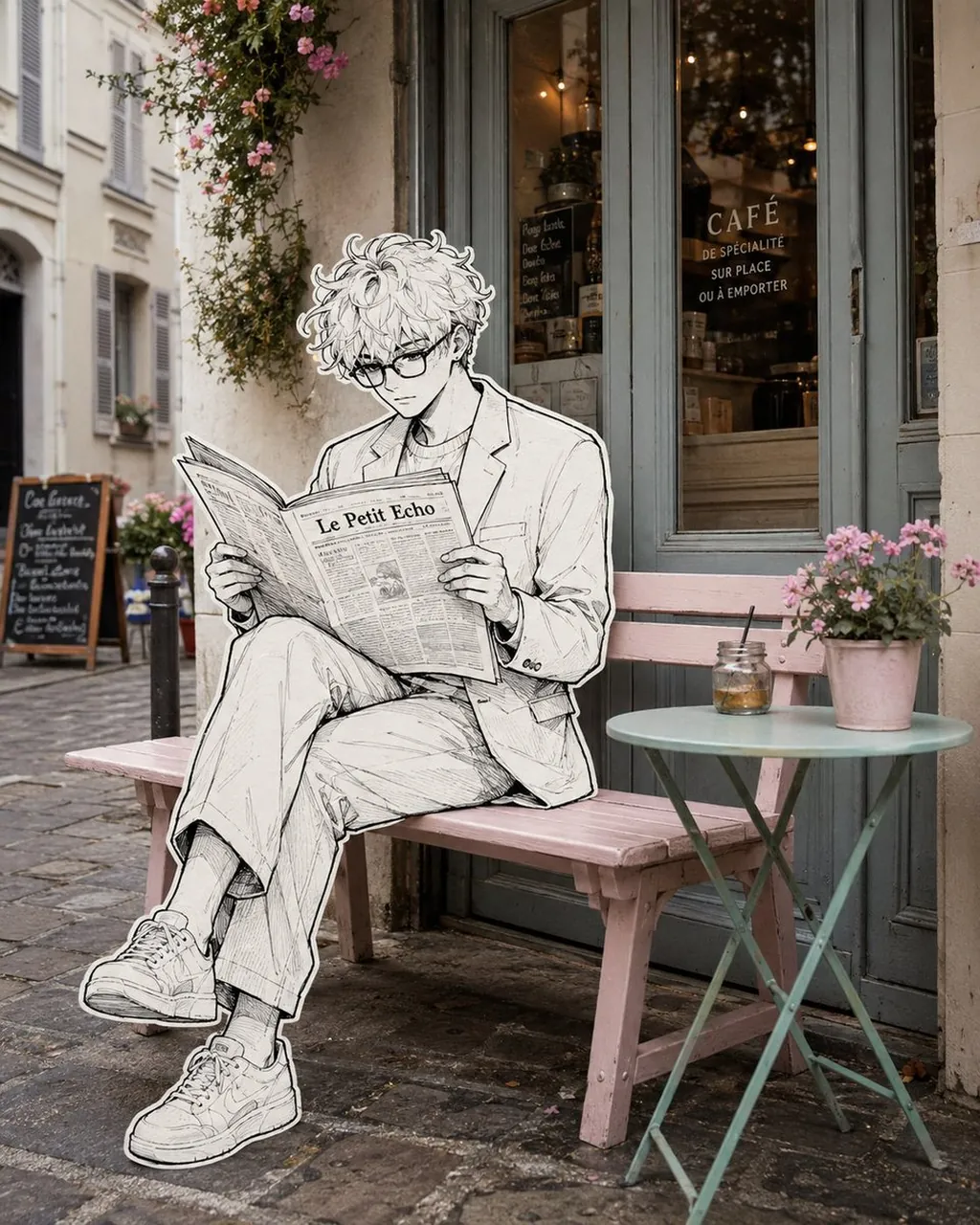
Create a surreal editorial street photograph that seamlessly blends a real-life Parisian café exterior with a hand-drawn black-and-white illustrated character. A stylish young woman with long wavy hair, rectangular glasses, a tailored light blazer and wide-leg trousers sits naturally on a pastel pink wooden bench outside a charming French café, legs crossed, calmly reading a large newspaper. Render the entire woman, her clothing, shoes, hands and newspaper as a detailed monochrome ink illustration with expressive fine linework, delicate cross-hatching, subtle sketch texture and a clean thick white sticker-like outline around her entire silhouette. Keep the café environment completely photorealistic and softly colored: weathered French architecture, muted blue-gray café doors and windows, warm interior lights, cobblestone pavement, climbing flowers, a small mint-green round café table, pink flower pot and glass jar. The illustrated character must physically interact with the real bench and environment with accurate perspective, scale, contact shadows and natural placement. Elegant whimsical mixed-media photography, 2D hand-drawn illustration merged into reality, sophisticated European street aesthetic, subtle film grain, soft natural daylight, realistic depth of field, highly detailed, cinematic composition, photorealistic background, vertical 4:5.
Best for
Tips
Keep the main subject focused so surreal editorial street photograph that seamlessly blends remains recognizable after style or lighting changes.
Adjust camera angle and aspect ratio before generation when the composition needs a specific platform format.