
Prompt
Copy and customize
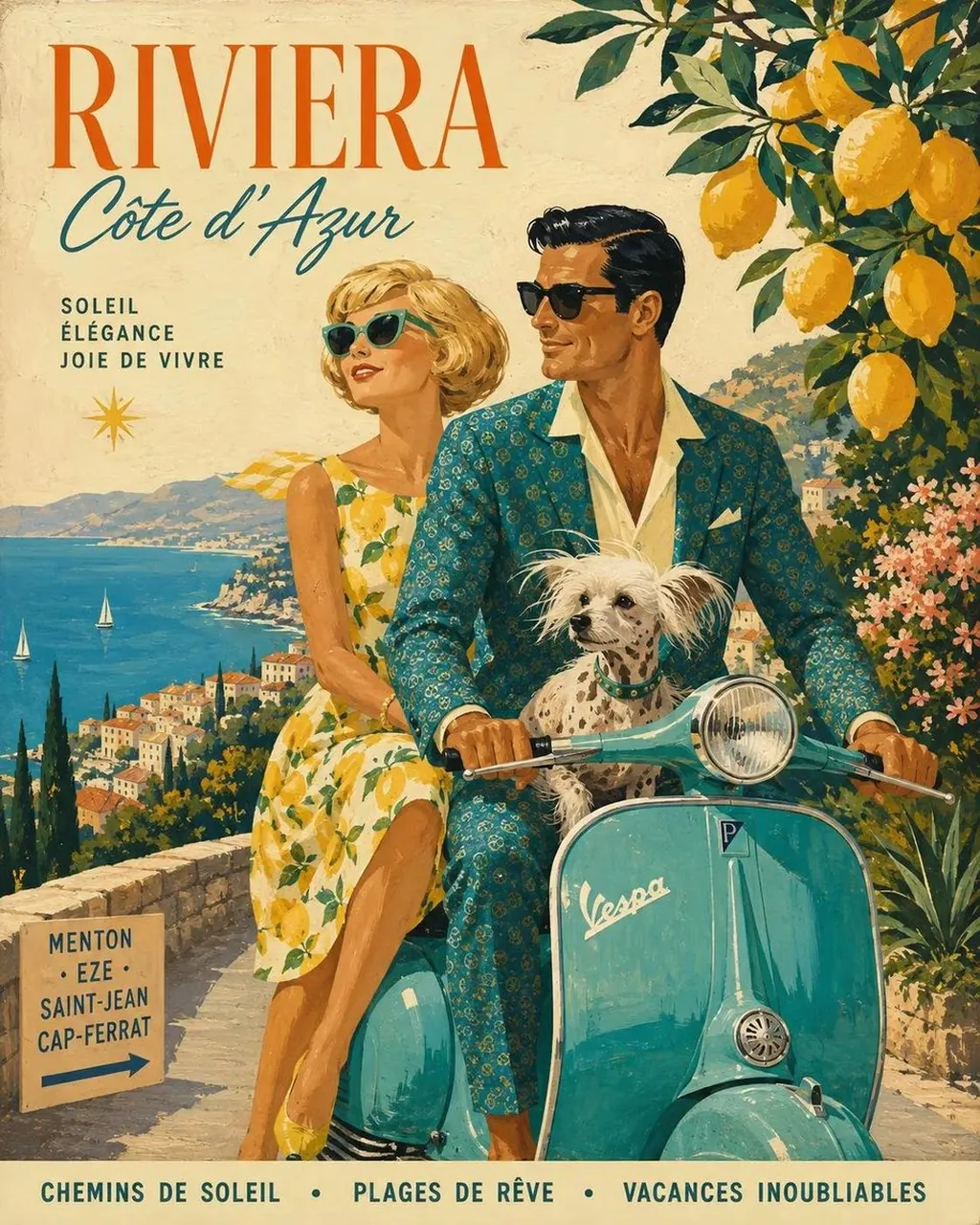
Create a single cohesive vintage Mediterranean travel-poster illustration inspired by classic 1950s–60s European tourism advertisements. Show a stylish couple traveling together on a charming retro scooter along a sun-drenched coastal road, with a small happy dog sitting safely in the scooter’s front basket. The woman wears a flowing floral summer dress, cat-eye sunglasses, and a patterned headscarf; the man wears a relaxed cream short-sleeve shirt, vintage trousers, and dark sunglasses. Surround them with lush Mediterranean vegetation, oversized green fig leaves, blooming flowers, and branches of bright yellow lemons. In the background, reveal a breathtaking turquoise sea, whitewashed hillside villages, terracotta rooftops, distant mountains, sailboats, and a warm coastal landscape. Use a rich vintage palette of cobalt blue, turquoise, cream, mustard yellow, terracotta orange, olive green, and warm sun-faded beige. Hand-painted gouache and screen-print aesthetic, visible paper texture, subtle ink grain, slightly imperfect registration, painterly brushwork, elegant retro typography integrated naturally into the poster, large travel-destination headline at the top, smaller French/Italian-style travel slogans, decorative borders and graphic accents, balanced editorial composition, nostalgic Riviera/Greek-island vacation mood, sophisticated mid-century graphic design, highly detailed, charming, cinematic, authentic vintage travel poster, vertical 4:5 composition.
Best for
Tips
Keep the main subject focused so single cohesive vintage Mediterranean travel-poster illustration inspired remains recognizable after style or lighting changes.
Adjust camera angle and aspect ratio before generation when the composition needs a specific platform format.