
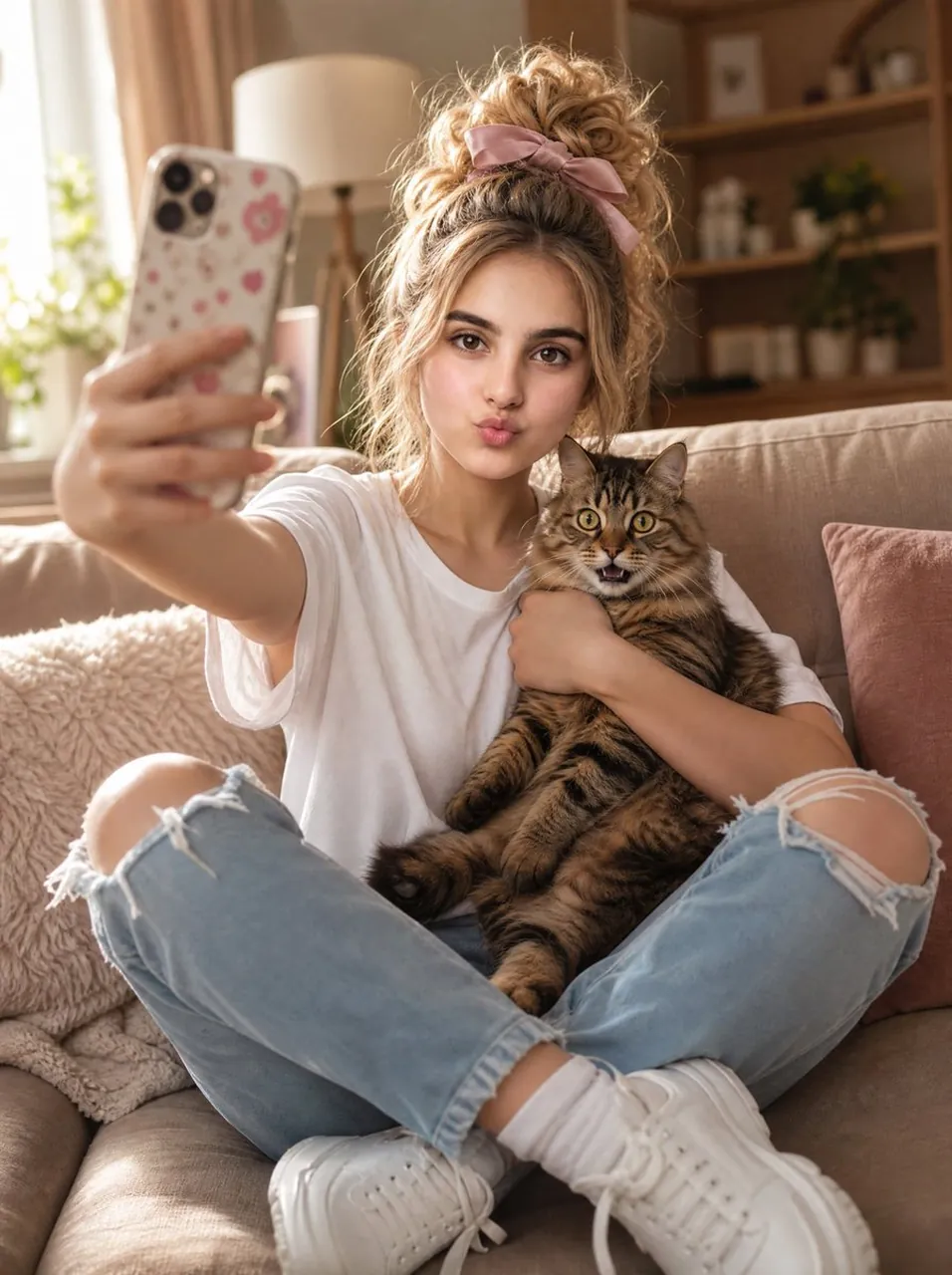
Prompt
Copy and customize
Create an ultra-realistic vertical lifestyle selfie photo of a beautiful 20-year-old woman sitting cross-legged on a beige cozy sofa while hugging one surprised brown tabby cat. The woman has a curly blonde messy high bun tied with a soft pink bow scrunchie, loose face-framing strands, natural glam makeup, expressive brown eyes, and a playful duck-face pout as she looks toward her phone camera. Her left arm is extended close to the lens holding a smartphone with a pale floral case, creating strong foreground perspective and slight blur on the phone and hand. She wears an oversized plain white T-shirt, light blue ripped jeans with large torn knees, white socks, and chunky white sneakers. The cat is held upright against her chest with one arm wrapped around it; it has striped brown fur, wide round yellow-green eyes, perked ears, and a slightly open mouth, looking comically surprised. Setting: warm sunlit living room with soft beige upholstery, textured cream throw blanket, muted pink cushion, window with sheer curtains on the left, cream floor lamp behind her, and softly blurred wooden shelves with small plants and decor in the background. Lighting is golden, cozy, and natural, with shallow depth of field, realistic skin texture, detailed hair curls, crisp fabric textures, cinematic 8K DSLR quality. Use a vertical 3:4 composition, centered subject, intimate handheld selfie angle, no text, no watermark, no extra people, exactly one cat and one phone visible.
Best for
Tips
Keep the main subject focused so n ultra-realistic vertical lifestyle selfie photo of remains recognizable after style or lighting changes.
Adjust camera angle and aspect ratio before generation when the composition needs a specific platform format.