
Prompt
Copy and customize
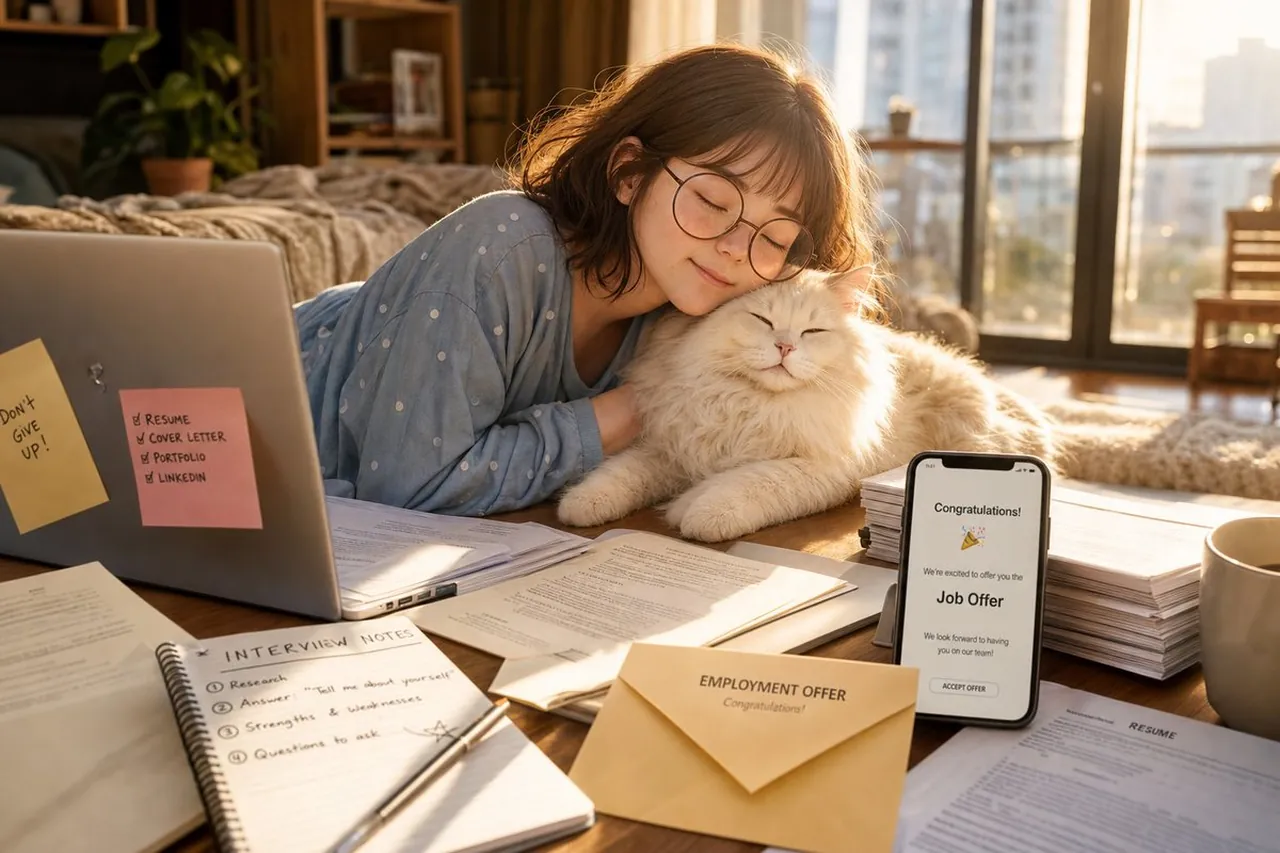
Create a warm, photorealistic lifestyle scene in a cozy apartment bedroom during golden hour: a young woman with soft brown shoulder-length wavy hair and round wire-frame glasses lies on her stomach at a low wooden table, eyes closed and smiling peacefully while resting her cheek against a fluffy white long-haired cat. She wears light blue pajamas with small white polka dots. The room is softly backlit by large balcony windows with an out-of-focus city skyline, beige curtains, a bed with rumpled blankets, a potted plant, shelves, and warm sunbeams creating a calm hopeful mood. The tabletop is covered with job-search materials: exactly 2 sticky notes on the laptop, one yellow note reading “Don’t GIVE UP!” and one pink checklist reading “RESUME, COVER LETTER, PORTFOLIO, LINKEDIN”; an open laptop on the left; an open spiral notebook in the foreground titled “INTERVIEW NOTES” with exactly 4 numbered items: Research, Answer “Tell me about yourself”, Strengths & weaknesses, Questions to ask; loose printed application pages and a visible resume; a pen across the notebook; a beige envelope in front labeled “EMPLOYMENT OFFER” and “Congratulations!”; a smartphone standing upright showing a job offer screen with “Congratulations!”, confetti emoji, “We’re excited to offer you the Job Offer”, and an “ACCEPT OFFER” button; one tall stack of documents on the right; and one beige coffee mug. Use cinematic shallow depth of field, realistic natural textures, soft lens flare, warm amber highlights, gentle shadows, high-detail fur, clean composition, and an uplifting emotional tone. Customize the phone headline as Congratulations!, the envelope title as EMPLOYMENT OFFER, and the sticky-note motivation as Don’t GIVE UP!.
Best for
Tips
Keep the main subject focused so warm photorealistic lifestyle scene in a cozy remains recognizable after style or lighting changes.
Adjust camera angle and aspect ratio before generation when the composition needs a specific platform format.