
Prompt
Copy and customize
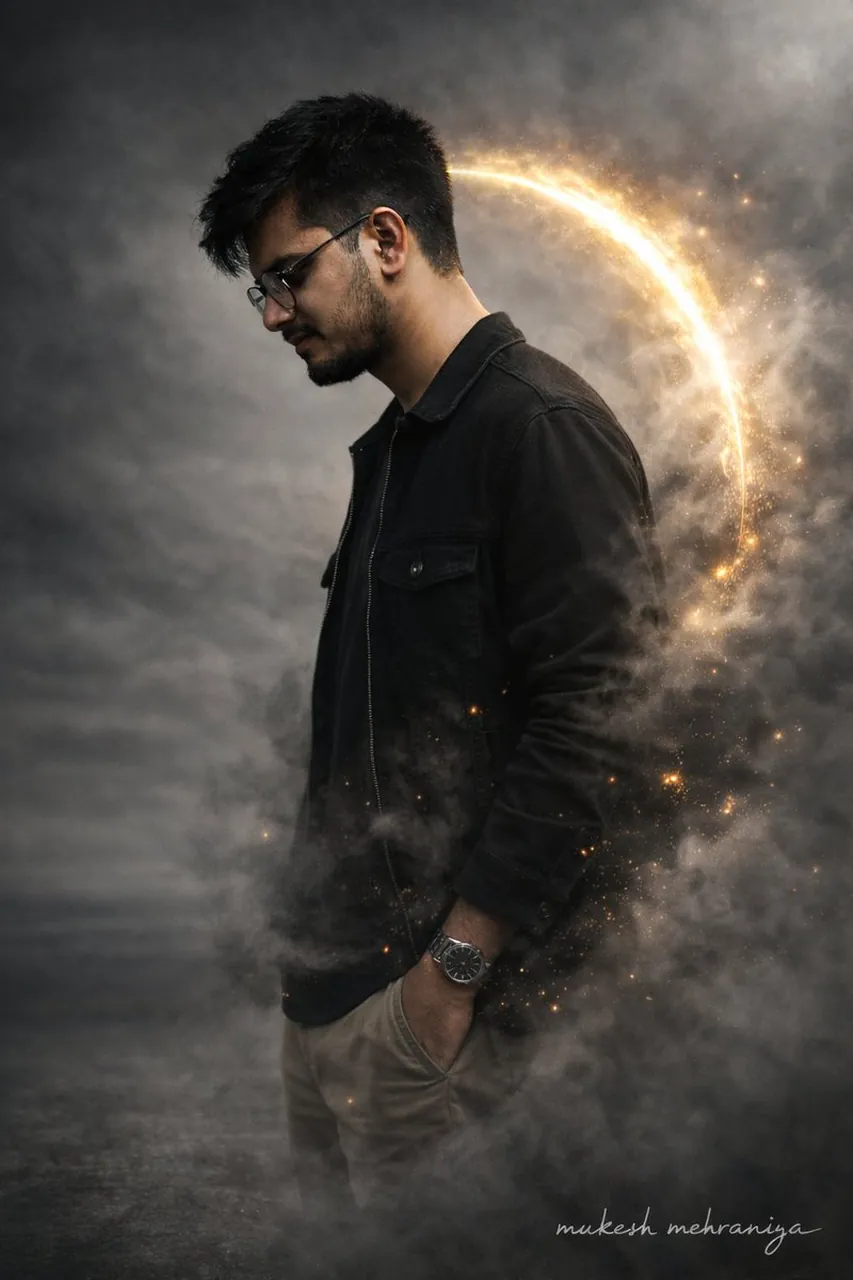
{ "type": "image_edit_prompt", "engine": "Gemini Nano Banana Pro", "reference_images": [ "uploaded_face_photo", "uploaded_full_body_photo" ], "edit_priority": "photographic realism over stylization", "identity_lock": { "face": { "match_reference_priority": "absolute", "instruction": "use the uploaded face photo as the ONLY facial truth source", "preserve_features": [ "exact eye shape", "exact nose width and tip", "exact lip shape", "beard density and unevenness", "natural skin pores", "minor asymmetry", "glasses shape and position" ], "forbidden": [ "face beautification", "face reshaping", "skin smoothing", "jawline enhancement", "symmetry correction" ] }, "body": { "preserve": true, "instruction": "keep natural body proportions exactly as uploaded", "no_slimming": true, "no_broadening": true } }, "subject": { "gender": "male", "pose": { "orientation": "side profile", "facing": "right", "head": "slightly bowed", "posture": "natural relaxed human posture" }, "expression": "neutral and real, not model-like" }, "skin_and_texture": { "skin_type": "real human skin", "details": [ "visible pores", "natural oil shine", "minor blemishes", "uneven skin tone", "real beard texture" ], "explicit_instruction": "DO NOT smooth skin, DO NOT polish face, DO NOT beautify" }, "clothing": { "outfit": "modern casual realistic", "top_layer": "black denim jacket with real fabric grain", "inner_layer": "dark cotton t-shirt", "bottom": "neutral slim-fit trousers", "fabric_behavior": "wrinkles, folds, weight visible" }, "lighting": { "type": "real photographic lighting", "style": "soft diffused key light", "rim_light": "very subtle warm edge light", "instruction": "avoid hard glow, avoid halo, avoid fantasy lighting" }, "effects": { "smoke": { "density": "moderate", "realism": "photographed smoke, not CGI", "interaction": "partially occluding body naturally" }, "particles": { "intensity": "very low", "instruction": "secondary element only, must not affect face realism" }, "aura": { "intensity": "minimal", "instruction": "background separation only, not stylized energy" } }, "background": { "remove_original_room": true, "environment": "neutral cinematic backdrop", "look": "real photographed environment, not fantasy" }, "composition": { "aspect_ratio": "3:4", "focus": "face sharpness highest priority", "depth_of_field": "natural camera DOF", "lens_simulation": "50mm portrait lens" }, "signature": { "text": "mukesh mehraniya", "placement": "bottom right", "opacity": 0.3 } }
Best for
Tips
Keep the main subject focused so type image edit prompt engine Gemini Nano remains recognizable after style or lighting changes.
Adjust camera angle and aspect ratio before generation when the composition needs a specific platform format.