
Prompt
Copy and customize
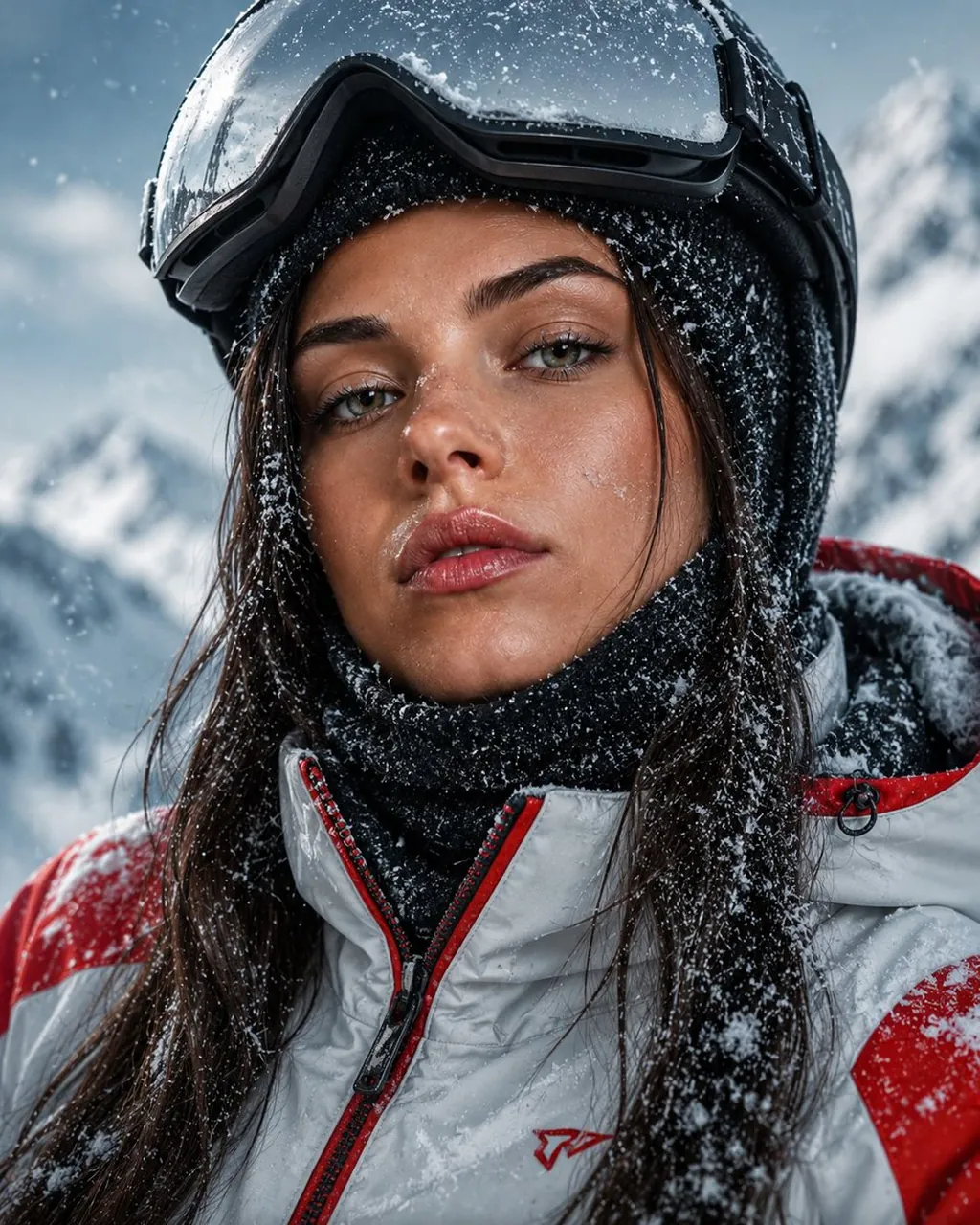
Using the uploaded photo as the only face reference, create an ultra-realistic cinematic winter portrait while preserving 100% of the person's facial identity, facial structure, proportions, skin texture, freckles, eye color, hairstyle, expression, and all unique features. The subject is wearing a premium modern ski jacket in white and red with realistic waterproof fabric, a knitted thermal balaclava under a ski helmet, and snow-covered clothing. Capture an intimate close-up with piercing icy blue eyes looking directly into the camera. Fresh snowflakes cling naturally to the eyelashes, eyebrows, hair, lips, and clothing. Skin shows visible pores, subtle redness from the cold, natural moisture, fine facial hairs, and realistic subsurface scattering. Set in a snowy alpine mountain landscape with soft winter daylight (5600K), cool blue tones, gentle rim light on the hair, crisp frozen atmosphere, drifting snow, and soft background blur. Shot on a full-frame camera with a 50mm lens at f/2.8, shallow depth of field, HDR, ultra-sharp focus on the eyes, subtle cinematic film grain, realistic snow crystals, premium outdoor adventure editorial, National Geographic-quality photography, 8K ultra-high resolution, masterpiece, photorealistic.
Best for
Tips
Upload a clear front-facing photo to ensure the face reference is accurately matched to the subject in the portrait.
Experiment with different ski jacket colors and patterns while keeping the snowy alpine background for consistent wintry aesthetics.