
Prompt
Copy and customize
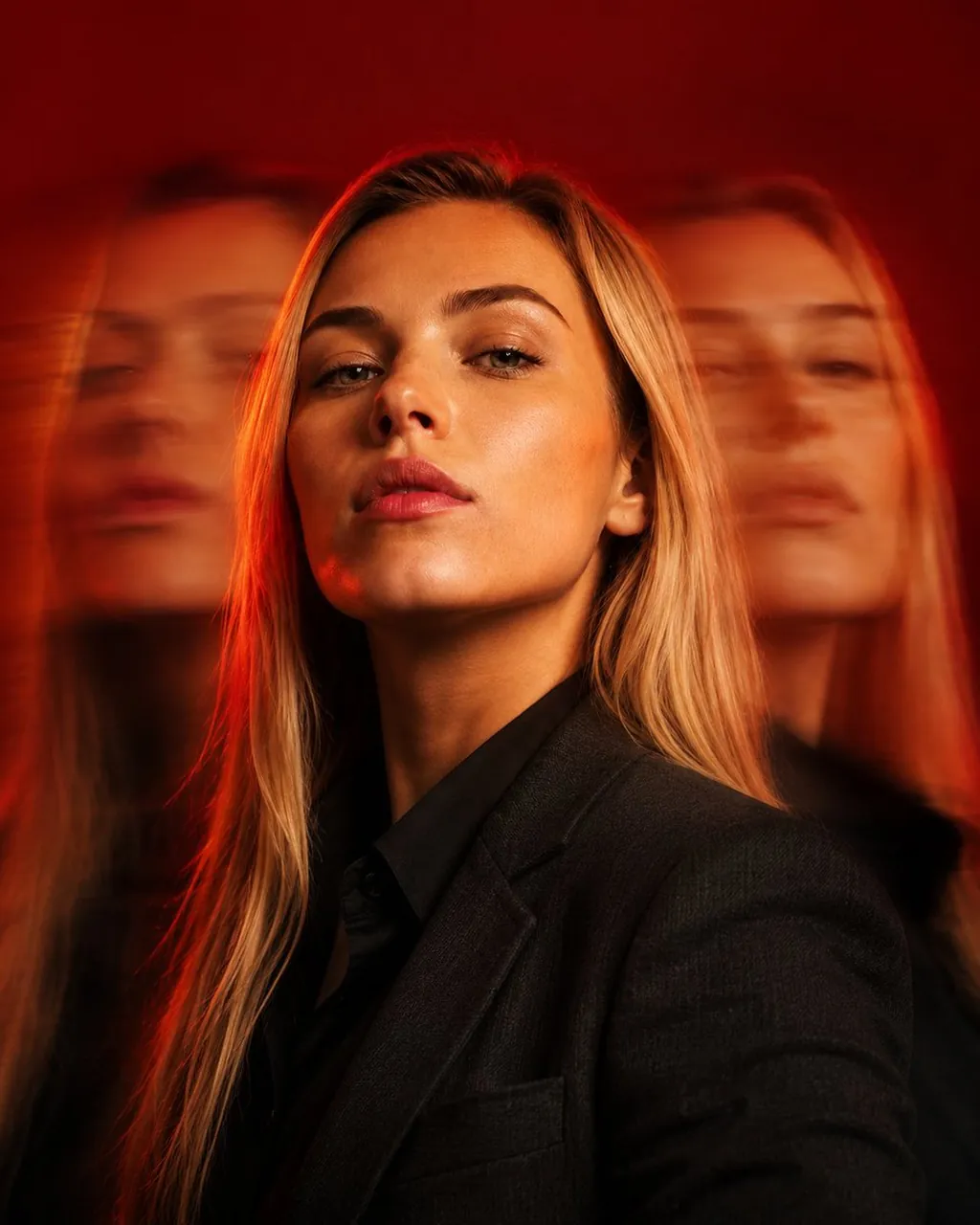
Create a photorealistic cinematic portrait using the uploaded person as the exact identity. Dress the subject in a tailored charcoal blazer over a black shirt, captured in a dramatic three-quarter profile with a calm, determined expression. Create a striking triple-exposure effect by keeping the central face razor-sharp while two semi-transparent duplicates appear on either side with smooth horizontal motion blur, suggesting movement through time.Use a rich crimson background with warm cinematic lighting, subtle rim light, and soft shadows that sculpt the face. Emphasize ultra-realistic skin texture, natural facial details, premium fabric textures, and shallow depth of field. Shoot with an 85mm lens, editorial composition, high-end magazine styling, refined color grading, and ultra-detailed 8K realism.
Best for
Tips
Keep the main subject focused so photorealistic cinematic portrait using the uploaded person remains recognizable after style or lighting changes.
Adjust camera angle and aspect ratio before generation when the composition needs a specific platform format.