
Prompt
Copy and customize
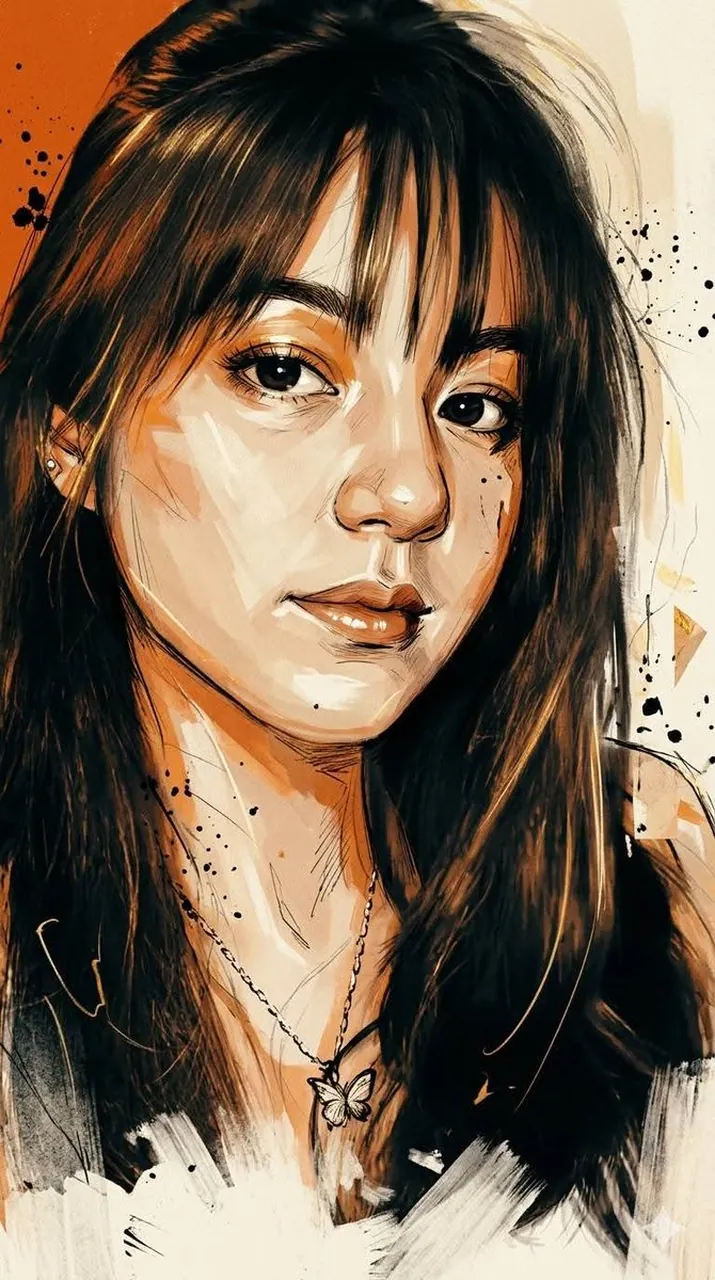
An ultra-stylistic cinematic portrait illustration that blends design, tactical aesthetics, and expressive fine art sketching. The characters are rendered 100% faithful to the objects depicted, with semi-realistic facial anatomy, strong likeness preservation, and highly detailed brushwork. A bold blend of graphic design and emotional storytelling, combining sharp geometric shapes with loose, expressive strokes. The clothing is true to life! The dominant high-contrast color palette features intense full-field dark orange, deep black, warm ivory, soft beige, and subtle golden yellow highlights. A dynamic interplay between the hard-edged digital painting and the impressive sketch textures. Layered brushstrokes, ink splatters, rough concept art marks, scribbled lines, and abstract paint fragments are seamlessly integrated into the composition. Strong cinematic lighting with warm golden highlights on the skin, deep shadow modeling, and dramatic tonal separations. Rich layers of texture include paper grain, worn print effects, worn poster surfaces, and graphic design imperfections. The bottom section appears unfinished, with impressive strokes that thin out at the bottom and blend into the background. The face is painted with soft, realistic skin rendering, expressive eyes, natural reflections, detailed hair strands, and artistic color transitions. A sumptuous, emotionally charged, visually striking illustration, a masterpiece of modern art. 9:16 vertical. 8K.
Best for
Tips
Keep the main subject focused so An ultra-stylistic cinematic portrait illustration that blends remains recognizable after style or lighting changes.
Adjust camera angle and aspect ratio before generation when the composition needs a specific platform format.