
Prompt
Copy and customize
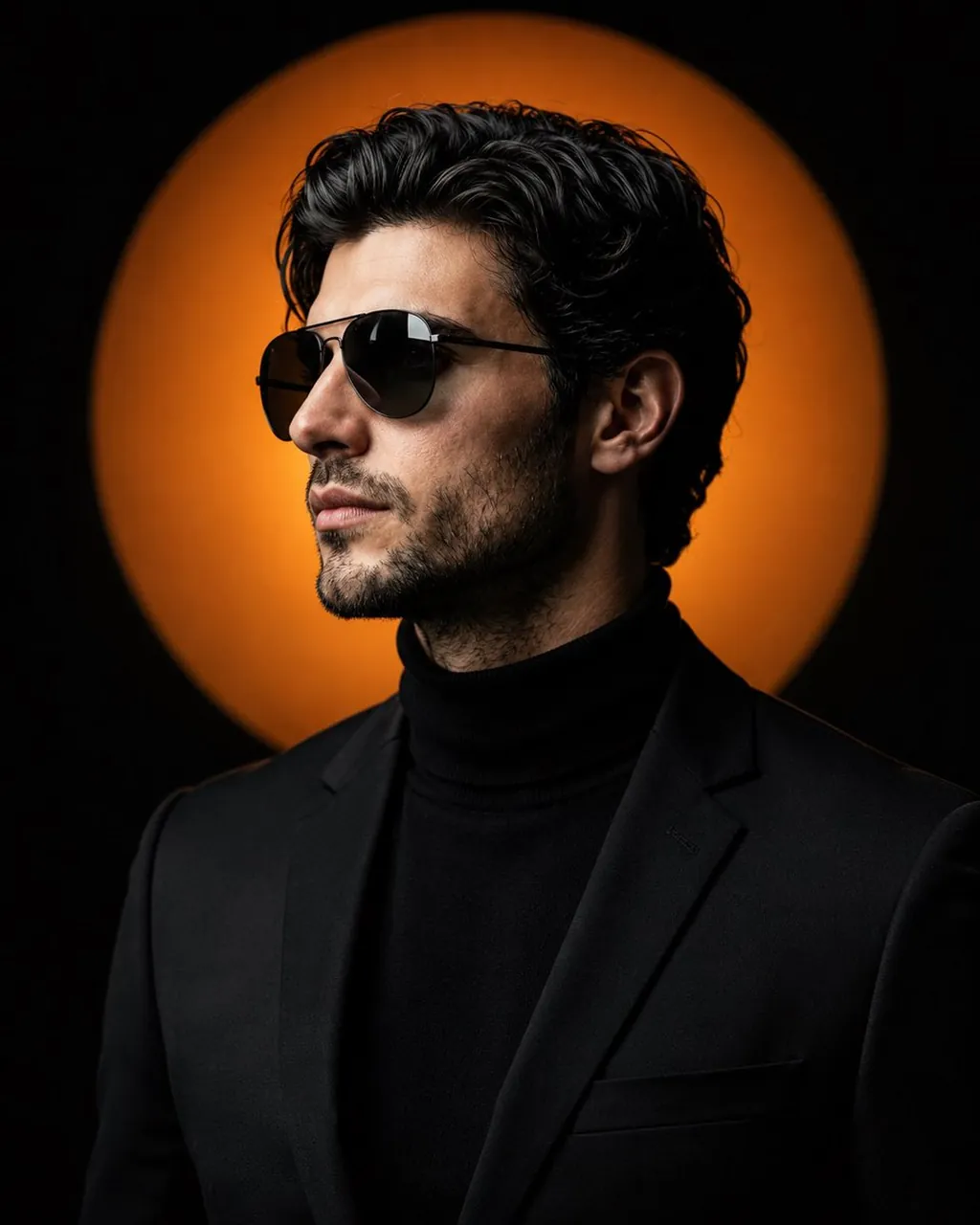
Create a premium cinematic studio portrait using my uploaded face as the exact facial reference. Preserve my identity with maximum accuracy, including my face shape, hairstyle, beard, eyebrows, skin tone, lips, jawline, and all unique facial features. Do not alter my age or recognizable appearance.
Pose in a sharp side profile, looking confidently upward with a calm, powerful expression. Wear a tailored matte black blazer over a fitted black turtleneck sweater. Add sleek black aviator sunglasses with subtle reflections. Hair is neatly styled with natural volume and texture, beard perfectly groomed.
Background is deep black with a large glowing warm orange circular light directly behind the head, creating a dramatic halo effect. Cinematic rim lighting outlines the face and shoulders, soft key light illuminates the skin with natural shadows, high contrast, luxury fashion editorial lighting.
Hyper-realistic skin texture, premium color grading, ultra-sharp focus, shallow depth of field, symmetrical composition, minimal aesthetic, luxury magazine cover style, IMAX quality, 85mm portrait lens, f/1.8, HDR, 8K, photorealistic, no extra accessories, no text, no watermark, no distortion, perfectly centered framing.
Best for
Cinematic Studio PortraitLuxury Fashion EditorialProfessional Profile AvatarModern Film Still
Tips
Keep the main subject focused so the cinematic studio portrait remains recognizable after style or lighting adjustments.
Adjust camera angle and aspect ratio before generation when the composition needs a specific platform format.