
Prompt
Copy and customize
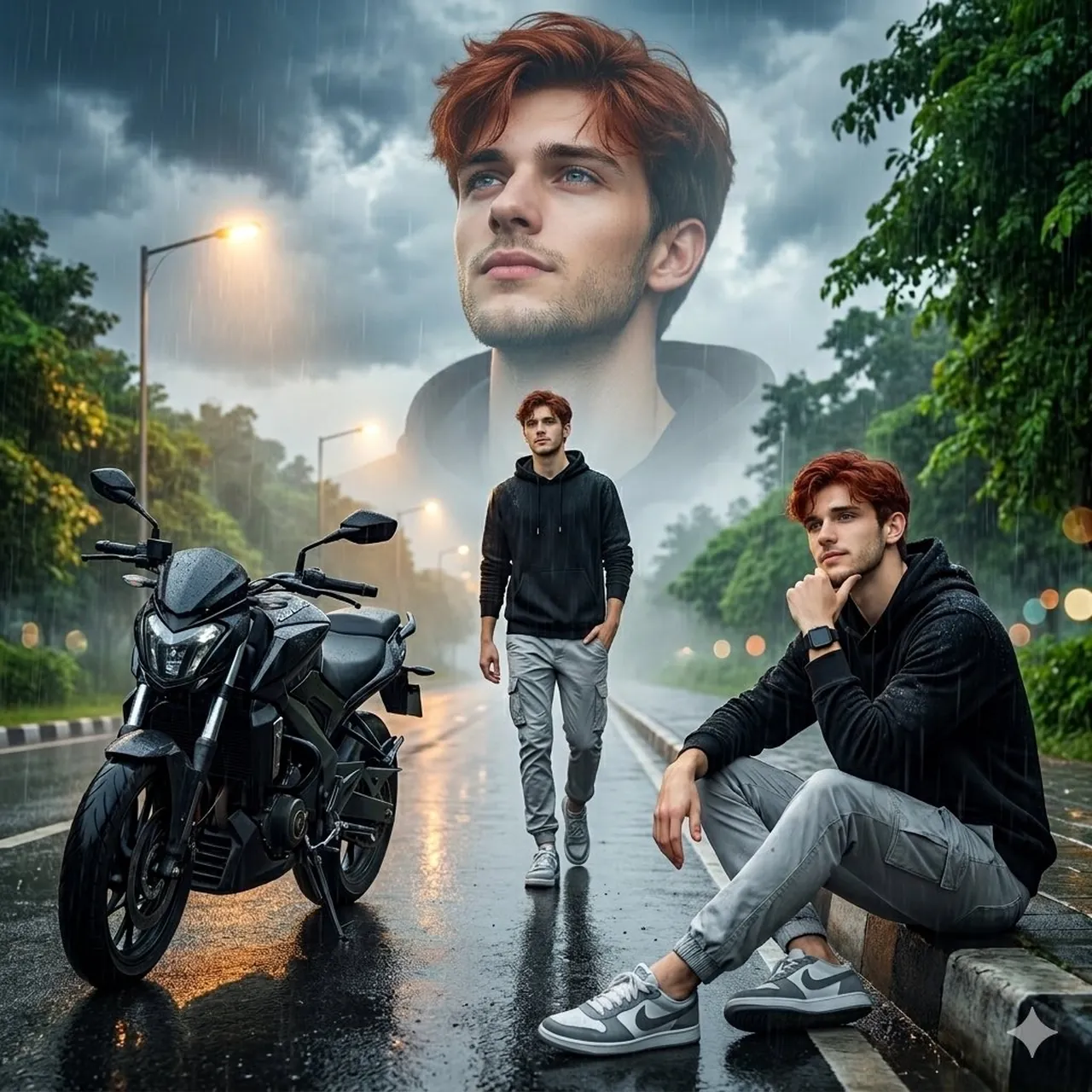
Ultra-realistic cinematic rainy-day portrait collage of a young man on an empty wet roadway during monsoon weather. The composition features three versions of the same man blended into one dramatic scene. A giant close-up portrait dominates the cloudy sky in the background, showing the man gazing upward with a calm, hopeful smile. In the foreground, the man sits casually on the curb beside a sleek black street motorcycle, resting his chin on his hand in a thoughtful pose. Another full-body version of him walks confidently down the center of the rain-soaked road with one hand in his pocket. He has short curly black hair, a neatly trimmed beard, expressive eyes, and wears a black oversized hoodie, light gray cargo pants, gray-and-white sneakers, and a black smartwatch. Raindrops are visible on his clothing and face. The environment features a deserted tree-lined avenue after rainfall, reflective asphalt, glowing streetlights, dramatic storm clouds, soft mist, wet road reflections, lush green foliage, and subtle bokeh lights in the distance. The motorcycle's headlight casts a warm glow onto the wet pavement. Professional photography, cinematic color grading, ultra-sharp focus, HDR, realistic skin texture, natural lighting, depth of field, volumetric atmosphere, moody monsoon aesthetic, emotional storytelling, highly detailed, 8K resolution, Photoshop-style photo manipulation, Instagram portrait edit, masterpiece quality.
Best for
Tips
Keep the main subject focused so Ultra-realistic cinematic rainy-day portrait collage of a remains recognizable after style or lighting changes.
Adjust camera angle and aspect ratio before generation when the composition needs a specific platform format.