
Prompt
Copy and customize
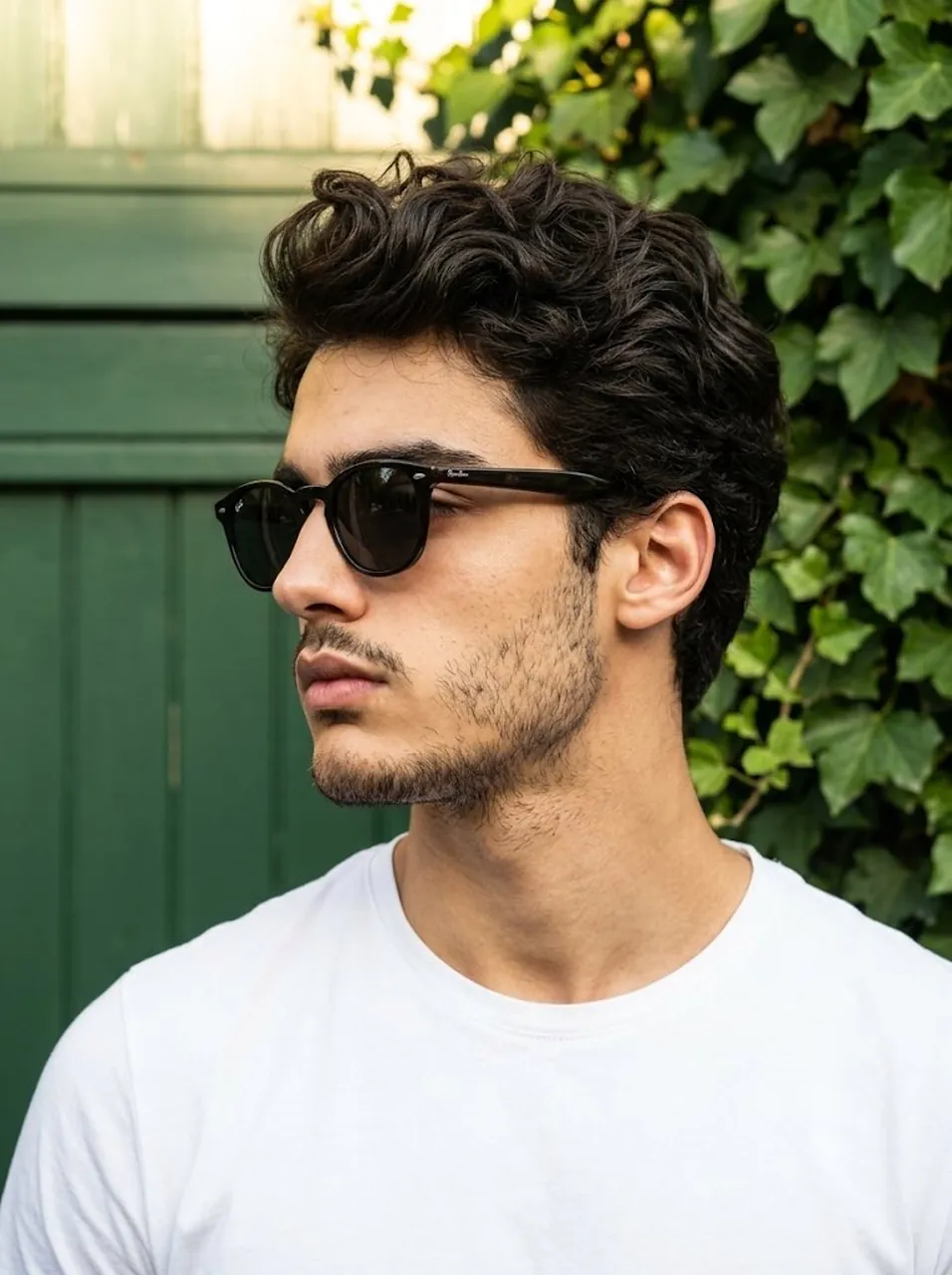
A tight, cinematic close-up portrait of a confident young adult male, focusing from the chest up. The subject's body is angled slightly toward the camera while his head is turned ninety degrees into a strict profile facing the viewer's left. He features a neatly trimmed, uniform short stubble beard and dark hair styled in a textured quiff with a natural, dry matte finish, showing slight unevenness and minor flyaways catching the light. His expression is serious and relaxed, with his eyes entirely hidden behind dark sunglasses, and he wears a crisp white t-shirt. The background is a vibrant, solid wall of deep green textures; he is positioned closely against a rich, matte forest green wood facade on one side, while the rest of the background is completely filled with dense, thriving green ivy leaves cascading tightly behind him, creating an immersive green backdrop. Bright, golden, and highly directional hard natural sunlight strikes from the top right at a 45-degree downward angle, highlighting his right shoulder, jawline, and the texture of his hair with crisp specular highlights. Deep, sharply defined shadows cast dynamically across the green facade and leafy background. Captured as a hyper-realistic digital photograph with a straight-on perspective, using an 85mm lens shot at f/2.8 to create a shallow depth of field that keeps the subject's sharp profile in tack-sharp focus while beautifully softening the lush green textures immediately behind him, framed in a 3:4 aspect ratio.
Best for
Portrait photographyCinematic character designProfessional profile imagesNature inspired art
Tips
Ensure the subject is positioned in profile to emphasize the sharp jawline and textured hair against the vibrant green background.
Use a shallow depth of field setting to keep the subject in focus while softening the dense ivy textures behind him.